


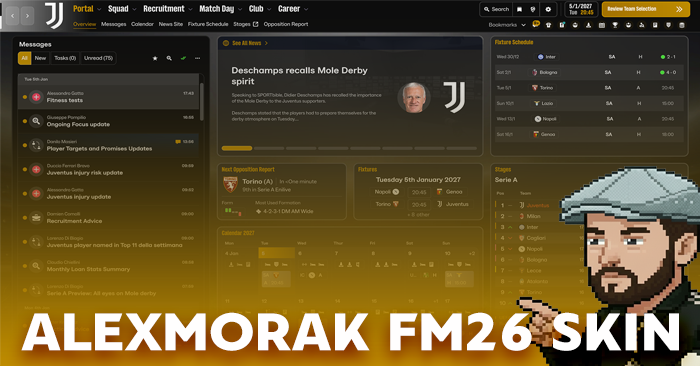
Versions and Optional Files:
- MAC COMPUTERS: With the help of GlasgowAirport, who plays the game on a Mac computer, we achieved to make the files not crash the game when played on Macs. You only just have to select the files that's inside the folder "Mac Version". What we did was, that he send me the files of the game on a Mac computer (that are slightly different than a Windows computer) and I remade the skin using these files for all of you that are playing on a Mac.
- BACKGROUNDS: Unfortunately, due to the way this year’s game works, we can’t have different backgrounds per screen. However, the game does use different backgrounds for licensed competitions (Premier League, EFL competitions, Bundesliga, UEFA competitions, etc.), which appear before matches in those competitions.
If you want to see only the main background I’ve chosen, or you prefer to keep dynamic backgrounds only for UEFA competitions, I’ve included some optional files you can use.
Disclaimer:
- At the moment, this year’s themes/skins are created differently from previous versions, and we cannot modify or interfere with the UI. Therefore, I cannot accept requests to change specific elements of it.
- Additionally, because the game is frequently updated and these updates often affect the files we use, there will be regular updates to this theme/skin. On top of that, we’re constantly experimenting to discover how to change and improve more aspects of the game’s visuals.
- If you already have my theme/skin and want to install a newer version, sometimes cached files can cause issues. Please first Verify Files from Steam by right-clicking the game → Properties → Installed Files → Verify integrity of game files, restart Steam or even your computer and then install the new version of my theme/skin.
If you like my theme/skin and you’re Greek and want to support my work, you can find me here:
https://www.youtube.com/@AlexMorak
https://www.twitch.tv/alexmorakgaming
https://www.instagram.com/alexmorakgaming/
Changelist:
- v0.1 (01.11.25): Initial release of the theme/skin.
- v0.2 (03.11.25): More color adjustments in the UI.
- v0.2.1 (03.11.25): Fixes for previous changes.
- v0.3 (05.11.25): Additional color adjustments in the UI.
- v0.3.1 (06.11.25): Fixed compatibility with the game’s new update (26.0.4).
- v0.3.2 (06.11.25): Fixed crashes caused by the game’s new update (26.0.4).
- v0.3.3 (07.11.25): More background options and fixes to prevent crashes on Mac systems.
- v0.4 (11.11.25): Seperated versions for Windows and Mac, small additional color adjustments in the UI.
- v0.4.1 (15.11.25): Fixes for compatibility with game's update (26.0.5).
- v0.5 (22.11.25): Added one more option for backgrounds and fixes for compatibility with game's update (26.0.6).
- v0.6 (09.12.25): Fixes for compatibility with game's update (26.1.0).
- v0.7 (16.12.25): Additional color adjustments in calendar and fixes for compatibility with game's update (26.1.1).
- v0.8 (22.01.26): Fixes for compatibility with game's update (26.1.2).
- v0.8.1 (25.01.26): Fixes in some wallpaper options that I've provided.
- v0.9 (24.02.26): Fixes for compatibility with game's update and hotfix (26.1.3).
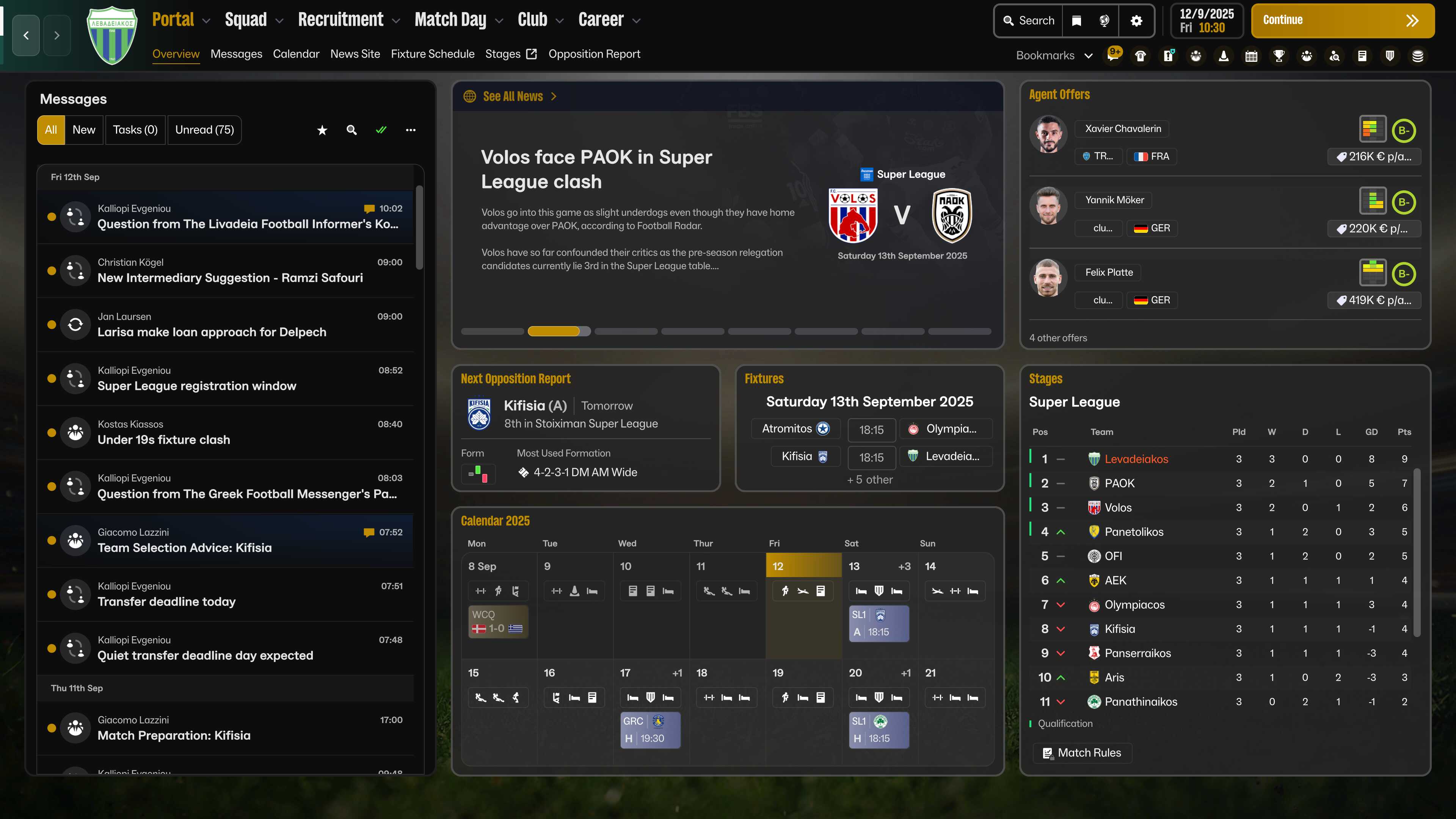
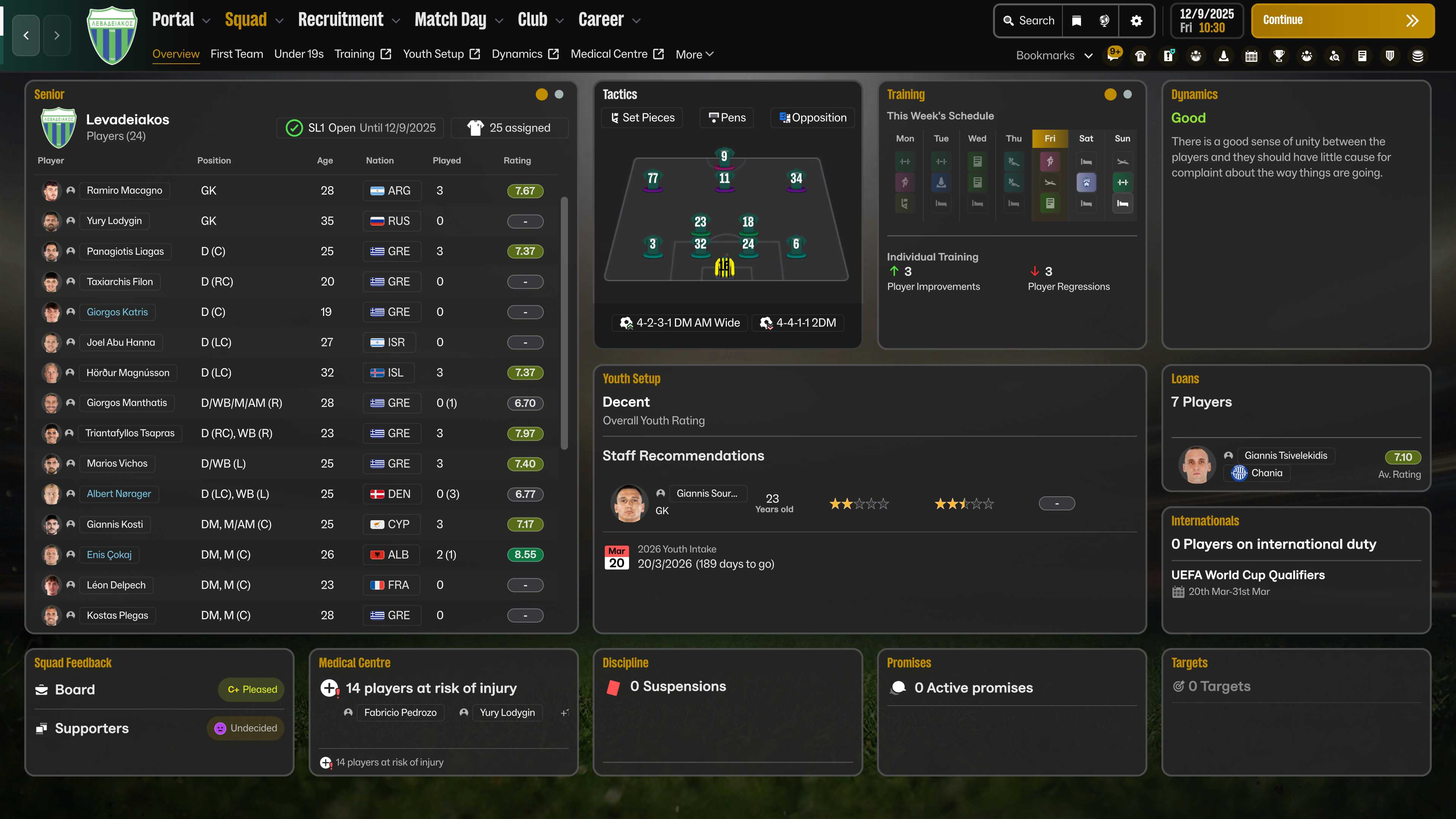
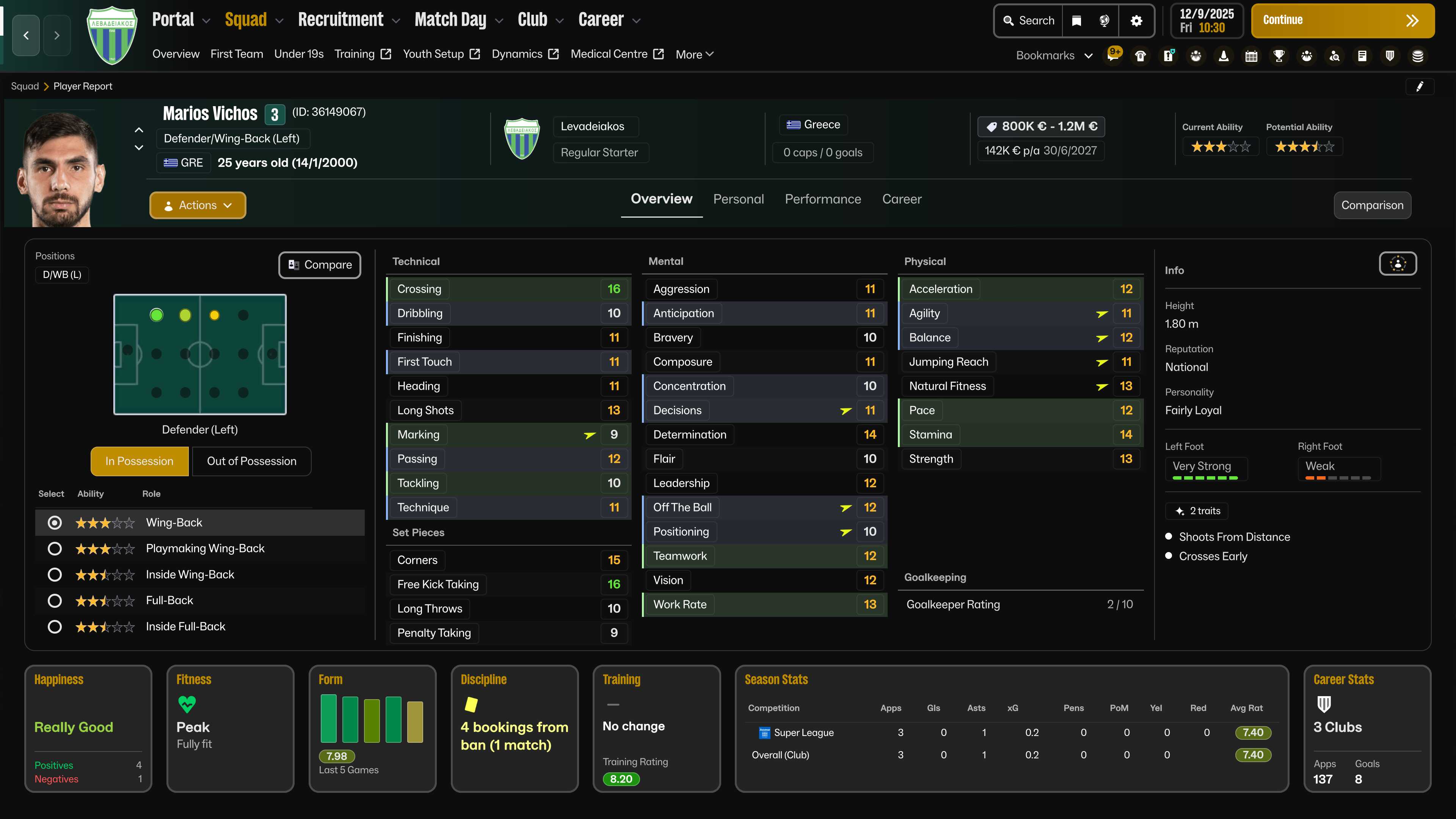
Screenshots:
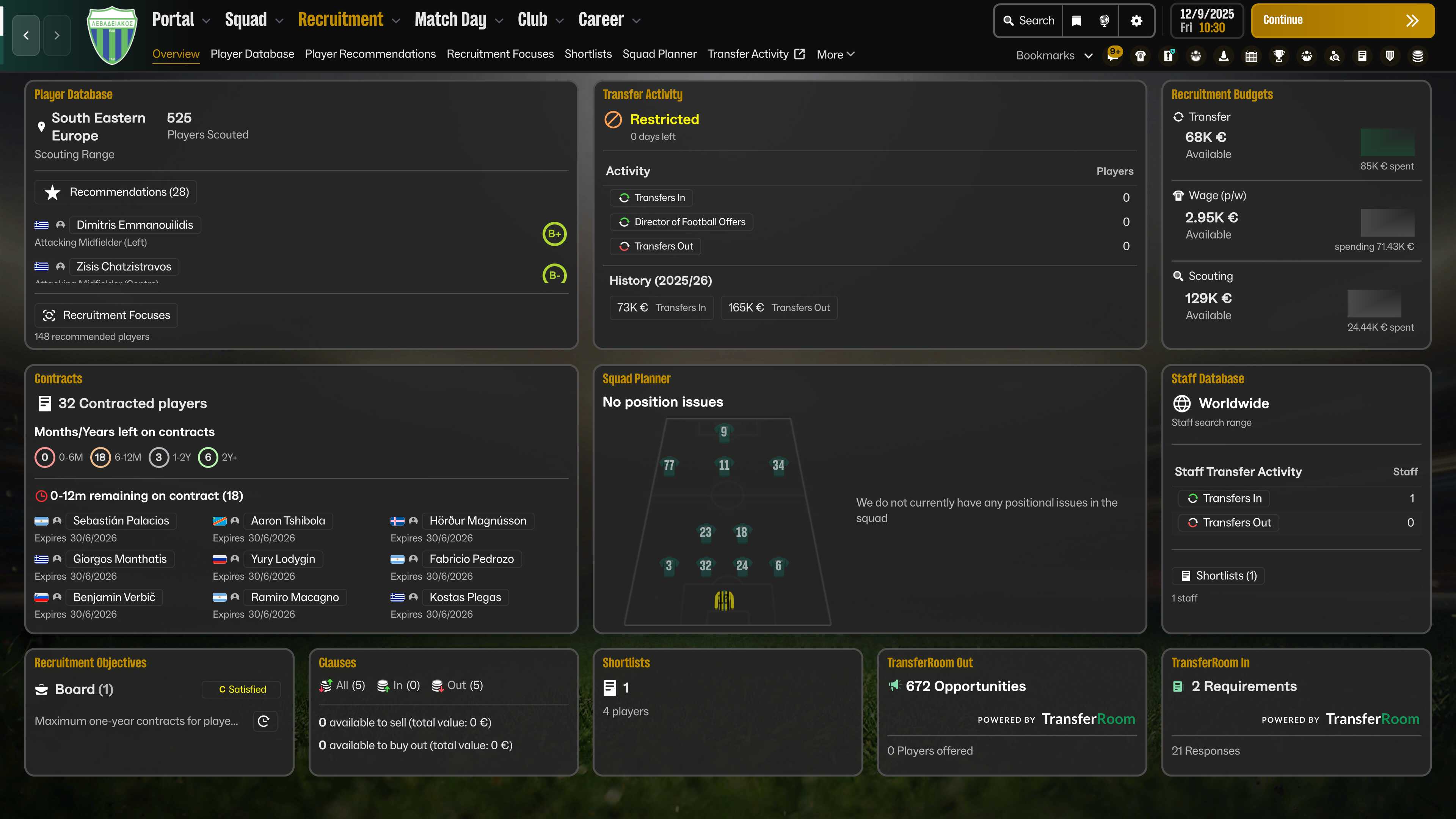
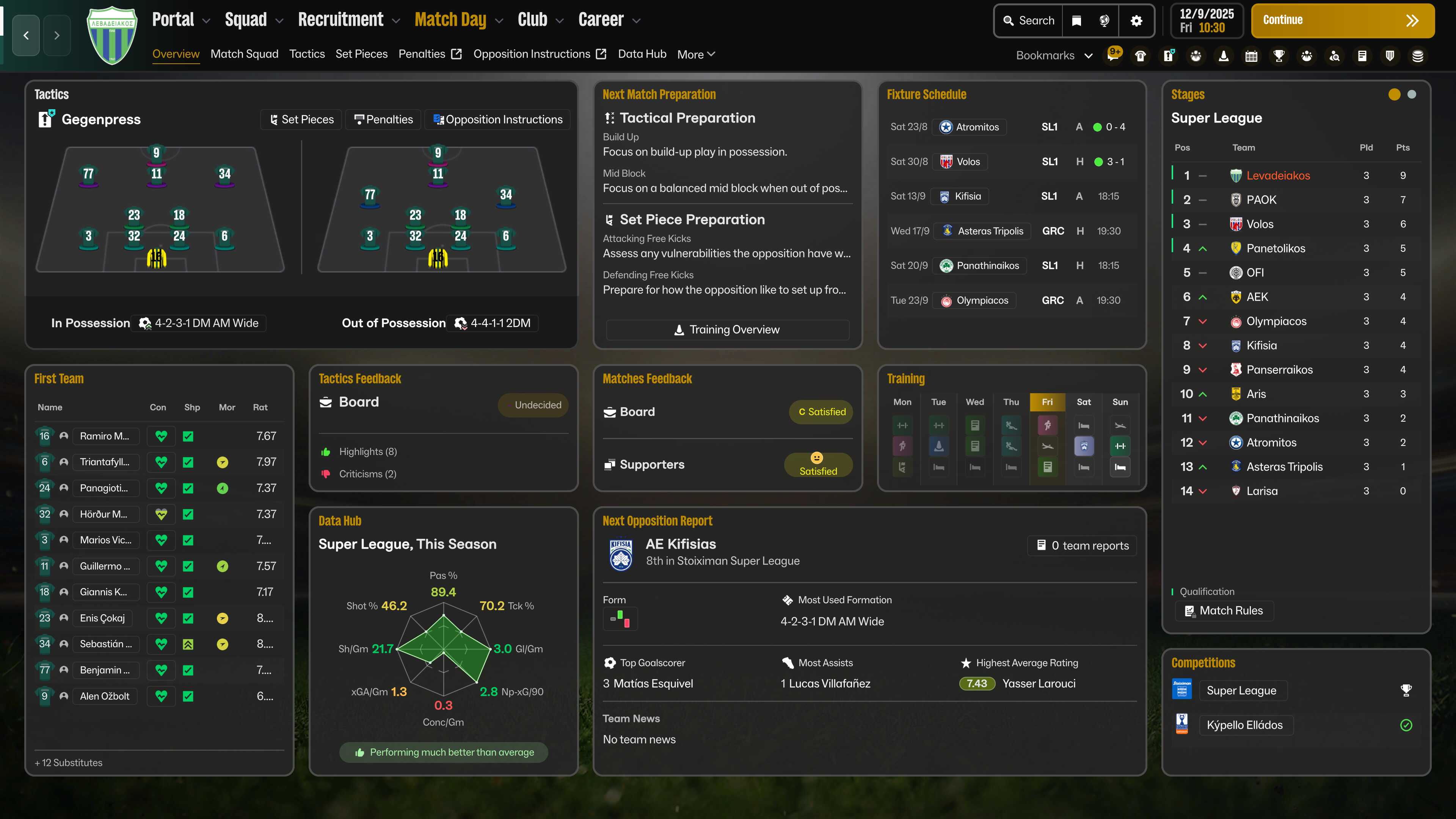
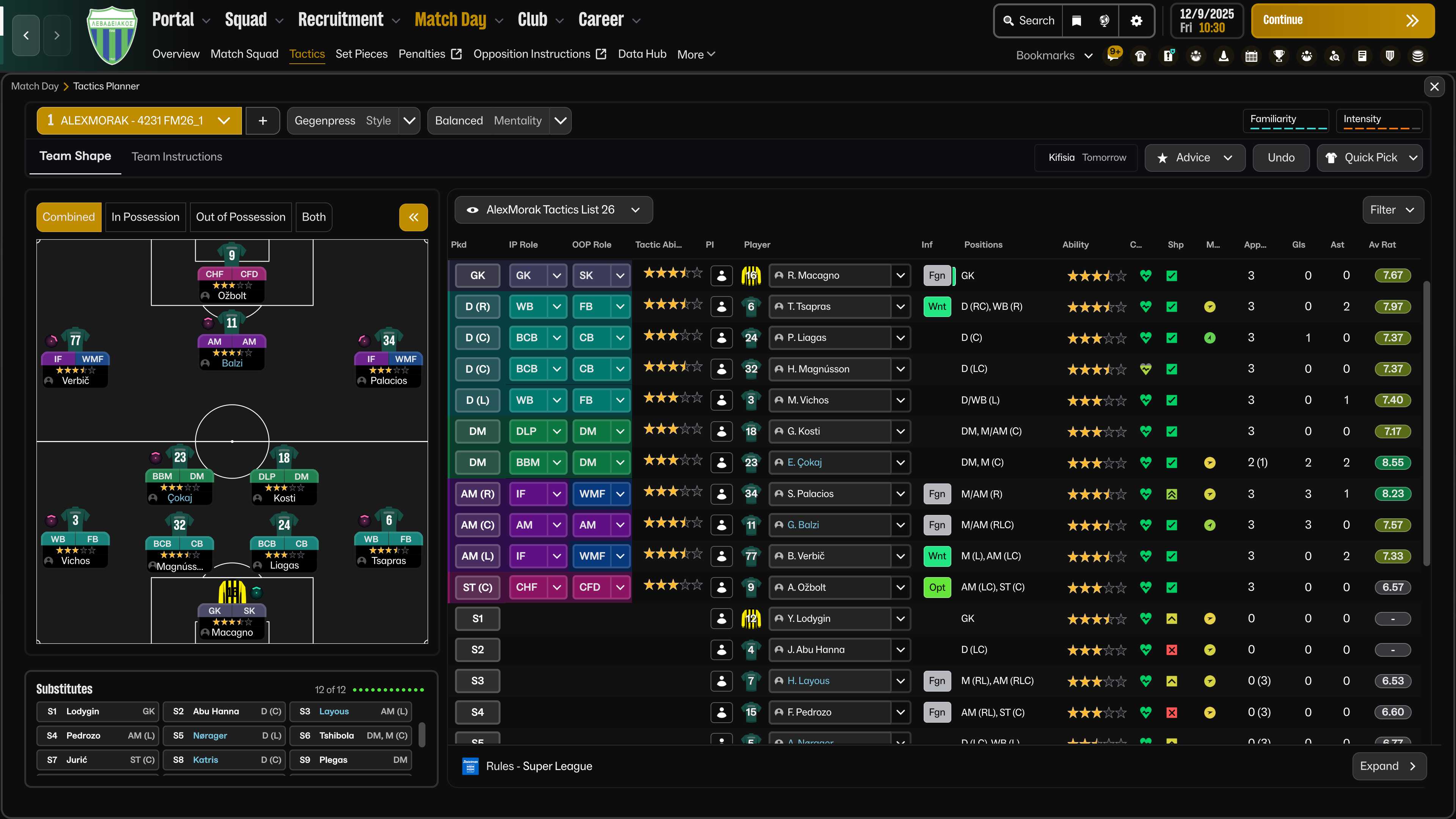
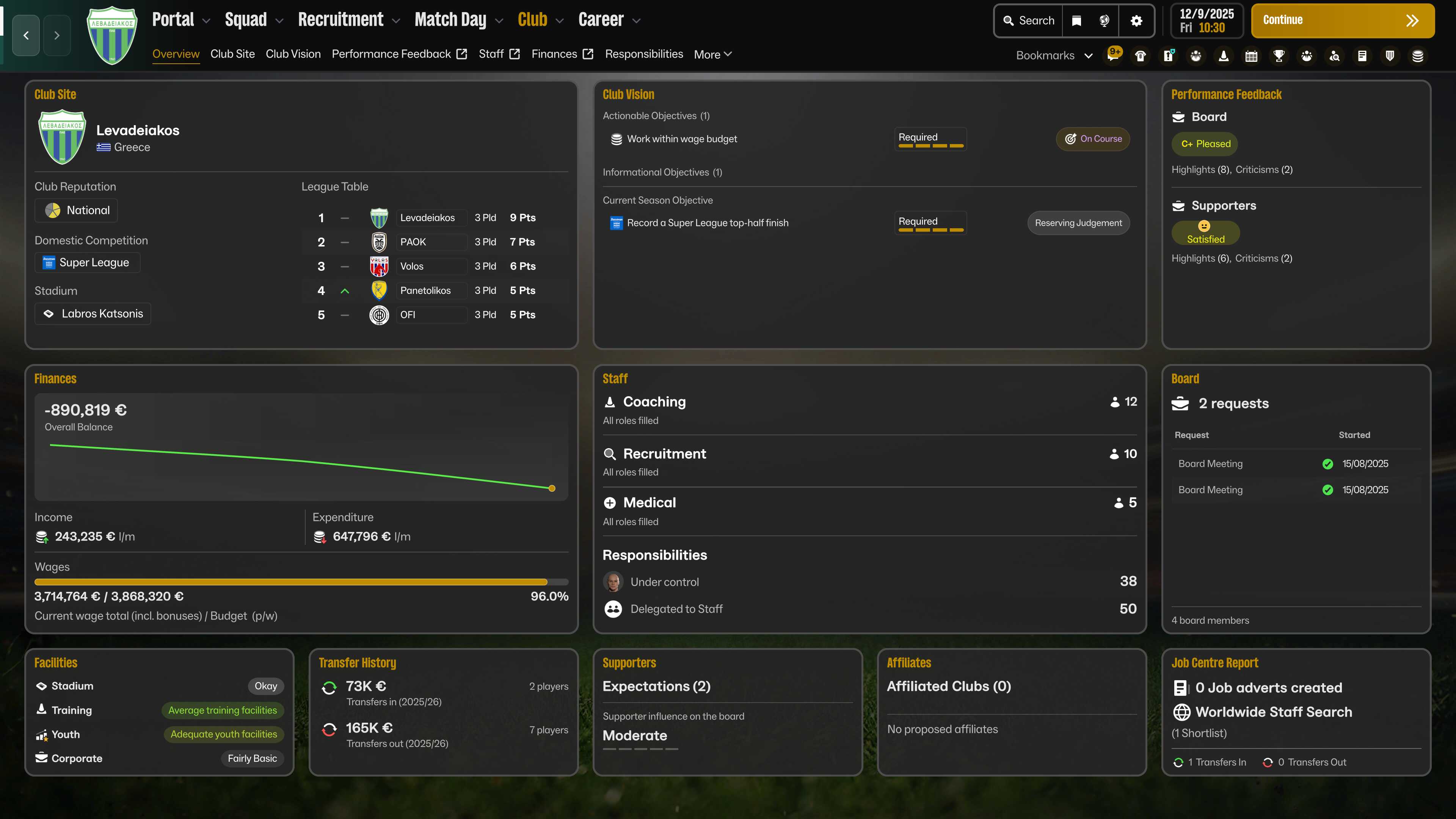
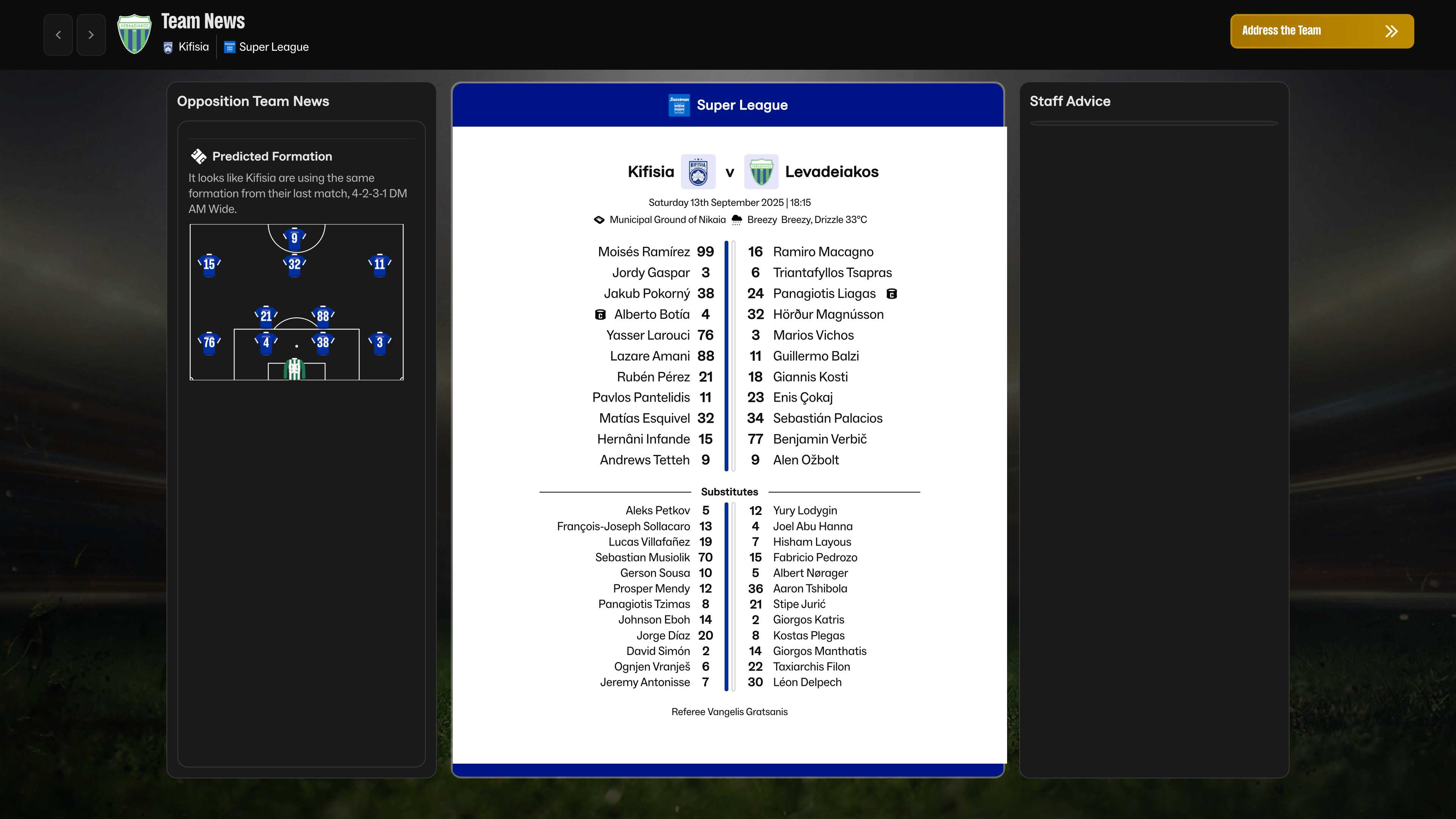
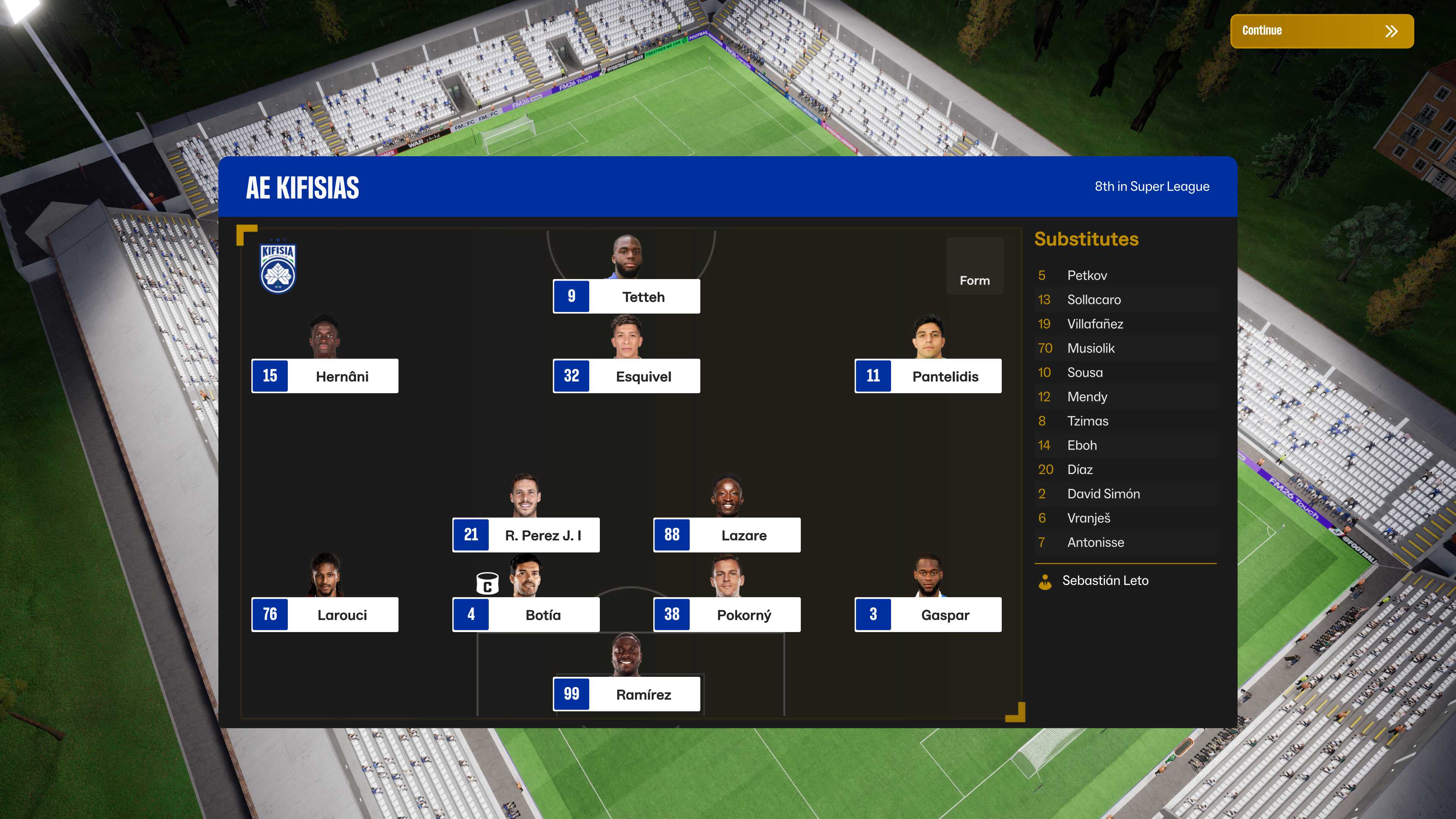
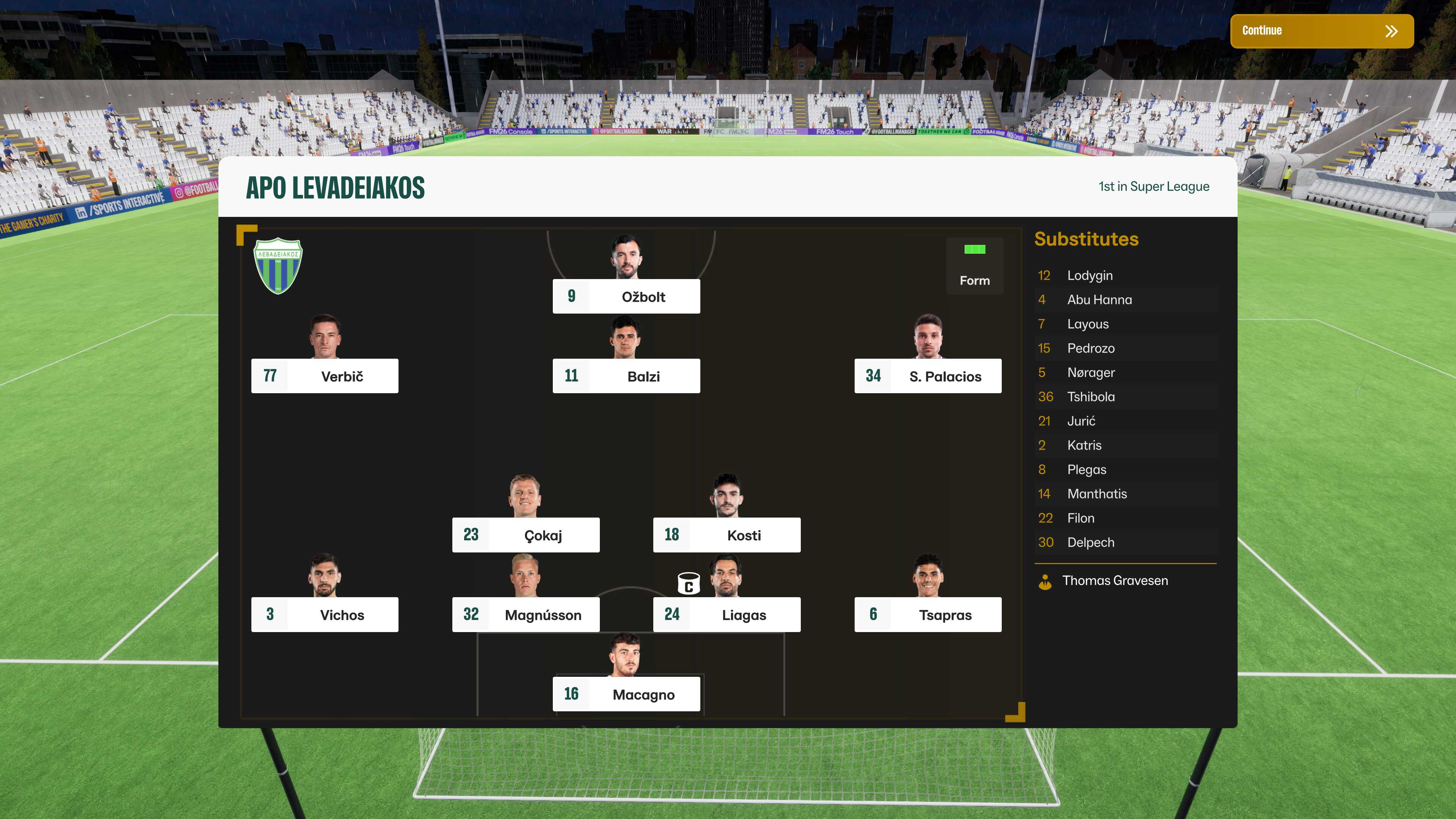
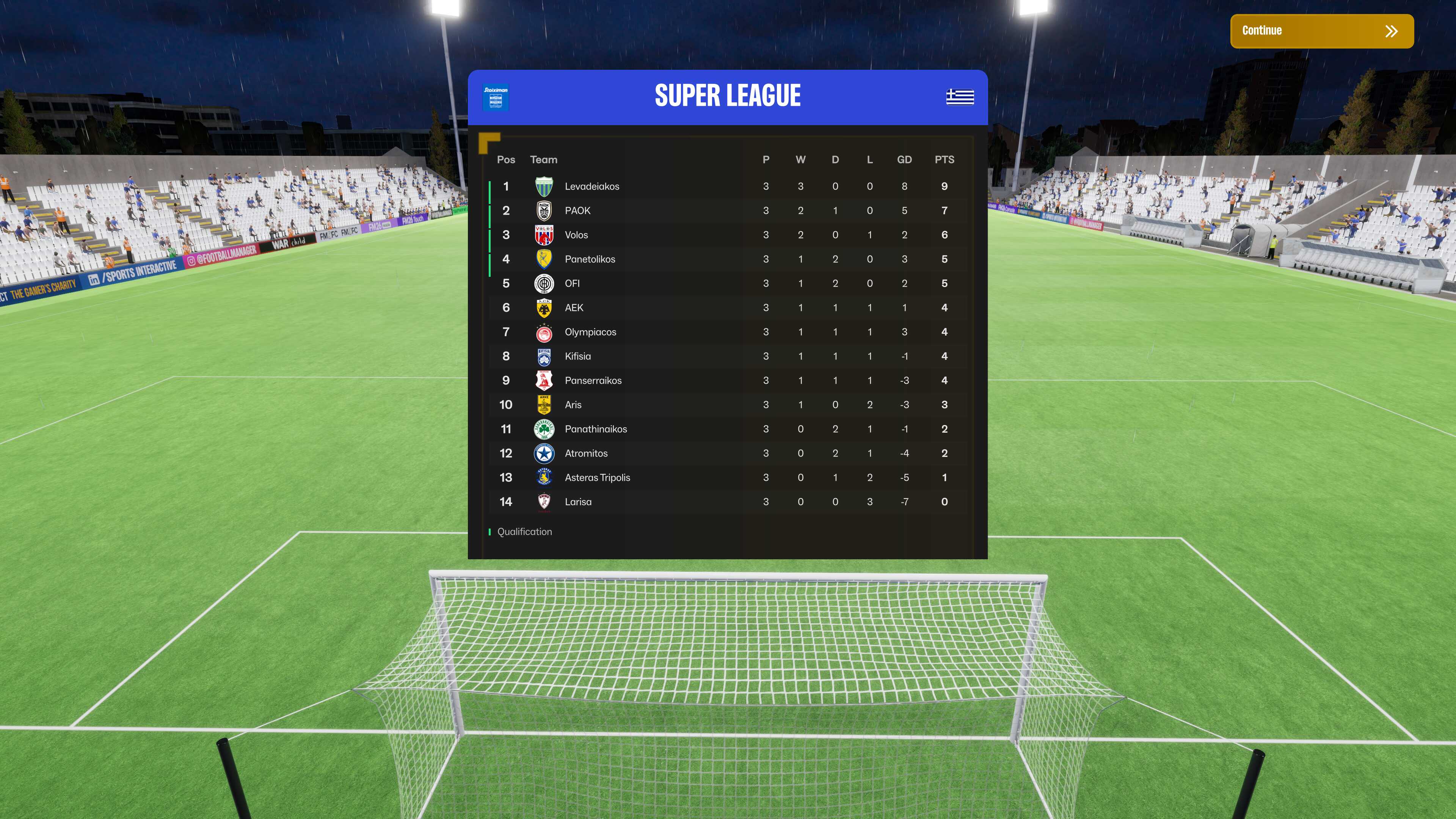
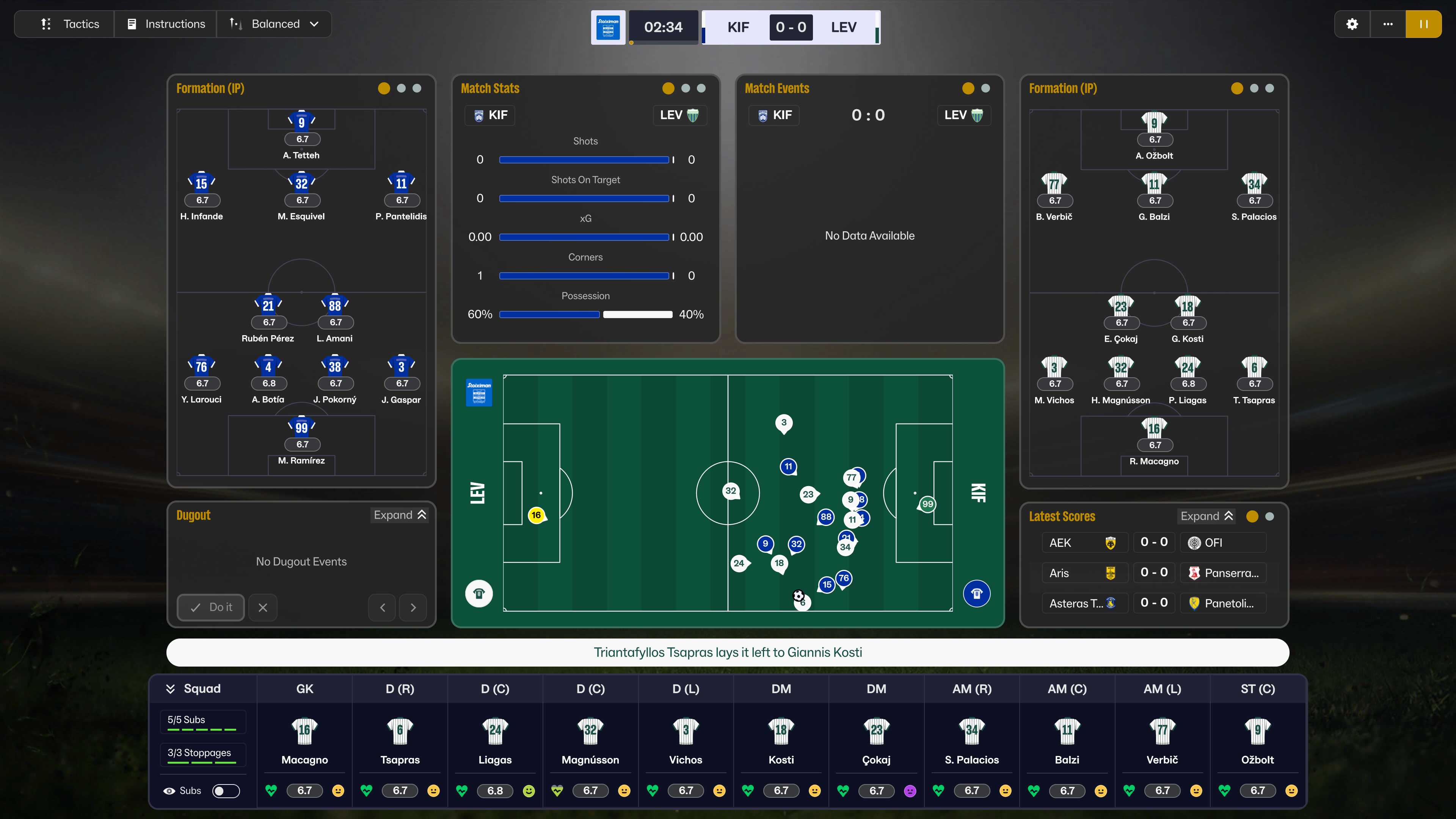
How to install the AlexMorak Theme/Skin:
- Download the file.
- Unzip the file.
- Locate the Game Directory: Navigate to your Football Manager installation directory.
The standard path for Windows is typically:
\Steam\steamapps\common\Football Manager 26\fm_Data\StreamingAssets\aa\StandaloneWindows64\
And for Mac:
~/Library/Application Support/Steam/steamapps/common/Football Manager 26/fm.app/Contents/Resources/Data/StreamingAssets/aa/StandaloneOSX
- Before first time locate the original files in the game's data folder and make a backup copy before proceeding. You should see from my files, which files you have to make a backup copy.
- Copy and paste the files into the game directory. When asked, choose to overwrite/replace the existing files.


![FM26 Data Tweaks [v3.2 | v4.6]](https://fmdatatweaks.com/wp-content/uploads/2026/04/fm-datatweaks.webp)




Discussion: AlexMorak FM26 Theme/Skin v0.9 - Windows and MacOS Versions - NO LONGER SUPPORTED
269 comments have been posted so far.
I think that using it without the game's update don't work. Please do the update via Steam's Beta Track and then apply this version. If anyone downloaded version 0.3.1 and installed it, please re-download and install it again.
In addition to that, I've fixed what @gthomas and @dario 94 said, and I checked with the French language that the menus is showing the right names and working. Please do the game's update via Steam's Beta Track. If you are not playing the game through Steam, don't download v.0.3.1.
When I clicked on the menus while using your skin, the game crashed.
And when I remove the files I installed with your skin and put the original ones back, the problem disappears, so I think it’s coming from your side.
Dario 94: You are right I'm looking at it. Thank you very much.
I just installed your patch for your skin, version 0.3.1, and I think there’s a bug.
I’m playing the game in French, and at the top, where you navigate through the menus, it says “Catégorie” instead of “Effectif,” etc.
Here’s the link with a picture:
https://ibb.co/57zmJhL
I understand your frustration with the text size on your 2K and 4K monitors even after adjusting the in-game font size. This is a common issue with Football Manager at high resolutions, where the UI scaling can make things too large.
The good news is that several community-created skins are specifically designed to address high-resolution display issues, making the game much more enjoyable on 2K/4K screens.
addijimmas: I think the best option when updating is to copy/paste all the files. I must find a way for this you are saying, so people downloading it for the first time not become confused.
hamzalfc: If you are on a Mac, I cannot do much sadly. maybe the today's update fixes some things.
laskaa: Sadly we cannot change the UI and the game does not support xml files as previous years. Skinning is a bit impossible as we speak, so we are doing the best just to theme the game.
jackpars777: Have you created a backup in order to go back to the original files to see if this is from the skin/theme?
I’m using UABEA to open the bundle and edit code lines from another skin so I can change the color of the attributes. However, I couldn’t help but notice that the number of lines, and obviously the location of the RGB values for each attribute, is different from the skin I modified.
Could you tell me which color values in FMcolors file I need to change?