


This pack includes custom views for the following Football Manager 2026 areas:
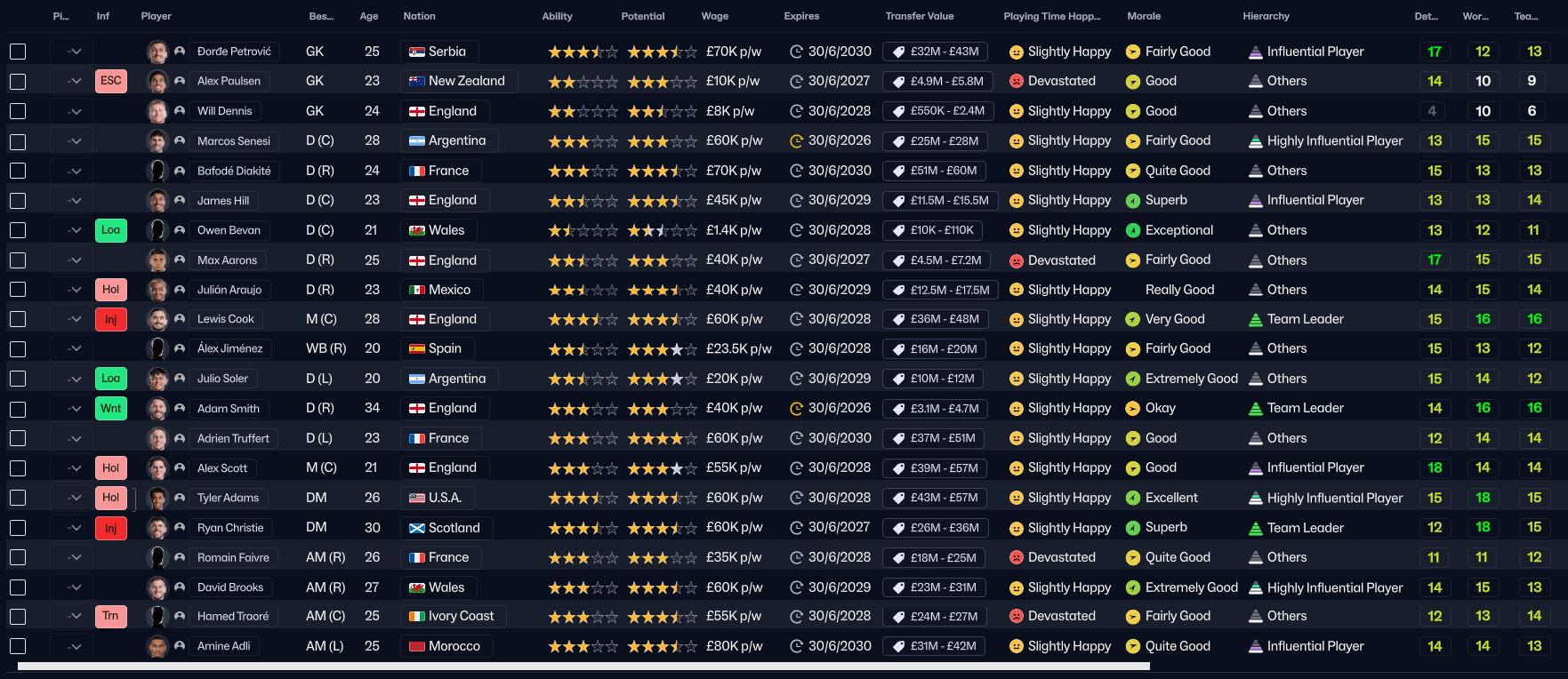
Squad View
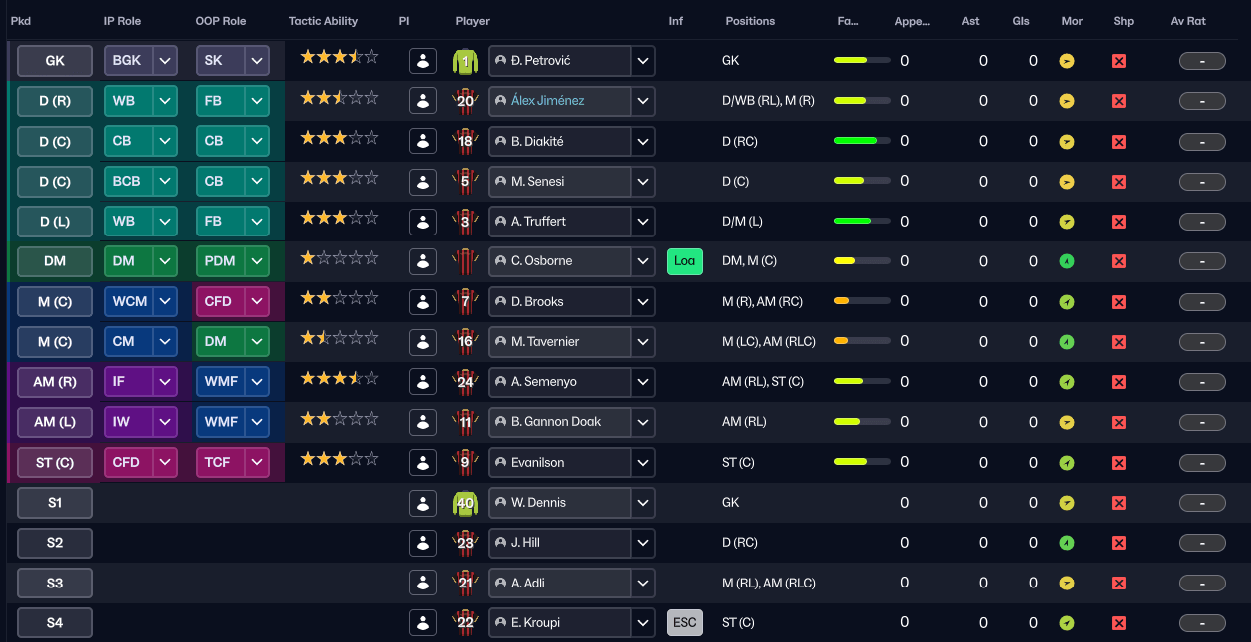
Tactic View
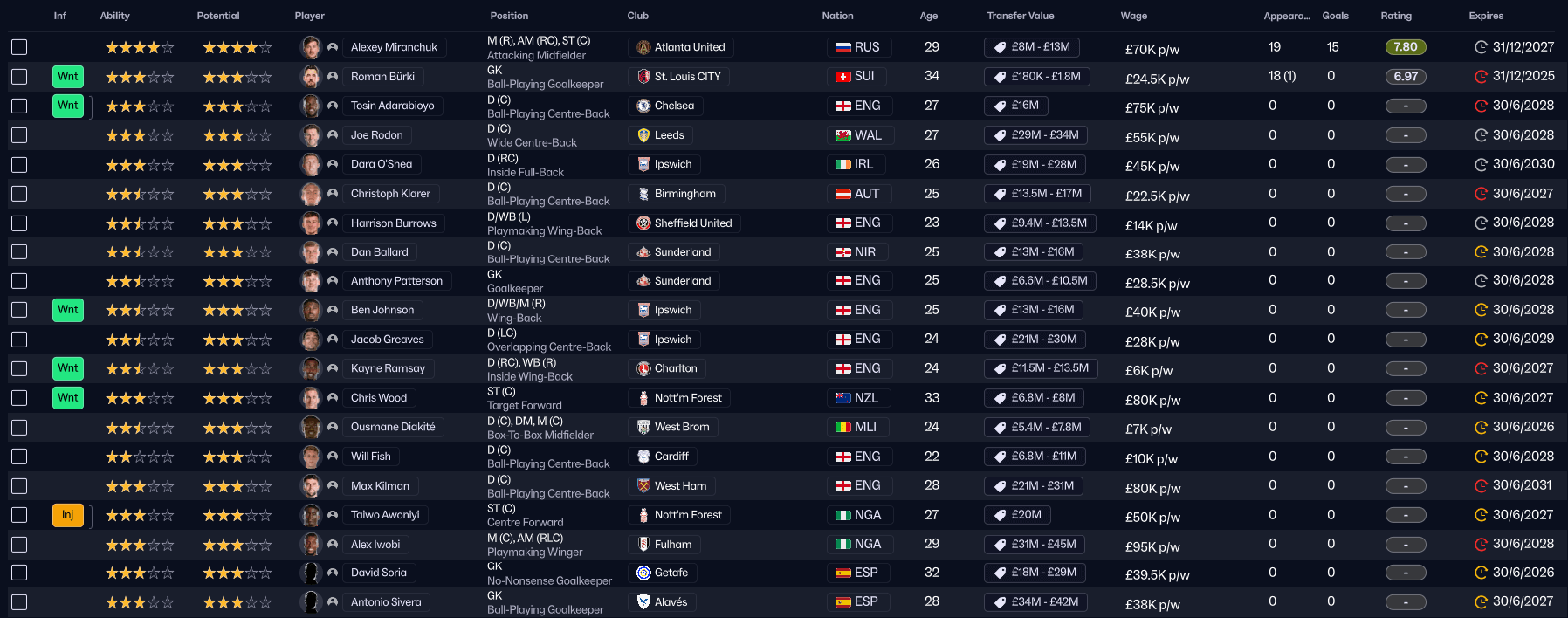
Scouting View
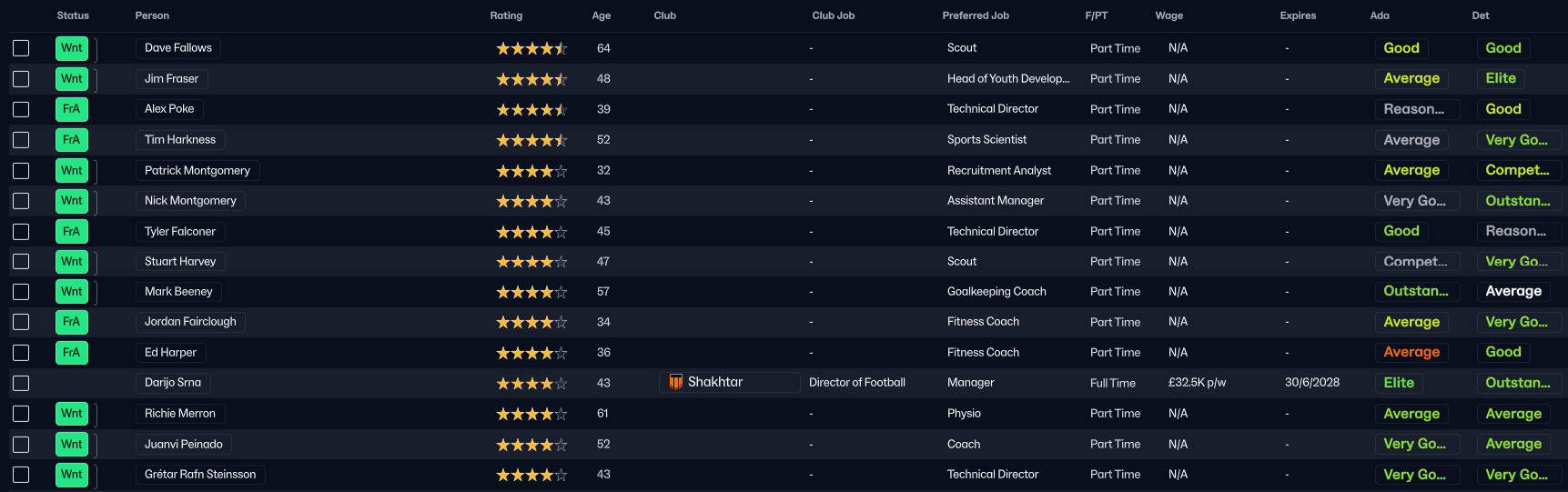
Staff Search View
Screen Resolution Alert:
Please note that these custom views are best suited for wide screens in order to see all columns without having to scroll horizontally.
This file is an fmscout.com exclusive!
How to use these custom views in FM26
1) Download the .zip archive2) Move the 4 extracted .fmf files to your "views" folder:
\Documents\Sports Interactive\Football Manager 26\views\
If that folder doesn't exist, you can create it yourself.
For Mac OS users, the path to the user folder can be found at:3) Once you've placed the files in our "views" folder, go in-game to any of the 4 screens.
~/Library/Application Support/Sports Interactive/Football Manager 26/
Right-click on any column header to trigger the menu and go for the "Import View" option.
From there you can select the relevant custom view and load it.








Discussion: Essential Football Manager 2026 Views
13 comments have been posted so far.
At this moment there is not "Ability / potential ability according to Scouts" row for foeign squad views right?
If you don't have a "views" folder there, create it yourself.
Then in-game go to any of the 4 screens mentioned, right-click on any column header (e.g. Age) to trigger a drop down menu and select the "Import View" option. Simply select the relevant view for the screen you're on and click the Load button.
go to First team screen, scroll to where it says Player, right click, scroll down to import view etc