



Make sure to watch Matt's video where he run through the SAS24 skin, all its new features, as well as how to install it.
The Skin is 100% free to use and has always been
Considering Donating
If you feel like buying me a coffee.Buy sasmaz a coffee
Sas24 - Download Options
The download link will take you to a mediafire folder that will always contain the newest versions of the skin. Then it's just a case of finding the exact skin that you want.There are 4 different options: of Sas2025Final
- Sas2025Final.fmf - The main skin
- Sas2025Final-Background (background selector)
- Sas2025Final-Hidden.fmf - With Show hidden attributes button
- Sas2025Final-Hidden-Background.fmf (hidden attributes with background selector)
- Sas2025Final Readme
There are 4 different options: of Sas24
- Sas24.March.2.fmf - the main skin
- Sas24.Mar.2-hidden.fmf - hidden attributes
- Sas24.Mar.2-laptop.fmf - version optimized for laptops
- Sas24.Mar.2-laptop-hidden.fmf - same as above for laptops
There is also added zip packed files of the skin for easy access - see the FAQ in the download folder.
The last 2 will only function properly if you have the in-game editor switched on in your save.
Screen Resolution
Desktop version is optimized for 1920x1080 at 100% - 95% is preferred.You can use higher / lower resolution / zoom, but expect some wonky stuff here and there (can't make everyone happy) :)Laptop version is optimized for 1366x768 at 85% zoom.
If you have a "big" laptop or an external screen - you may benefit from using the Desktop version, try both so see which one that looks the best - they are 99% the same.
Sas2025Final - Skin Preview


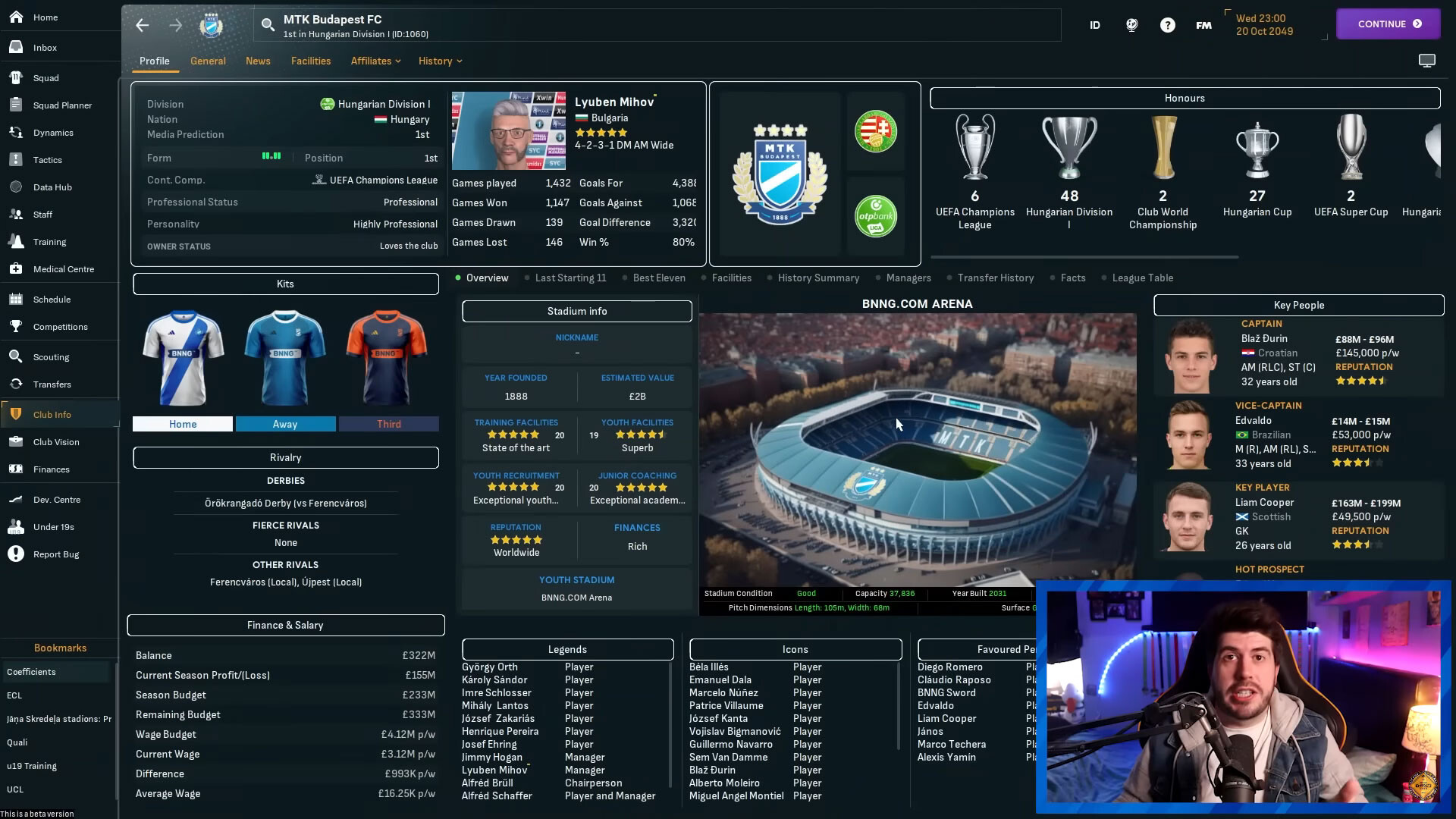
Sas24 - Skin Preview




How to install the Sas24 skin on FM24
1. Download the skin version you prefer. Your download options are explained above.Move the downloaded .fmf file to your skins folder.:
Documents\Sports Interactive\Football Manager 2024\skins\
Run Football Manager 2024 and go to Preferences > Interface.
You should see "Sas24” as an option in the skin drop-down of the General options section.
Hit the Confirm button.
The skin is as seen, and may or may not have further updates.
Sas24 FAQ
Why do I see a background picture over the whole skin, and I haven't used the background selector.
You have a background picture folder in your graphics folder, if you move that folder outside the graphics folder, clear the cache and reload the skin. It will be gone.My panels keep resetting.
Go into preferences and untick "automatically overrite custom panels" and Untick "use caching to decrease loading time" aswell- Clear the cache - bottom left "reset" dropdown - Reload the skin
- Set your panels, continue a day, save your game, close and restart FM - It seems to be a issue in the default skin aswell for some.
The % isn't showing.
Go to preferences - untick "use caches files" then clear the cache (bottom left "reset dropdown"), pick skin, reload skin, restart game and the % will return. Changing skin may cause it to vanish then just redo the above.Half of the tactic pitch is overlapping.
Use a higher zoom (lower numbers % = higher zoom) or use the laptop version - it's the resolution of your monitor that causes it as I've changed the pitch size.For more questions and answers, refer to the dedicated SAS24 FAQ .txt file.
Credits
For bits and pieces, idea's, help and other stuff, in no specific order.|
- Michaeltmurrayuk for the mods - Bluestillidie00 - Flut - FMEnchanced - _Ben_ - Gimn - BuzzR - Drakestone - Keysi - A31632 - Tato - Wkdsoul - Tyburn - OPZ skin - Andromeda skin - Cat Skin FM22 - Flut skin - YACS skin - TCS Skin - Ironowl - BouFitty - BGN for nxgn idea and code - JustHowie for nxgn idea and more - DazS8 - for Match Tablet colouring - FM Stag - FM Stag Stats - MaxPower22 and friend for lag testing - Margs for Laptop feedback, idea's etc - And probably many more. Twitch links - Jebaroo - for deep match freeze testing. - Ecxoes - Dreamtrip - Conriddle - Secondyellowcard - Davidnyholm |







Discussion: Sas24 / Sas2025Final Skin
399 comments have been posted so far.
personally i just tick the english sorting in the preferences as i "kinda" gave up last year on finding a solution
But I have a problem. I play with German language.
My problem is... if a player has been scouted and I open the scouting report, then the attributes are mixed.
For example...
In the German version, determination would be at the bottom under mental attributes.
Is there a way to change this?
i'm not sure if fiddeling with the ingame Zoom/scaling would make it possible for you to use the desktop version
The Pos-Stats tab was removed due to causing lag when entering the player profil sadly
But glad you got it sorted
look in fitness and injuries, it's the only one without a name, as i havnt figured out how to make that happend
https://gyazo.com/11b5846fe2b0afbb67cd28c652d5d887
Untick "used caching for faster loading" in preferences
clear the cache (lower left reset dropdown)
reload skin
Quit and restart FM