



Due to popular demand, the Vitrex skin returns for Football Manager 2016
Version 2.2 now out - released 14th of February 2016 now including an additional 1336x768 version as well!
!You have asked, and we have listened and therefore proudly present you with the popular Vitrex skin, now in the original high-res version + another version amended for 1336x768 (both inside the download). Credits to Bluestillidie00 for assisting with the task!
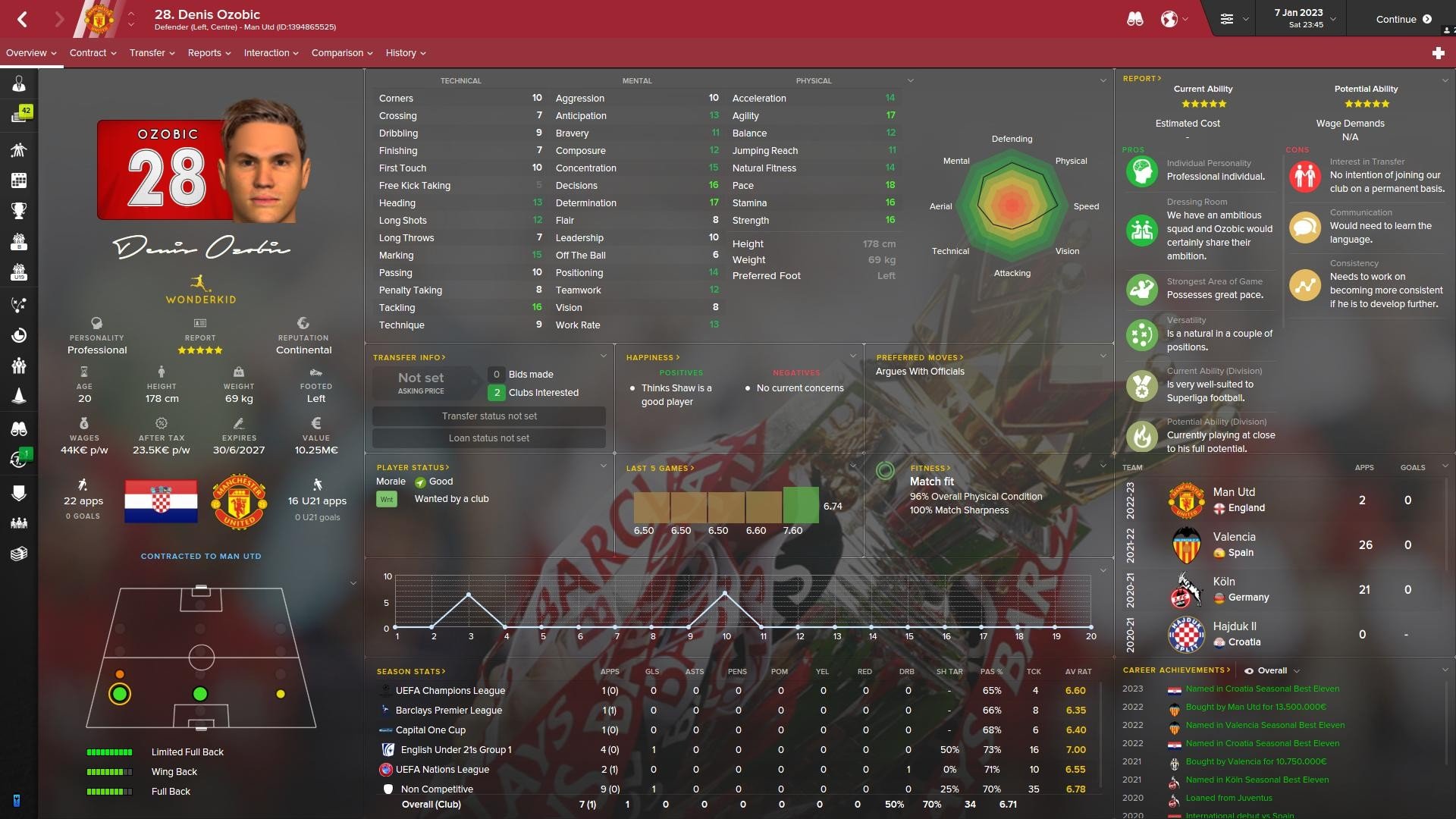
New player profile overview with icons, golden media description label and vertical positions pitch:
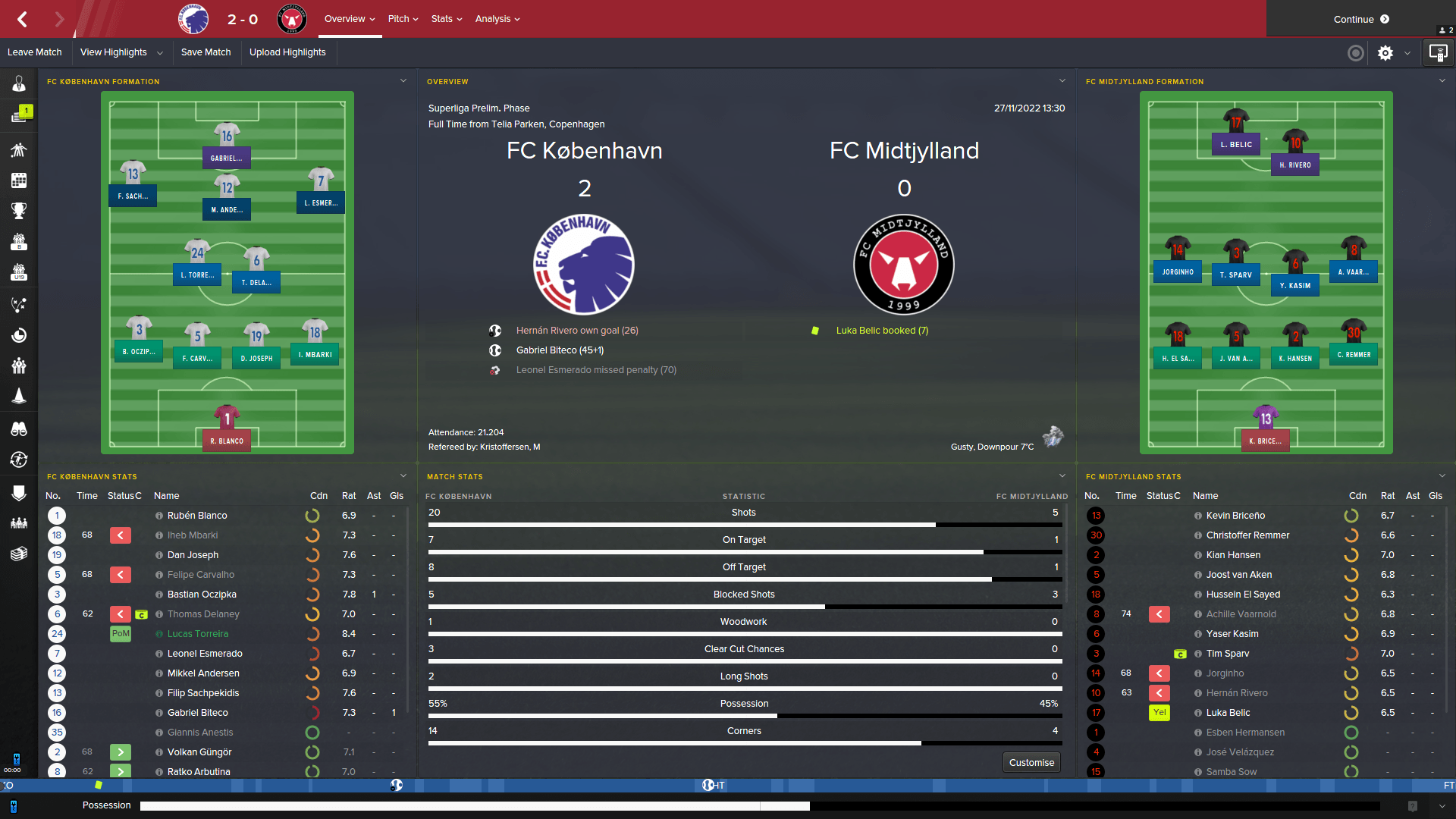
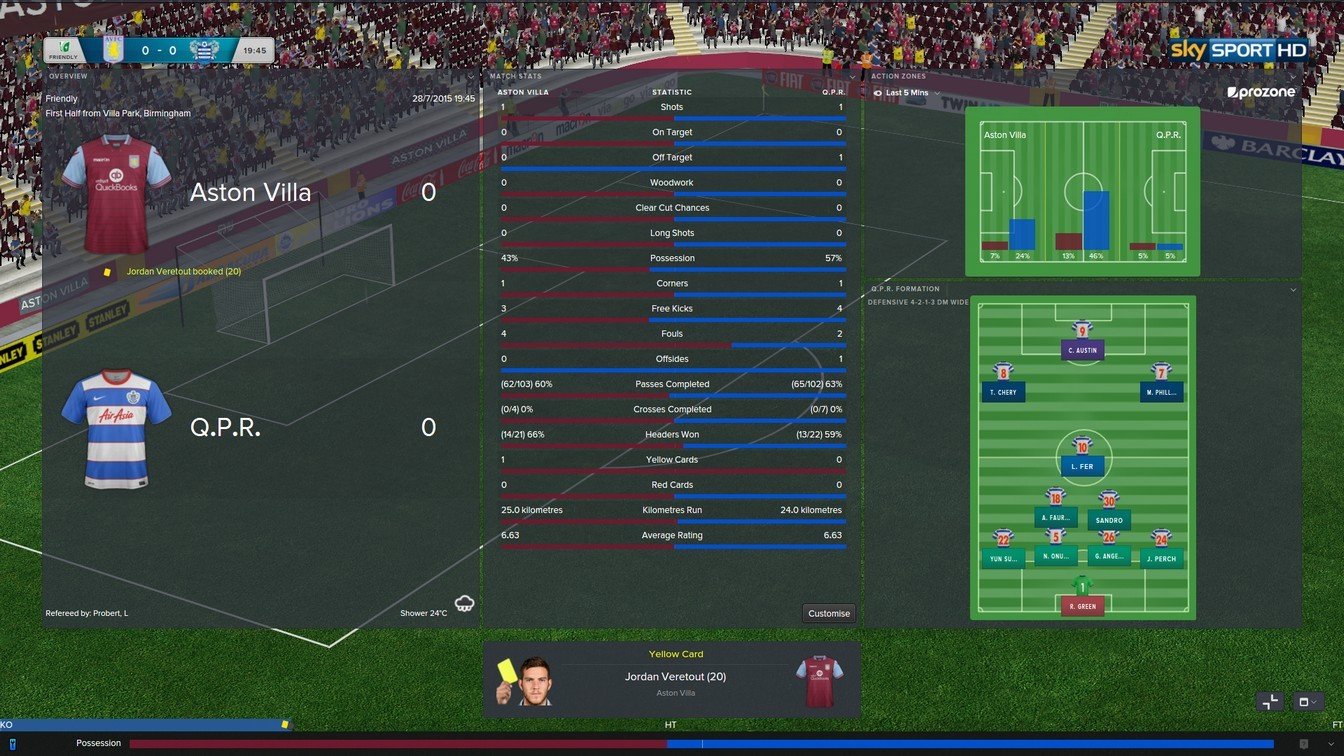
New match overview screen:
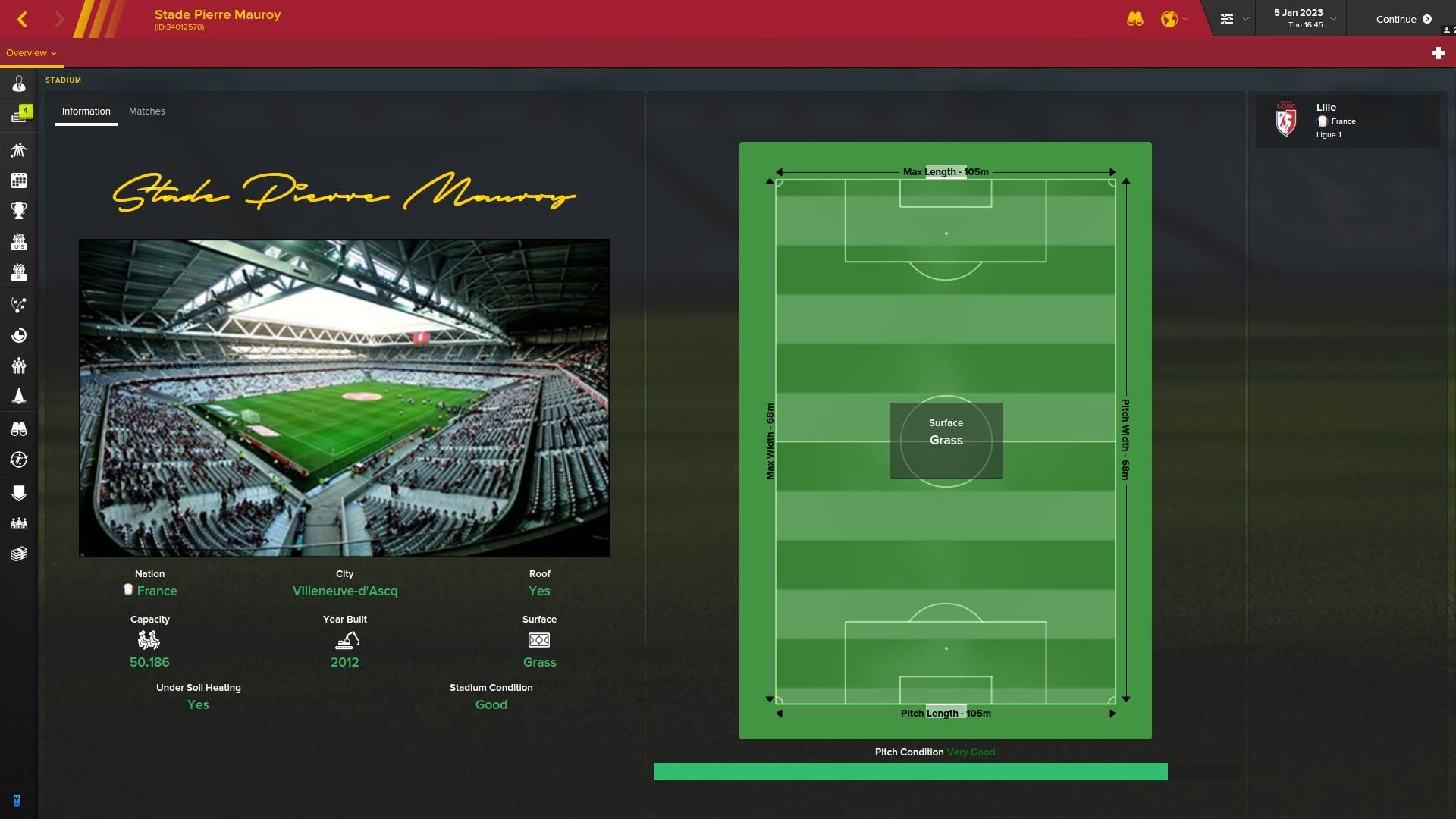
New stadium overview screen:
Captains armband now visible on tactics pitch:
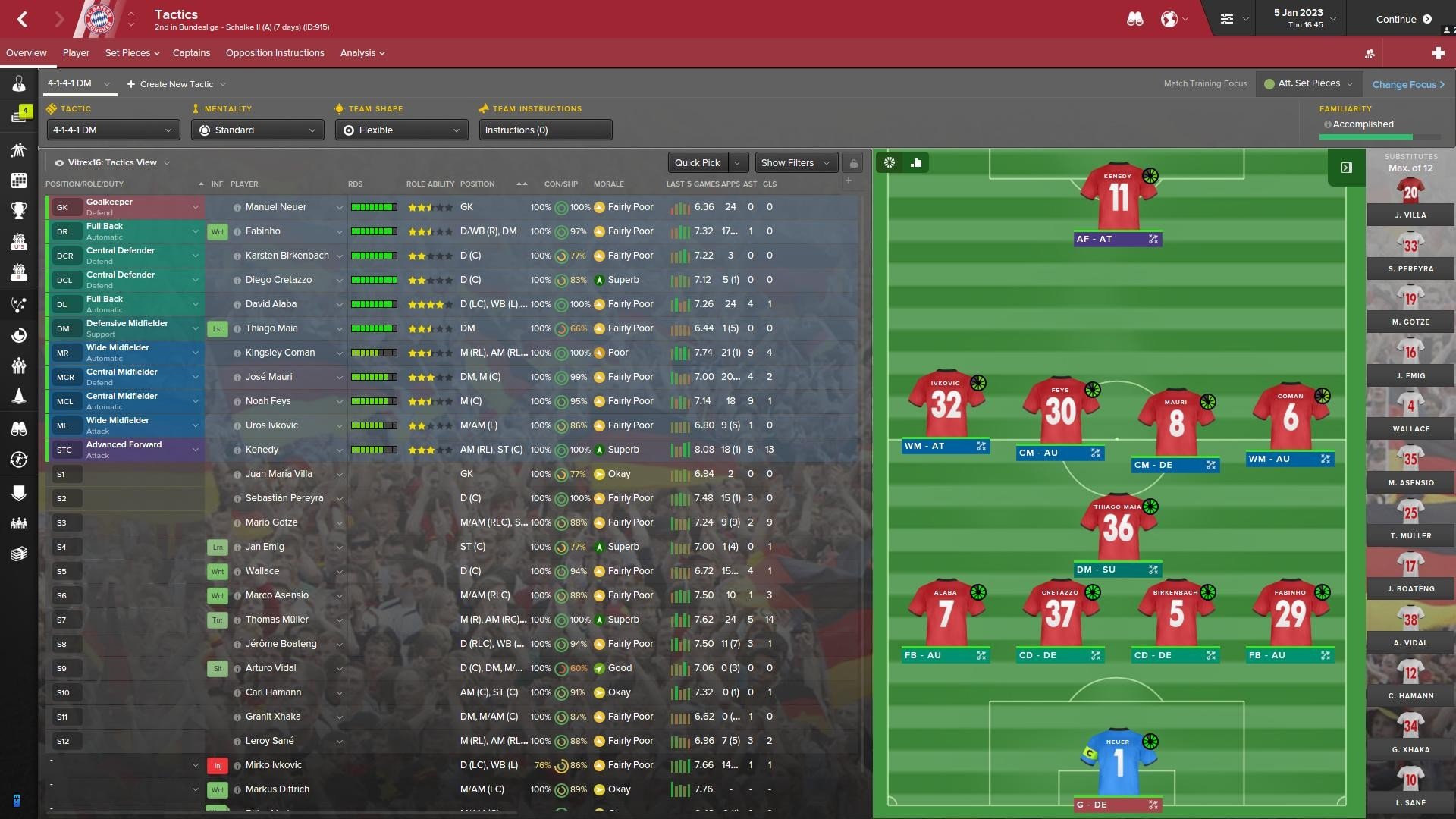
New staff profile screen, with brand new scouting knowledge map and role icons:

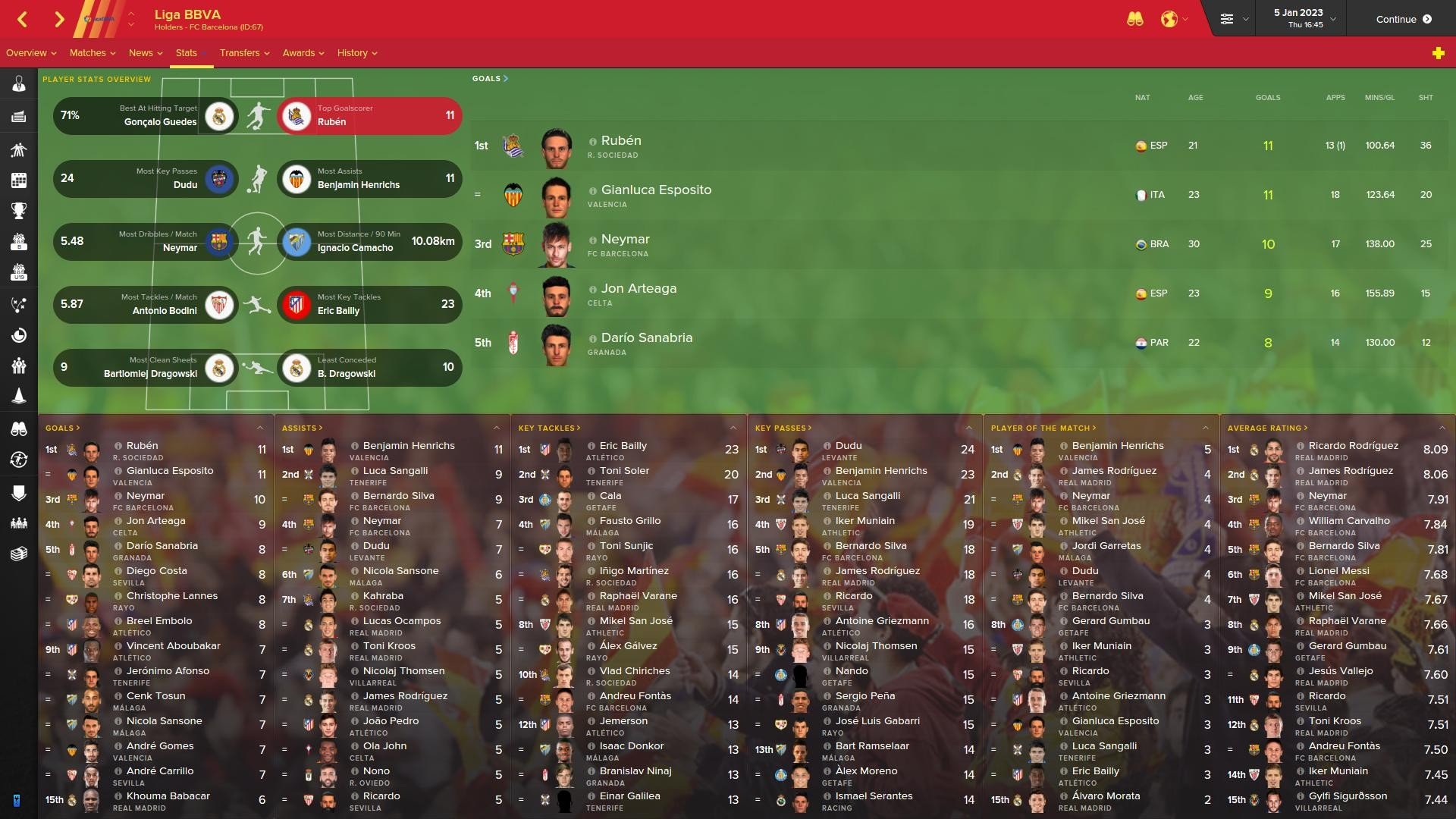
New competition player stats overview:
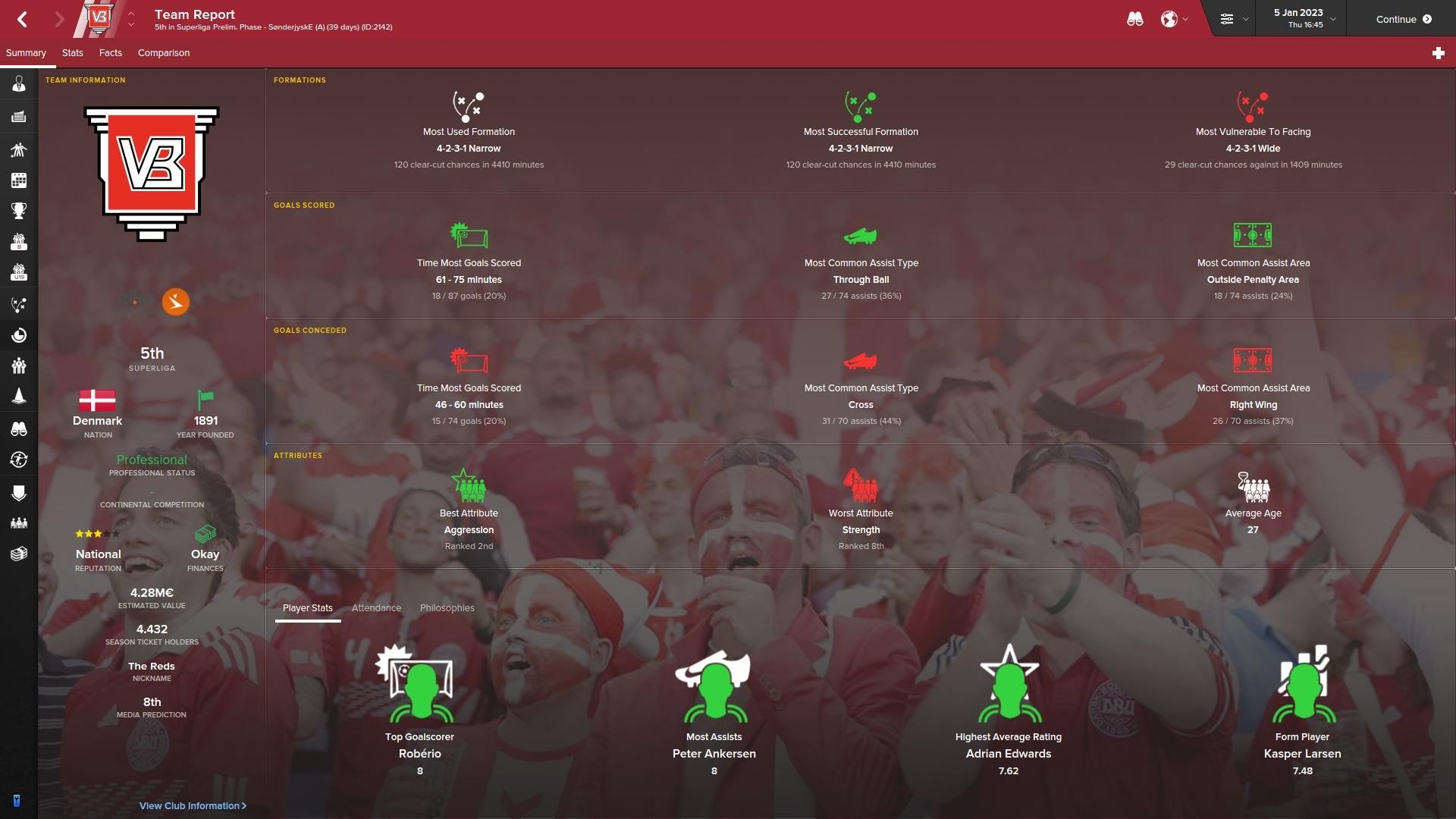
New team report screen:
![]() Other headline features preview:
Other headline features preview:![]()
 Other headline features preview:
- The Vitrex trademark 3D sidebar now in 4 different colors
- Beautiful handcrafted news item notification label
- Stripes behind logos in titlebar
- Unique new addition to Vitrex16 is the recolored 3D inbox header
- Another unique addition by and to Vitrex16: internet style news gossip
- Another of Vitrex' trademarks, the beautiful scout icons now even better
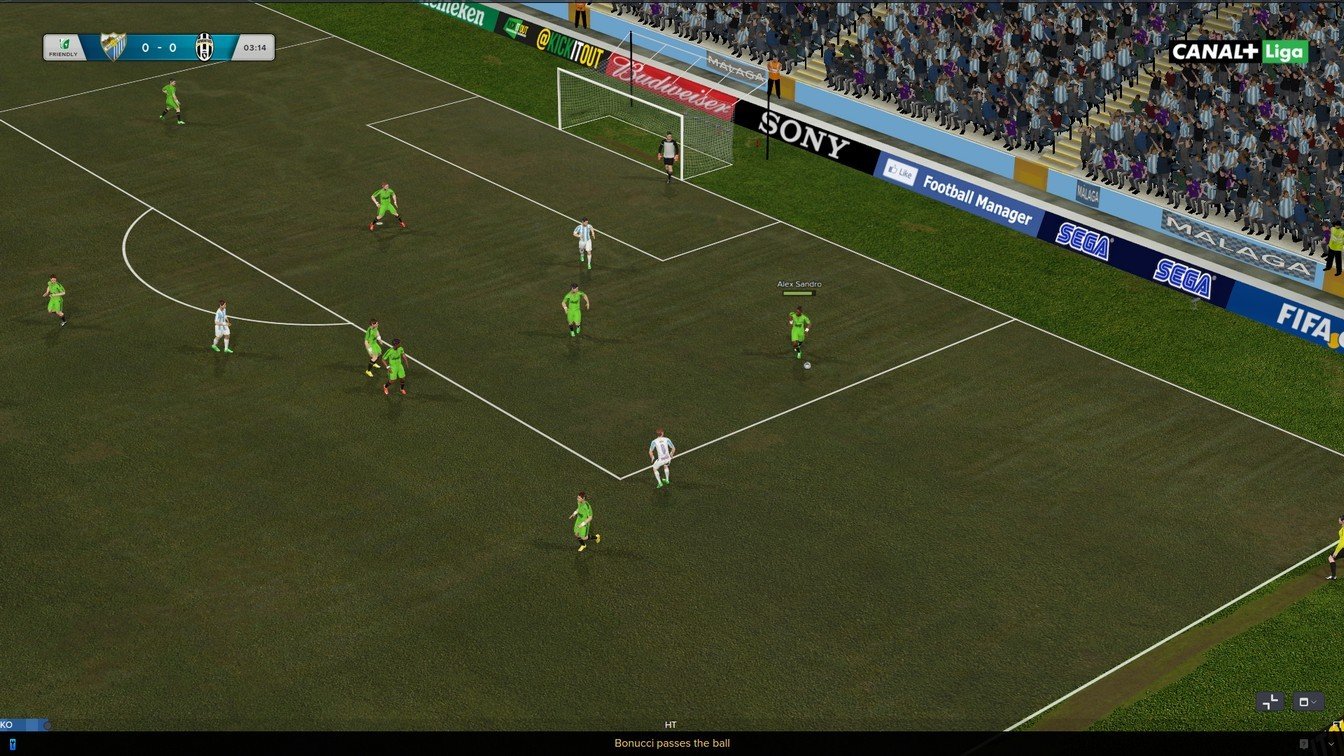
- Yet another unique style to this year's skin: a beautiful scoreboard spicing up 3D games
- Probably the trademark the skin is most known for, it's the unique introduction to the player signature; this year the font used is even more realistic
- Revamp of all buttons in the game, to neat looking 3D ones
- Captains armband now added to match line-ups
- More new additions to the already big overhaul of icons throughout FM
- Another unique feature introduced by Vitrex16: boxes are now remade into kits on the tactics screen, which has been seen before - but not like this; these are fully interactive, and the role/duty circle has been maintained, plus the black bar is fully responsive
- + much more (see screenshots below)
All partial use of this skin, into other custom skins made for release, must be authorized by the Vitrex author/owner and credited by the maker.
Policy about Using Vitrex elements
 Policy about Using Vitrex elements
Updated: 9 Feb 2016 - v2.2
Updated: 17 Dec 2015 - v2.1
Updated: 15 Dec 2015 - v2.0
Released: 25 Nov 2015 - v1.0
This skin is optimized for higher resolutions (minimum of 1920x1080) and might cause errors if you try to use it at a lower resolution.
Screen Resolution
 Screen Resolution
IMPORTANT: When updating this skin, make sure to ERASE the older version BEFORE installing the new. Don't extract into skins folder if you already have another Vitrex folder by the same name, this will merge them together and ruin the skin!
Vitrex16 Preview
Player profile now with more info, and adjusted color-choice: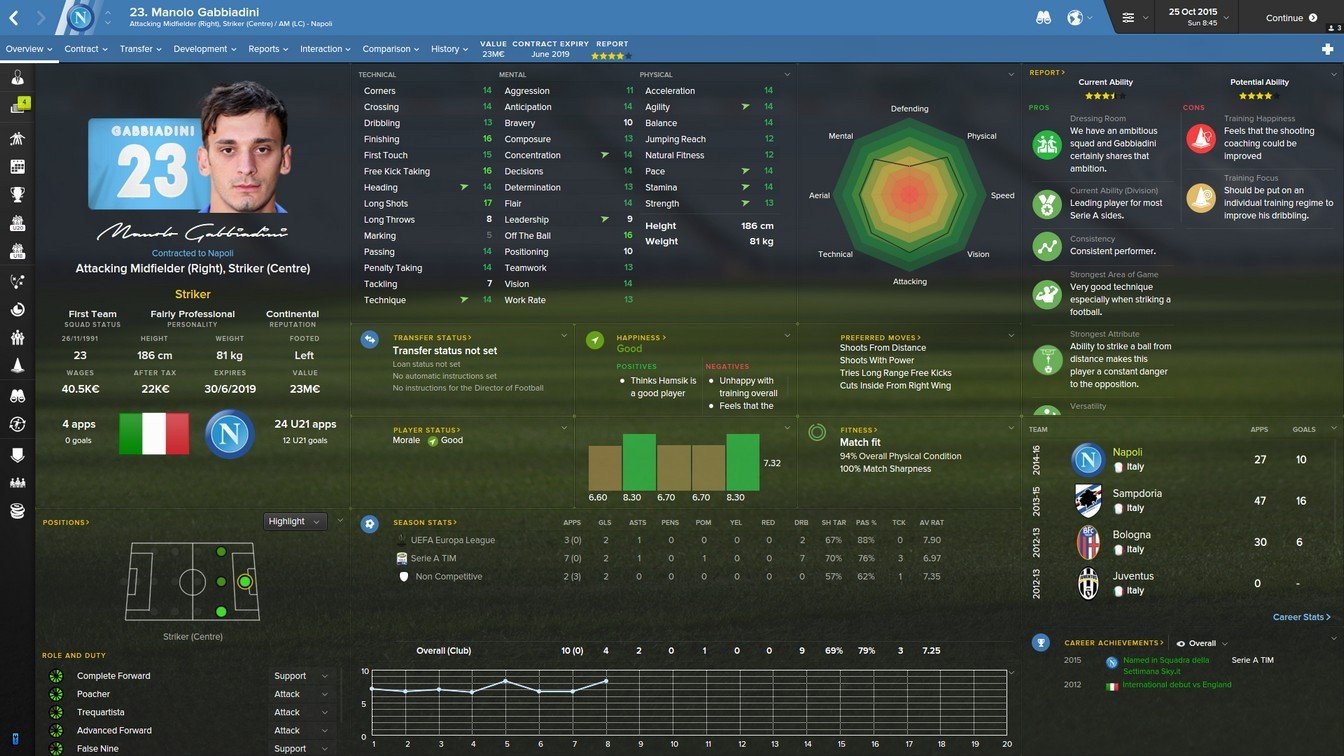
New beautiful 3D inbox news banner, changing colours:
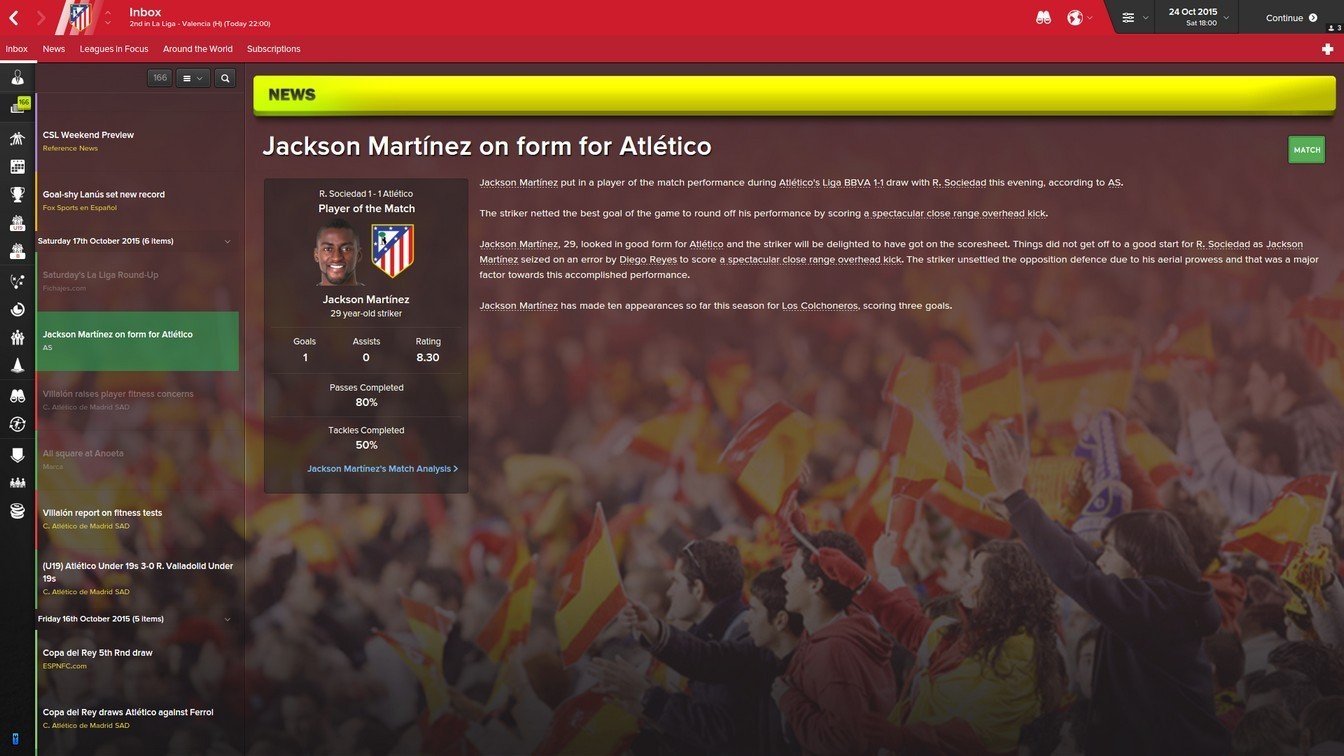
Alternative inbox panel, e-mail style, also included in the .zip:
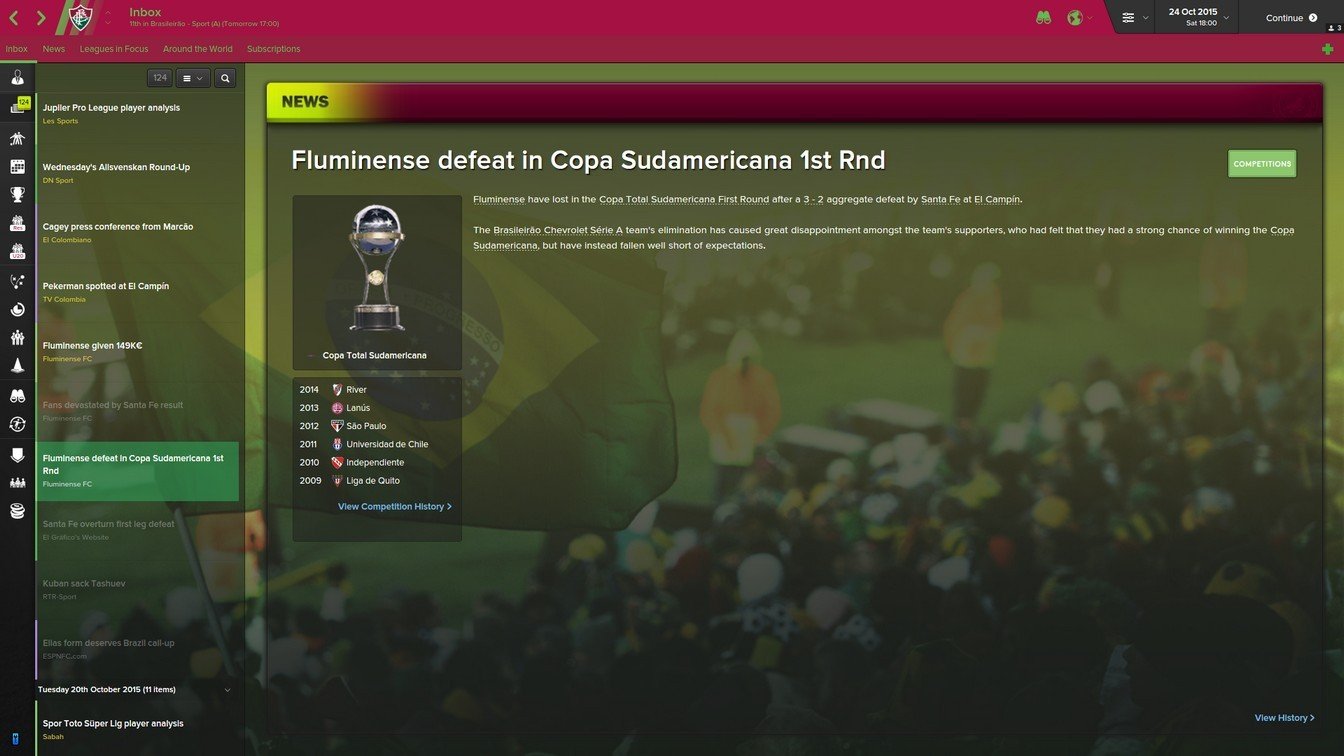
Brand new webpage-styled competition news panel:
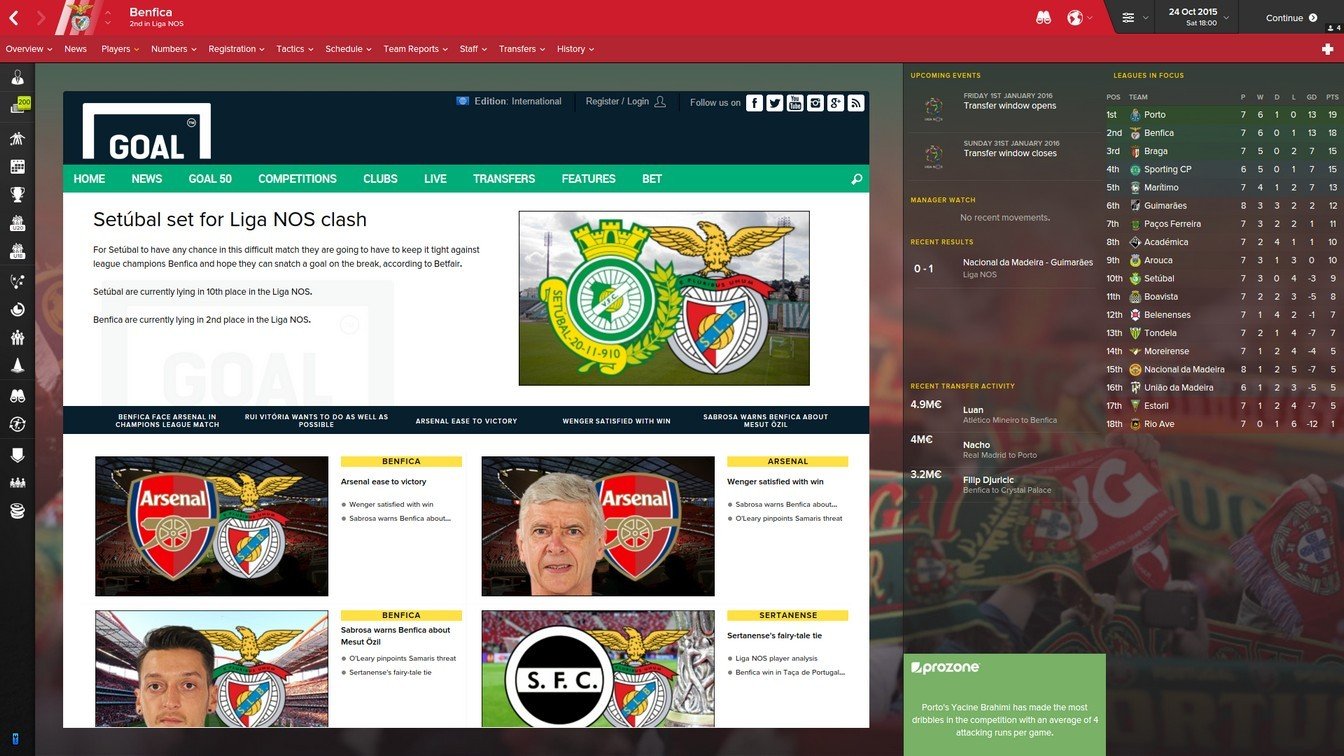
Interchangeable between BBC and Goal.com:

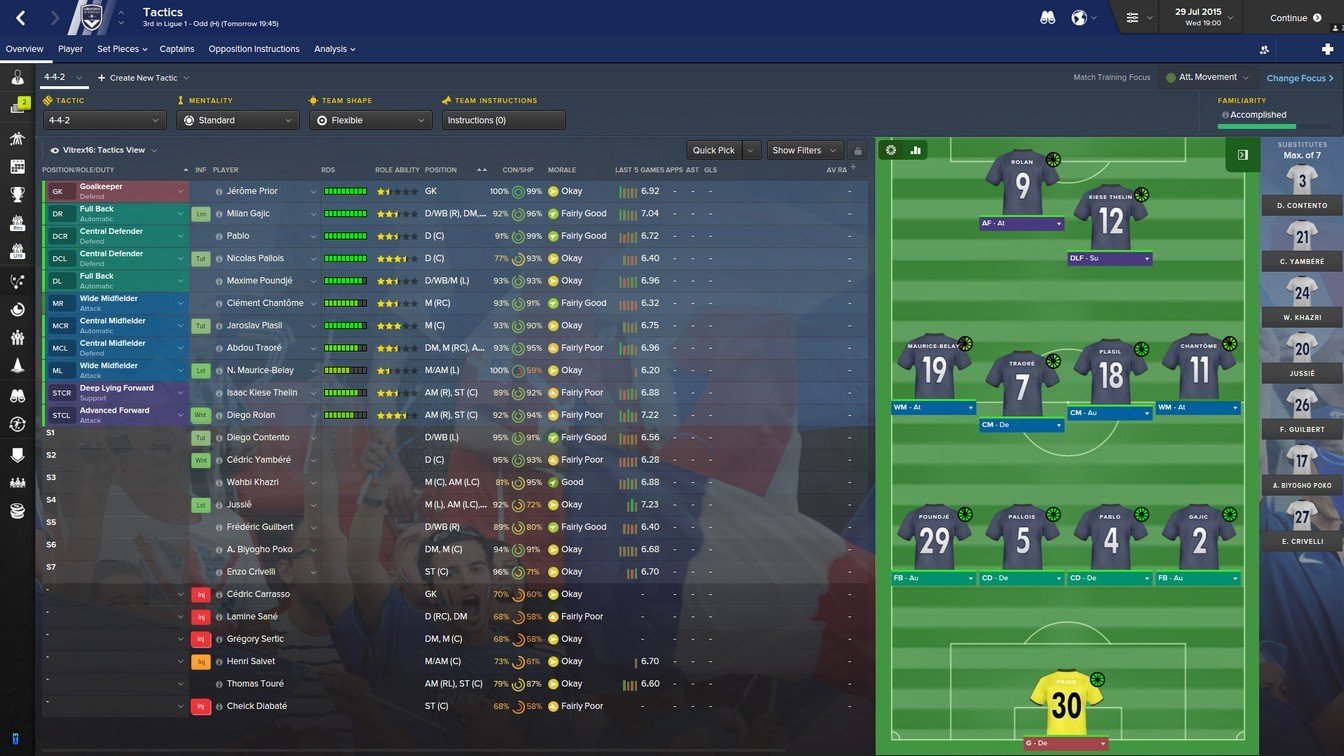
Recolored tactics screen and boxes changed for responsive kits:
Brand new club overview panel:

New schedule panel, with stadium pic and colored fixtures:
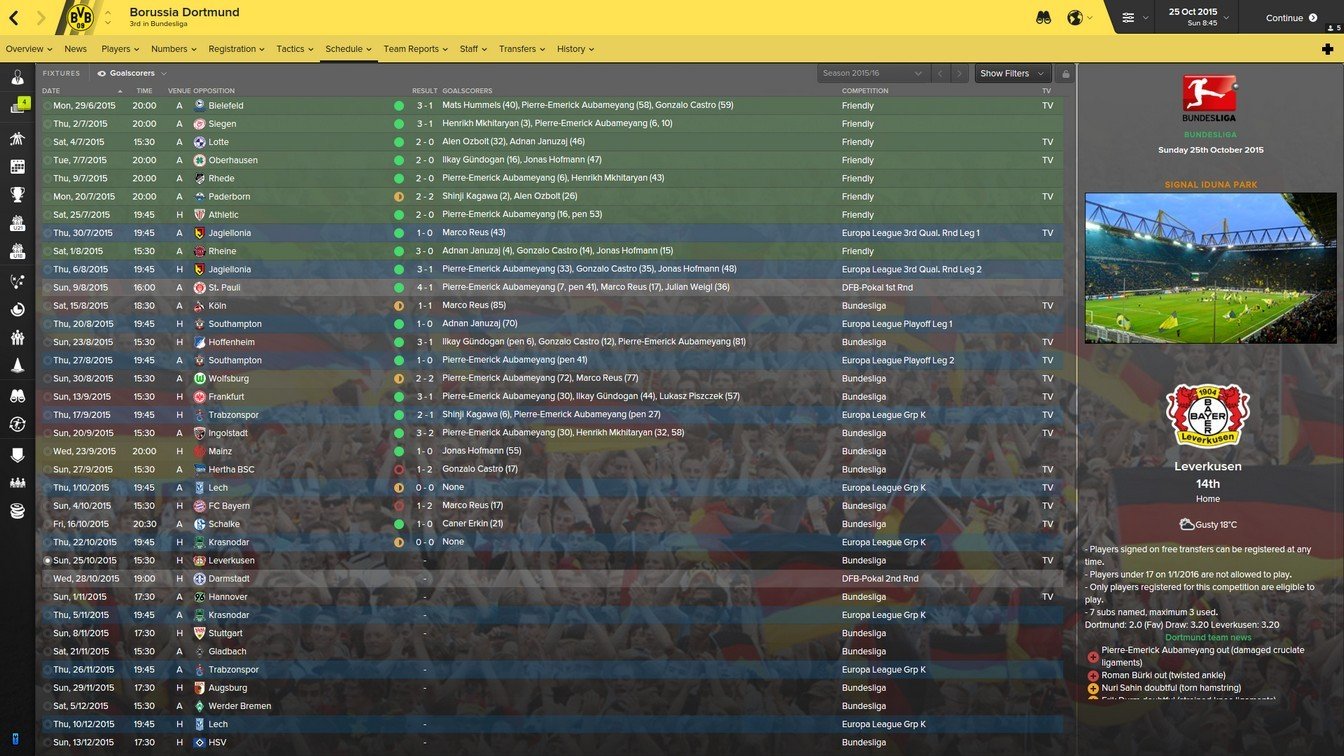
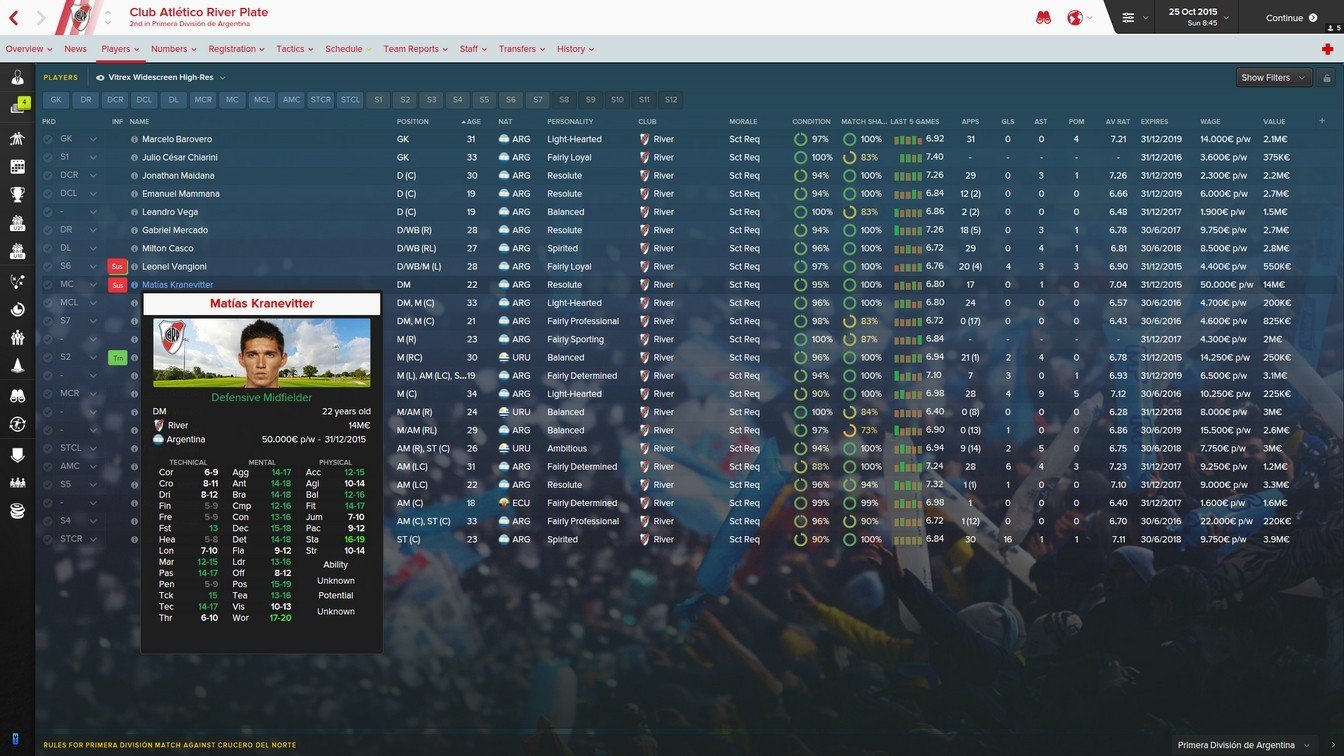
New player pop-up:
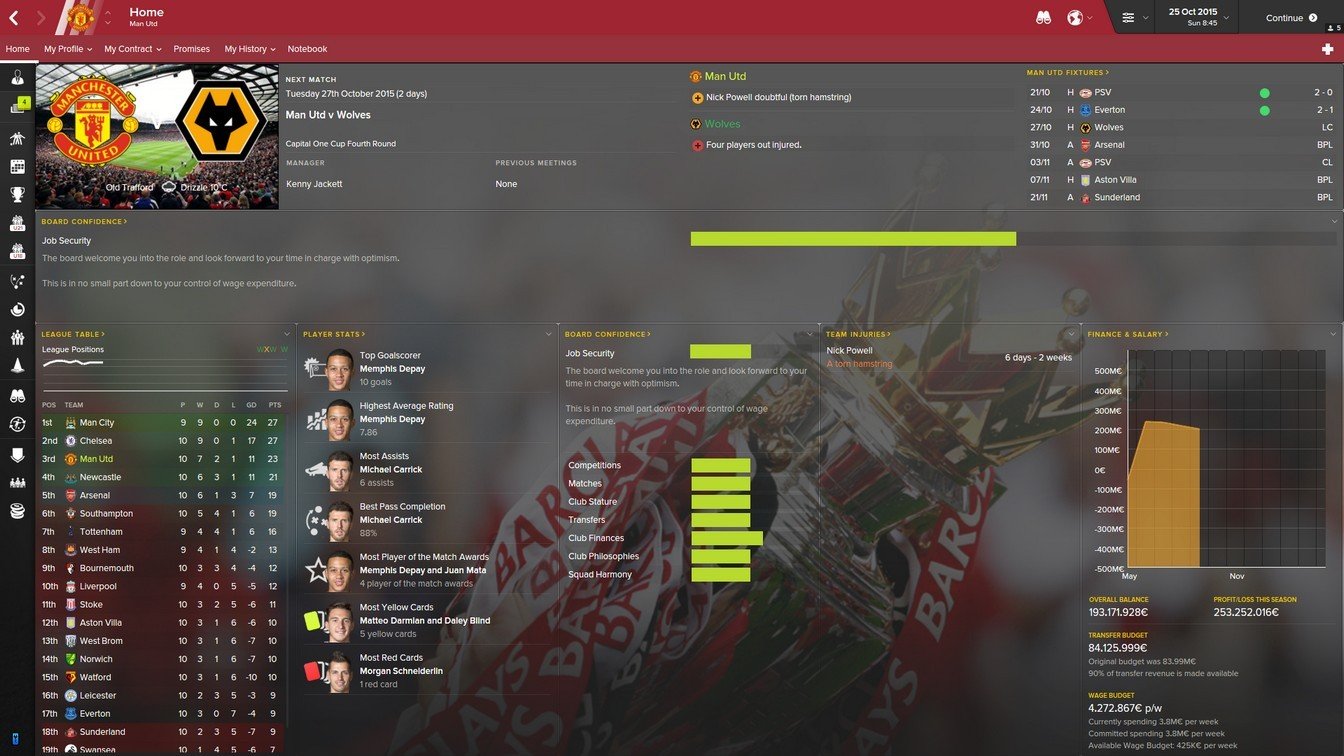
New human manager home screen:
New staff screen:
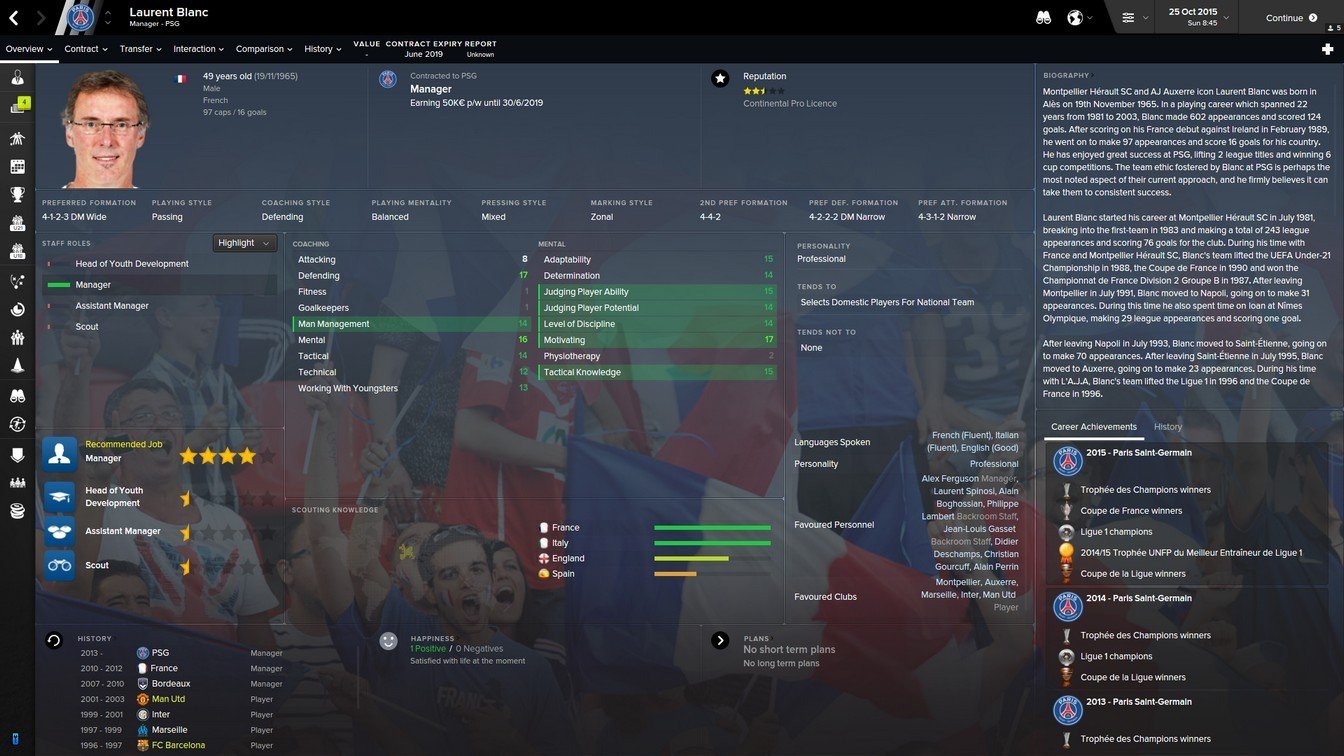
New human manager profile:
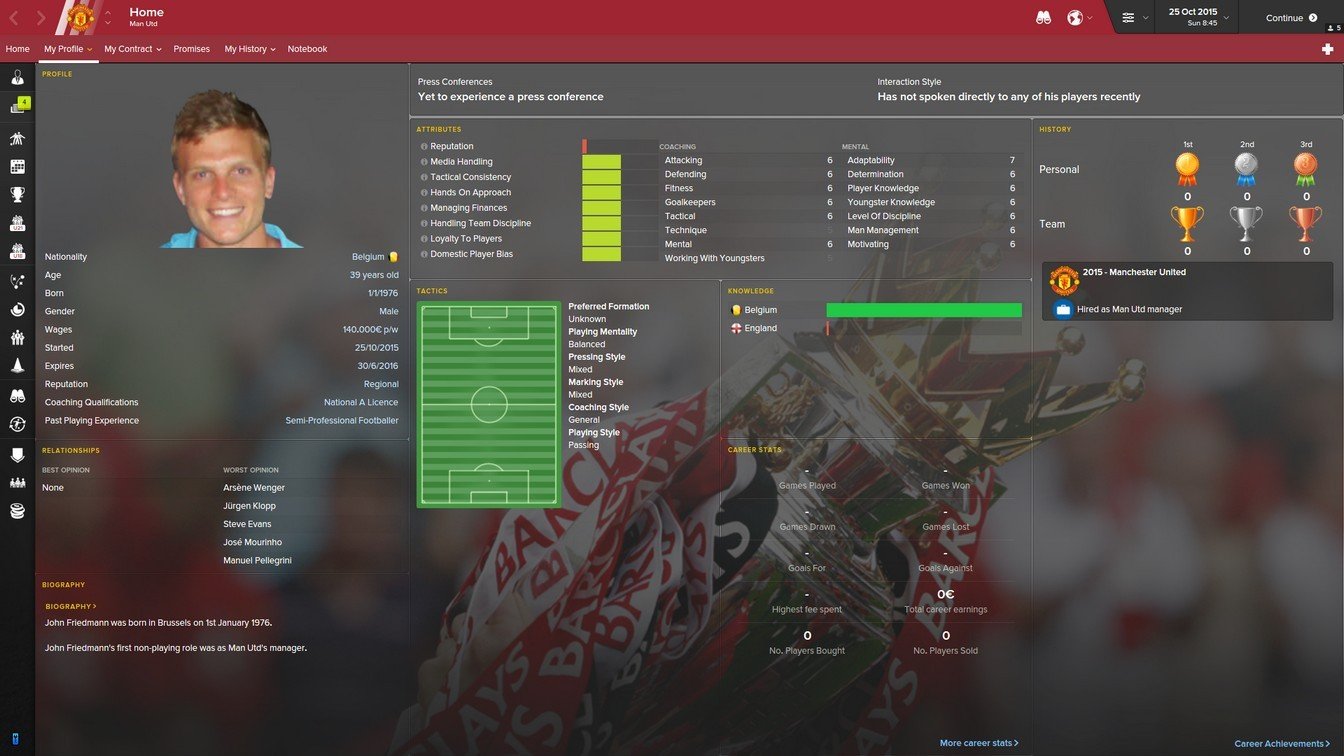
Now with background opacity and pic selector:
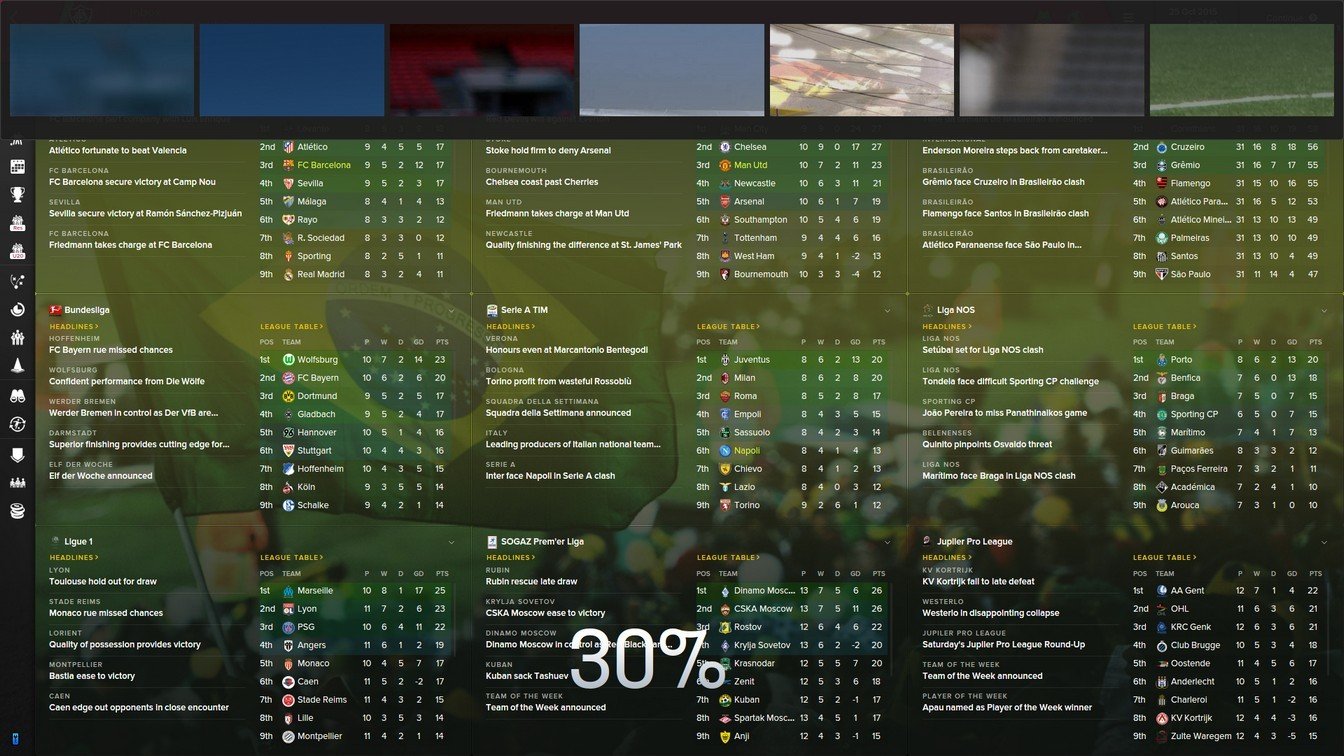
Whole new 3D buttons throughout the game:
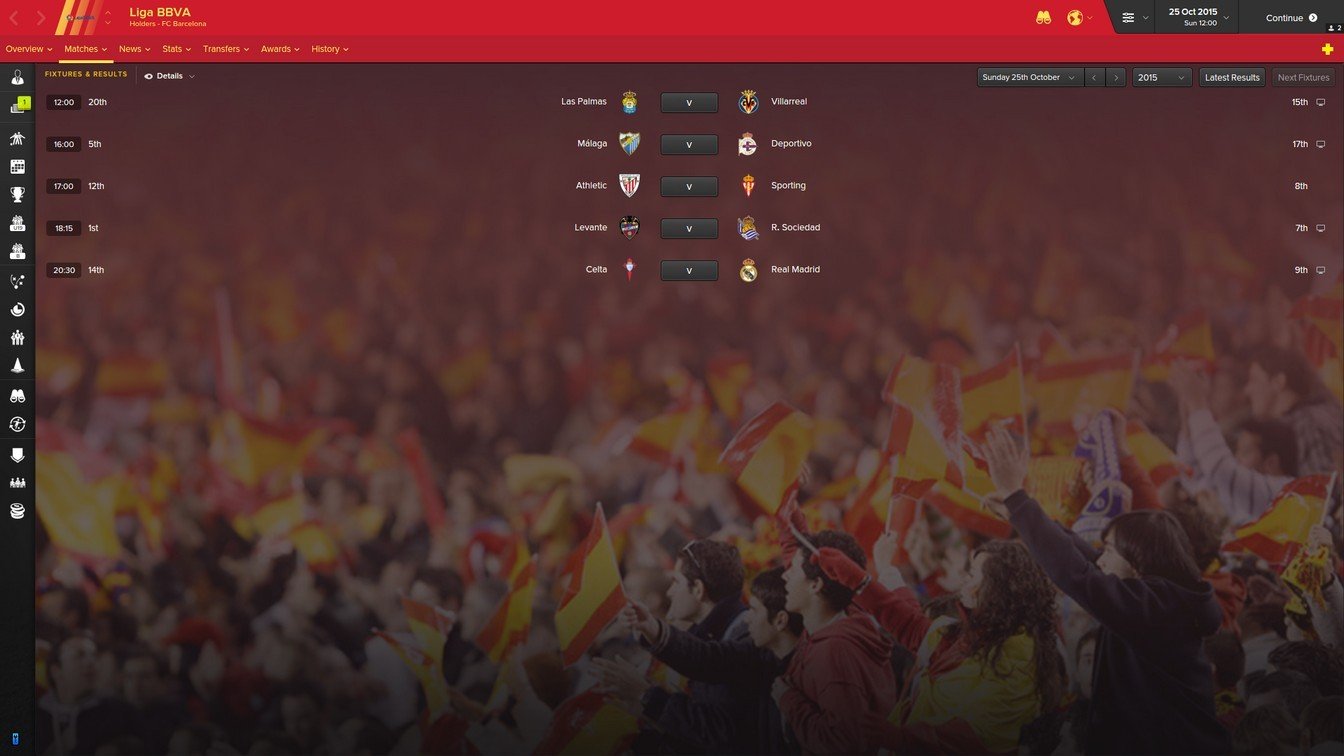
Match ticket in pre-match view:
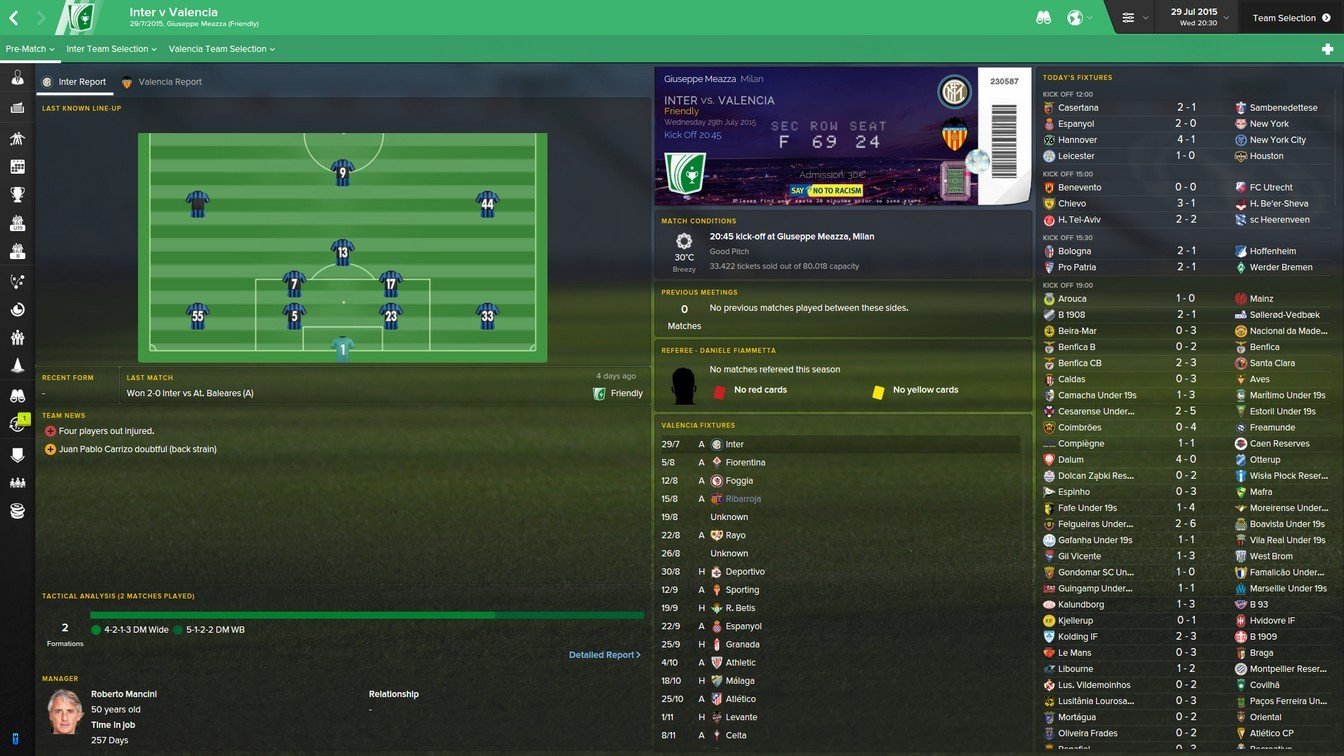
Captains armband and position-colored boxes added to line-ups:

New unique scoreboard for 3D matches:
In-between-highlights screen tweaked from version 1.1:
How to add Vitrex16 to FM 2016
IMPORTANT x2: When updating this skin, make sure to ERASE the older version BEFORE installing the new. Don't extract into skins folder if you already have another Vitrex folder by the same name, this will merge them together and ruin the skin!- Download and extract the .zip file (using either 7-Zip for Windows or The Unarchiver for Mac).
- Place the "Vitrex16" folder here:
Documents\Sports Interactive\Football Manager 2016\skins
Create the folder "skins" if it doesn't exist. - Start FM16 and go to Preferences screen and then into the Interface tab.
You should see Vitrex16 2.0 as option in the skin drop down of the Overview box.
Hit the Confirm button.
Please note this skin is provided as is. It has nothing to do with Sports Interactive or SEGA and won't be supported by them.
Changelog
v2.2 / 9 February 2016- New player profile overview
- New staff member profile overview
- New stadium profile overview
- New team report overview
- New match overview screen
- New competition player stats screen
- Captains armband now on tactics screens
- Inbox items overhaul
v2.1 / 17 December 2015
- Crash fix for FM16 16.2 so the game no longer crashes on continue!
- New tweaked stadium overview panel
- Tweaks to the tactics board icons
- Tweaks to the tactics board icons
- Bug where player names don't show on tactics board during matches fixed
- Russian and Korean text not showing in headline MOD included
v2.0 / 15 December 2015
- Background and transparency selector added
- New unique responsive tactics board with kits instead of boxes
- New unique inbox style
- New unique competition news BBC/Goal.com style
- New beautiful 3D buttons throughout the whole game
- New unique Vitrex scoreboard for 3D matches
- New innovative titlebar
- New pop-up player panel
- New tweaked player overview panel with more info
- New tweaked club overview panel
- New tweaked match/schedule overview
- New tweaked staff overview panel
- New tweaked manager home screen
- Fixed several minor bugs
- +Extra mod folder included to style the skin your way!
v1.1 / 7 December 2015
- 4 different sidebar colors included incl. the popular blue standard one from FM15
- Inbox screen remake with newspaper headline type font and news banner
- Adjusted levels of transparency and background overlays throughout the game added
- 2 different layouts included for the player overview screen
- New realistic looking scoreboards added for 3D games
- 3D in-game TV logos resized to more realistic size
- New sleek looking icons throughout the game
- Players star rating color change
- Captains armband added to pre-match line-up screen
- Tactics screen now have colored position box under the kit-icon
- Human manager home screen rearranged to fit more info
- Readjusted in-between-highlights panel for 3D matches
- Processing colors and transparency changed to match club
- Slightly narrowed down the inbox panel to allow more space for news
- Bug with player match stats disappearing from in-between-highlights screen fixed
- Bug with player roles and duties not showing at the player overview fixed
- Bug with star rating not showing in scouting inbox report fixed
- Bug with star rating not showing in end-of-contract inbox report fixed
- Bug with tutoring and attribute menu options on player screen not showing fixed
v1.0 / 25 November 2015
- Instant result button
- Total player overview overhaul
- New game layout with under the top sidebar
- New club overview
- New human manager overview
- Many different inbox item setups
- New icons throughout the game
- TV Logo selector for 3D matches
- New in betweeen highlight panels for 3D matches
- And much much more...
![]() Credits
Credits
Last but not least, a big thank you and credit to the following users, for providing assistance and great work within the community: Credits
- Wannachupbrew
- ArtDekDok
- michaeltmurrayuk
- DazS8
- TheBantams
http://www.bargainandalucia.dk


![FM26 Data Tweaks [v3.6 | v4.8]](https://fmdatatweaks.com/wp-content/uploads/fmdt-cover.webp)





Discussion: Vitrex16 v2.2 (1920x1080 + 1336x768 versions)
273 comments have been posted so far.
same problem with kbensel.....
Is it possible to increase font size...? It's a bit small for weak eyed like me...
Regards.
Last question I hope - what is this? https://fmshots.com/bk/BevpFpH.jpg
Is it possible to add a proper unsubscribe button?
You must be doing something wrong, i just did it to make sure:
Yes, open this file found in the 'panels' folder in the skin folder:
'non player profile.xml'.
Locate this piece of code almost at the start:
'<container class="bordered_box" default_height="180" red_replacement="box_background">'
Change to:
'<container class="bordered_box" default_height="100" red_replacement="box_background">'.
Save, reload skin, done.
Okay. But if you want to change the main menu fonts, open this file with a text editing program:
'C:\Users\Emil Debski\Documents\Sports Interactive\Football Manager 2016\skins\Vitrex16 2.0\fonts\main menu.xml'
In the top you will find this code:
'<string id="file_name" value="moon2.otf"/>'
Change it to:
<string id="file_name" value="ProximaNova-Reg.otf"/>
Save, reload skin, done.
Please read the information before posting. The skin has had instant result button since the 2015 version last year, and still in FM16.
However I'm trying to change the stars colors and it's just not happening. I tried extreme colors to make sure but when I change the xml and save it, then reload skin/clear cache/restart the game, stars remain yellow? :\
It says they are too big to upload
Please upload a screenshot, so i can have a look at what you mean.