


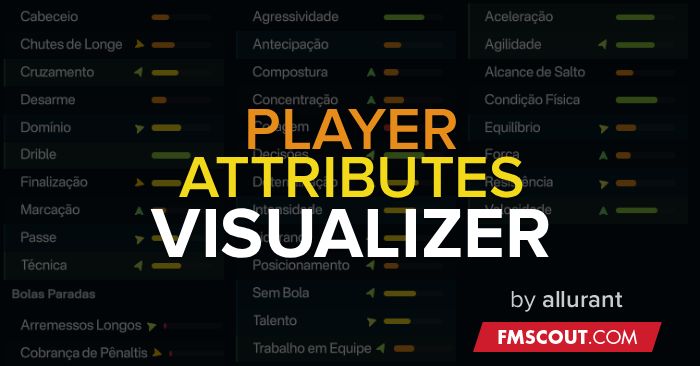
- Dots Mode - Classic dot system with 1-5 dots representing attribute levels
- Bars Mode - Modern horizontal bars showing proportional values
- Bubble - Visualizacao em dot unico
- Red (1-4) - Very Low
- Orange (5-8) - Low
- Yellow (9-12) - Medium
- Light Green (13-16) - High
- Dark Green (17-20) - Very High
- Full player profiles
- Squad lists
- Side panels
- All attribute types
*Edit the config file while the game is running and see changes applied instantly*
- Switch between Dots, Bars and Bubble modes
- Adjust dot size (4-20px) and spacing (0-10px)
- Customize bar width (30-120px) and height (4-16px)
- Change all 5 colors (RGB format)

Requirements:
• BepInEx 6.0 IL2CPPSteps:
1. Install BepInEx 6.0 if you haven't already2. Extract the plugin folder to BepInEx/plugins/
3. Run the game - it loads automatically!
Full installation guide included in README files (English + Portuguese).
Support:
https://x.com/26081914sep







Discussion: FM26 Player Attributes Visualizer
No comments have been posted yet..