



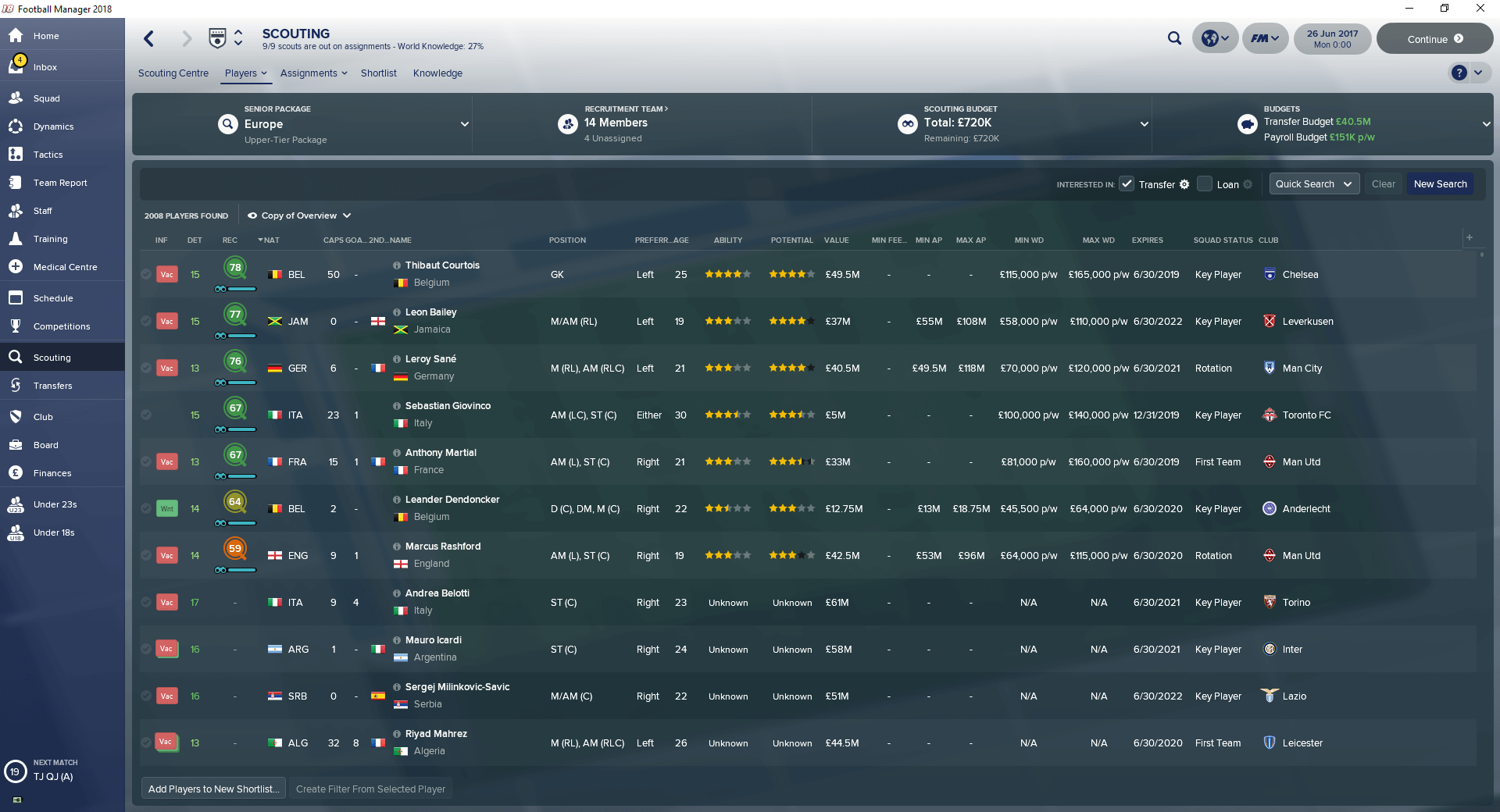
To use this view, here are the steps to take:
- Move the downloaded .fmf file to your "views" folder:
\Documents\Sports Interactive\Football Manager 2018\views\ - Go to Player Search screen in-game and right-click on any column.
- From the context menu that shows up, click on the "Import View" option, select this view and press Load.

![FM26 International fixes & Nationalities update [Final Version out]](assets/downloads/fm26/fm26-international-fixes-and-nationalities-update.th.jpg)



![FM26 Data Tweaks [v3.6 | v5.2]](https://fmdatatweaks.com/wp-content/uploads/fmdt-cover.webp)



Discussion: FM18 Player Search View FM17 Style
No comments have been posted yet..