


![FM 2018 Fantasy Scenarios - [FM18] League of the Americas (LOTA)](assets/downloads/fm18/league-of-the-americas-fm18.jpg)

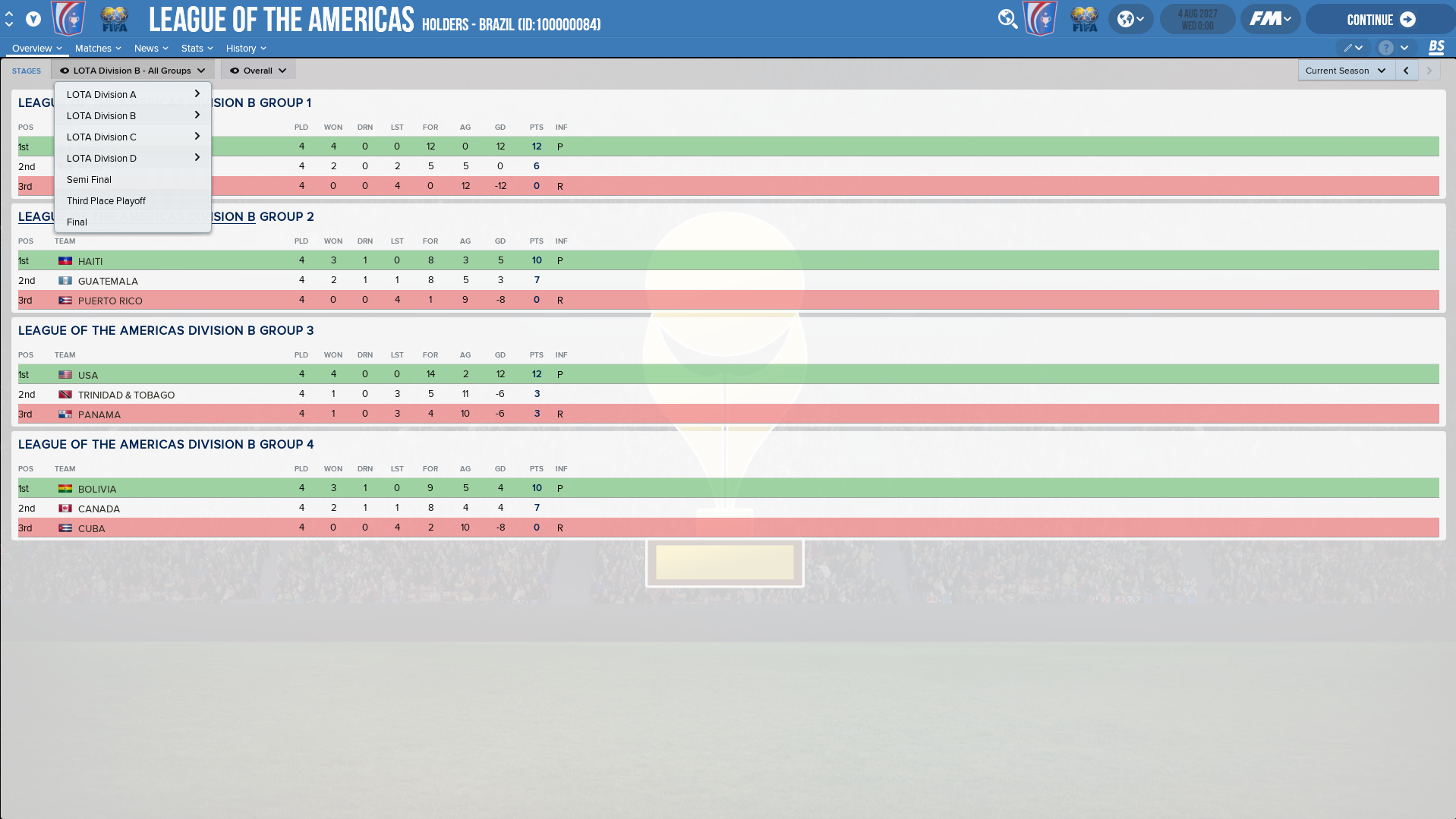
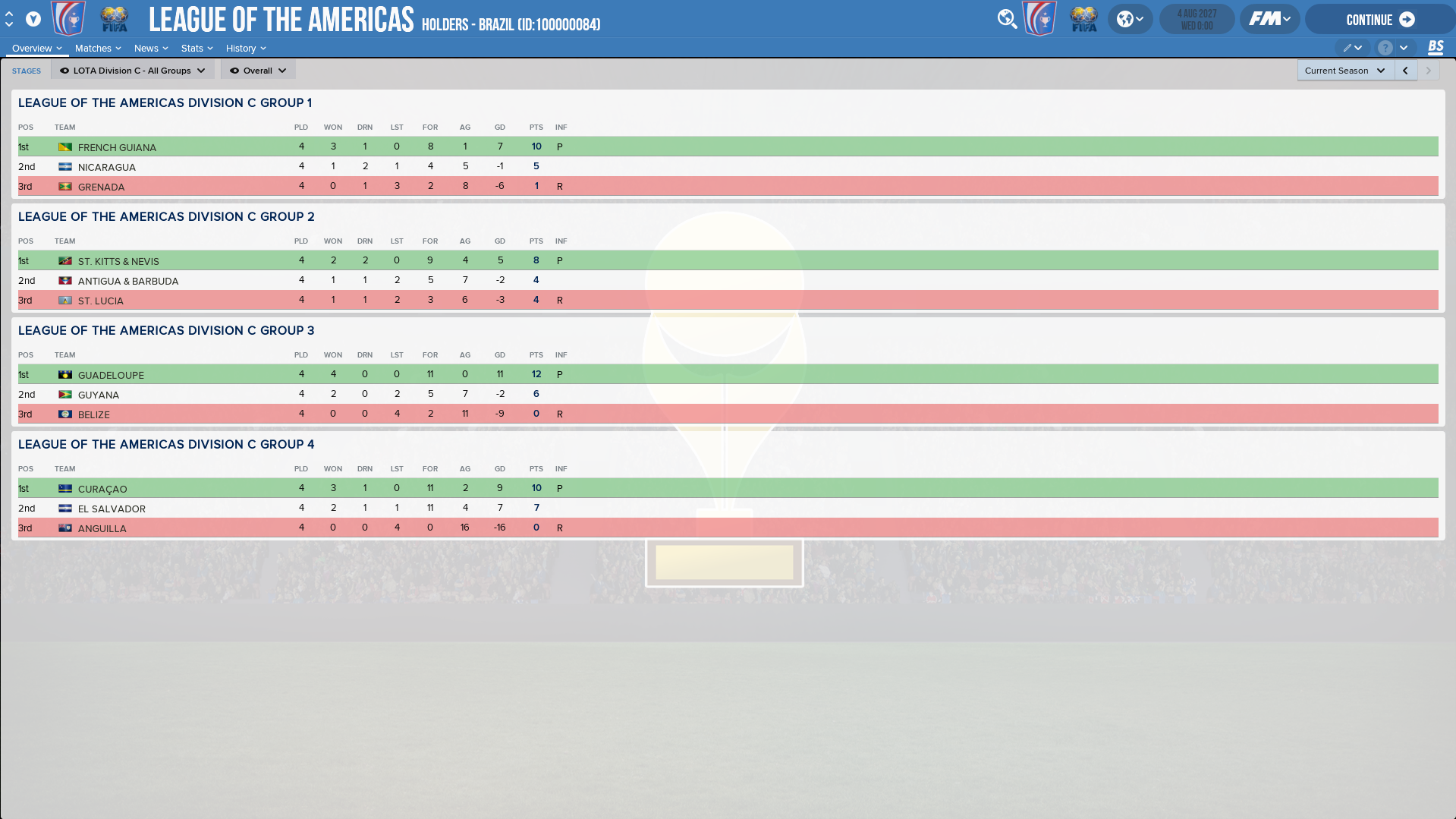

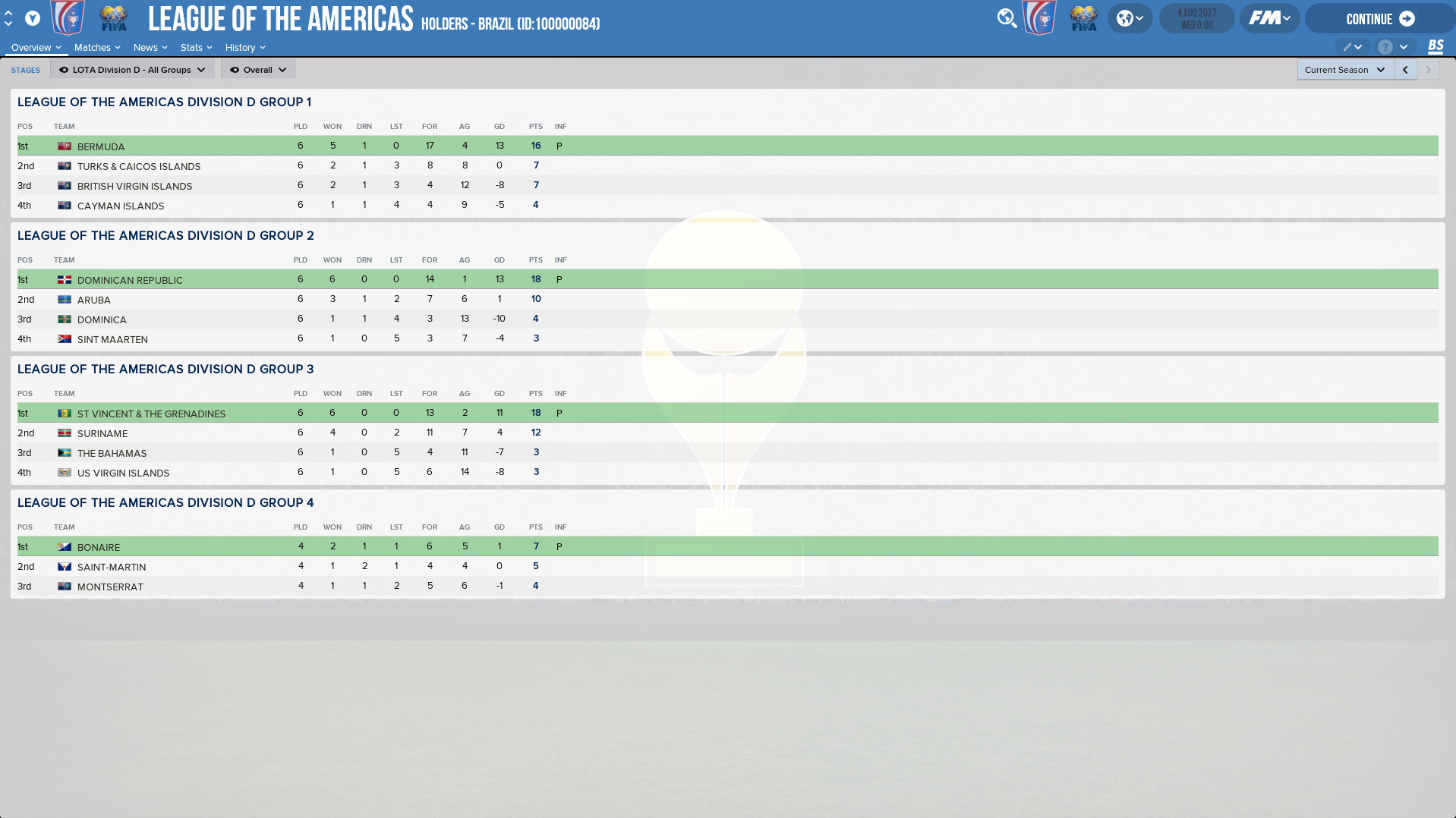
How to add the LOTA on FM18
0. Download the .zip file and extract its contents.1. Put the "NBL LOTA" file into your editor data folder
by default : C:\Users\yourusername\Documents\Sports Interactive\Football Manager 2018\editor data
2. Put the "database" folder into your FM18 local folder
by default if you are using Steam : C:\Program Files (x86)\Steam\steamapps\common\Football Manager 2018
3. Launch FM18
4. Start a new game
5. Select the "DATABASE" menu on the top right corner
6. Tick "NBL LOTA" under the "EDITOR DATA" section


![FM26 Data Tweaks [v3.6 | v5.1]](https://fmdatatweaks.com/wp-content/uploads/fmdt-cover.webp)





Discussion: [FM18] League of the Americas (LOTA)
No comments have been posted yet..