



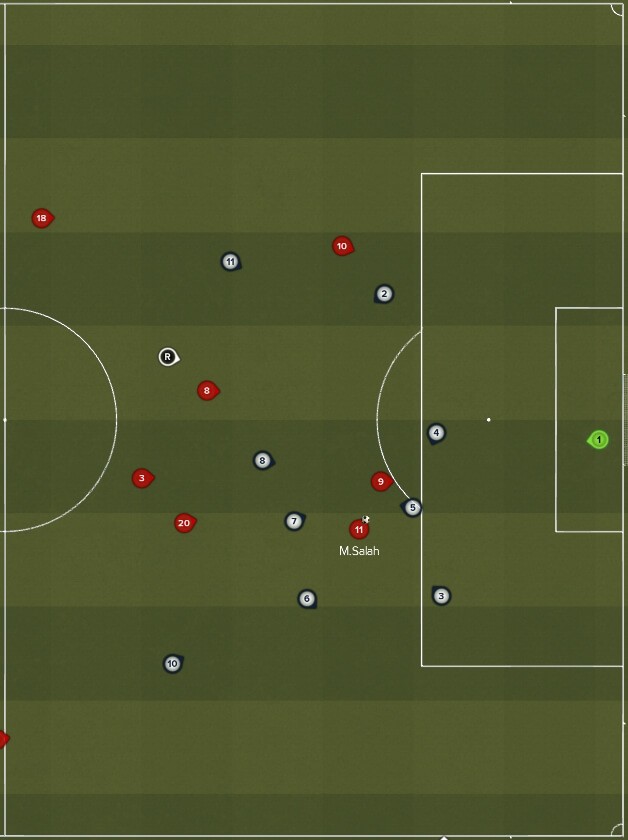

Installation:
- Start game -> Clear cache -> Quit game (Doesn't work with only reloading skin!)
- Download the file, extract and place "textures" folder inside:
My Documents\Sports Interactive\Football Manager 2019\ (Not inside graphics folder!) - Start Game.








Discussion: Player Icons for 2D Match FM19
3 comments have been posted so far.