


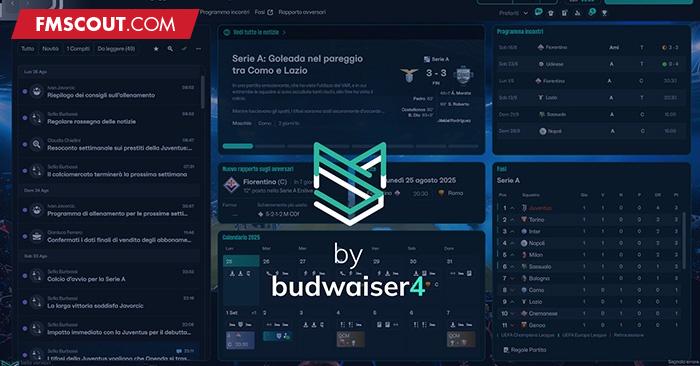
It's based on the colors of the skin created for previous editions of the game, with the addition of a couple of custom backgrounds.
For now, this version is based on the game still in beta, so there may be structural issues unrelated to the skin.
I hope you like it, and if you'd like to support my work, I'd be very grateful.

If you'd like information on how to change any colors, DM me and I'll try to help you as much as I can.
Cheers
To use the default attribute colors go to preferences -> details -> audio and video and choose preset 3 on "player attributes"
Thanks to Darkside for the default skin and to all the other mods for their contributions to the community!
v2.2.2
- Fixed Popup player not show attributes on MAC
- Restored the new Youth Setup screen
v2.2.1
- Fixed Popup player not show attributes
v2.2.0
- Fixed everything after update
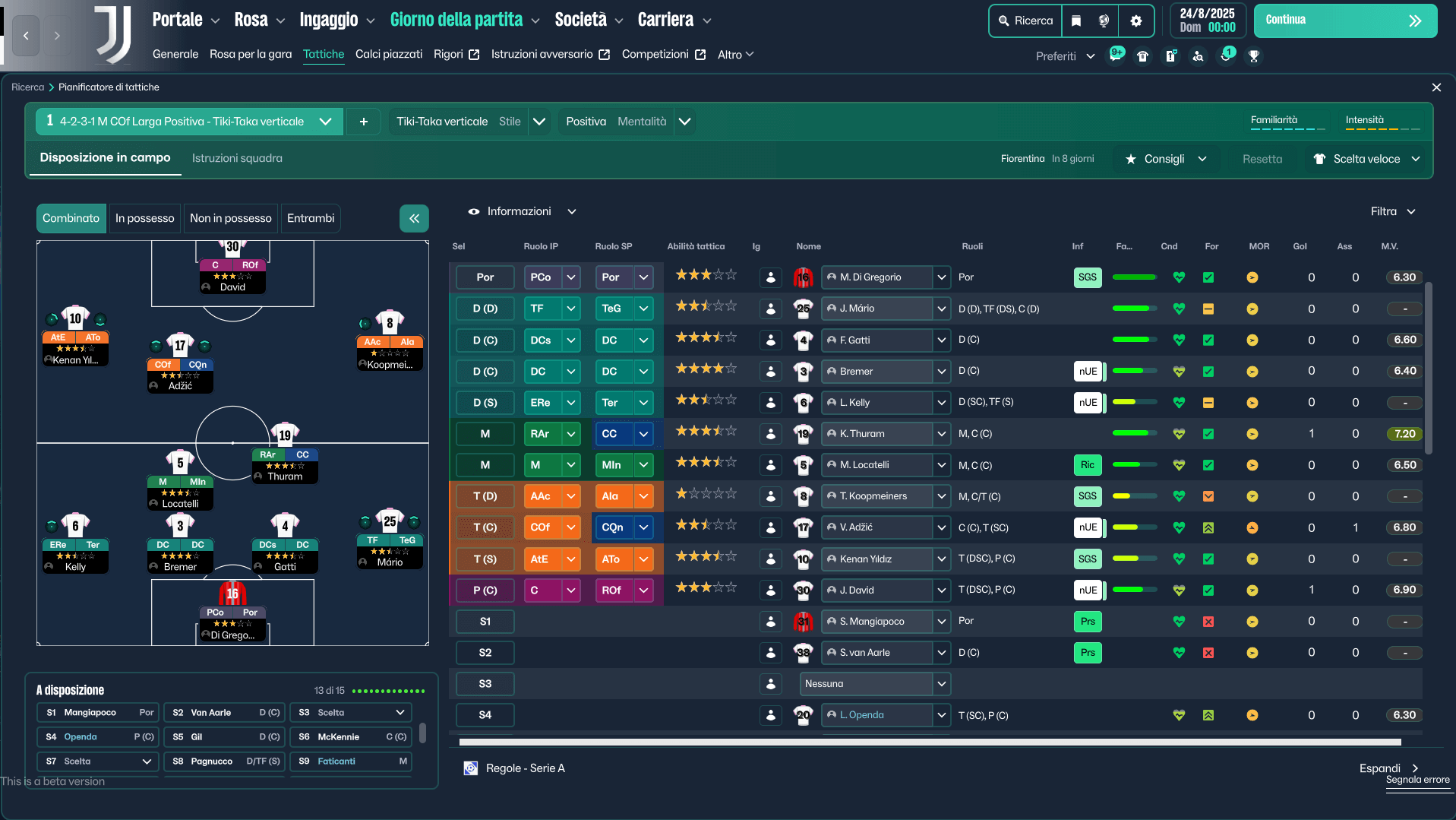
- Added faces in tactics screen (Combined, IP, OOP, Both)
- Added faces in squad block during a match
- Added low-res for layouts during a match
- Applied new style to buttons and team squad during a match
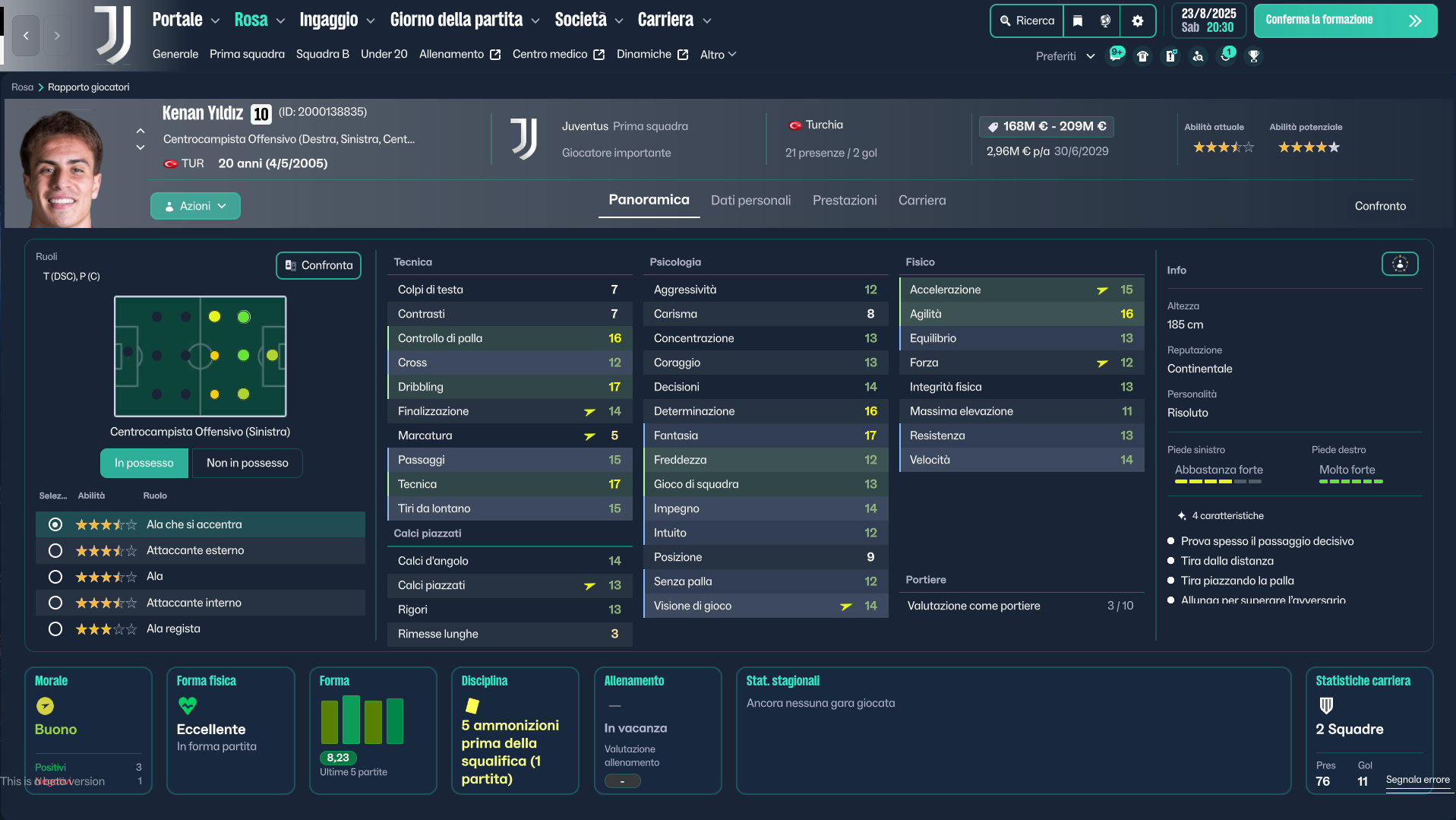
- Added new profile player with big face of the player
- Fixed bug of MatchStats where show number#2 instead a real number
- Fixed ClubVision which had a transparent background and did not allow reading
v2.1.0
- Fixed everything after update
- Fixed picture staff overlapping text
- Resized some fonts (match commentary, attribute name etc)
- Fixed some bg button that was too bright and no readeble (button make offers, button in prematch press conference etc)
v2.0.1
- Fixed everything after hotfix
- Resized some fonts
v2.0
- Fixed everything after update break all
- Redesigned some screens using FM Skin Builder
- Changed fonts
v1.2
- Fixed everything after update break all
v1.1
- Fixed everything after update break all
v1.0
- Fixed everything after update break all
- Added colors of number sub in the prematch pitch
- Removed circle background from player (maybe not everywhere)
- Removed gradient for player, no player, retired player (read the instructions in the file you download because I also included a version that restores the gradients for those who like it)
v0.7
- Fixed everything after update break all
- Removed, for now, colors of number sub in the prematch pitch (i need find a way to restore it because they change the code of that files)
v0.6.1
- Fixed crash on tactics screen when you a role without player assigned
- Fixed crash when ask agent about teams that are interested in player
- Fixed crash on Data hub on Mac (it should not be)
v0.6
- Fixed recrutiment highlighted search by role
- Fixed press conference pre-match
- Fixed preference menu
- Added Mac compatibility
v0.5.1
- Fixed crash on match screen
- Fixed press conference journalist
- For Mac version removed for now the 2 file causing issue but i can't test now and i hope should work
v0.5
- Added Mac compatibility
v0.4
- Fix color label trendy in inbox message
- Fix bg number popup search result
- Fix circle end graphics total income in finance income popup
- Fix number in nxgn for list player
- Fix calendar purple in processing panel
- Fix circle this month total income in finance income popup
- Fix circle this month total expenditure in finance income popup
- Fix border bottom tab income breakdown tab
- Fix border bottom tab expenditure breakdown tab
- Fix bg opposite team news prematch
- Fix pitch lineup prematch
- Fix bg staff advice prematch
- Fix bg top card offer player
- Fix color label CL, EL, Conference in league table
- Fix color of current transfer budget cost text
- Removed gradient bg of transfer budget cost text
v0.3
- Fix everything after update break all
v0.2
- Fix colour circle news unread
- Fix color icon news
- Fix color must respond button
- Fix color icon and sub number in pre-match table
- Removed green bars in tactic panel
- Added new pitch for pre-match
- Fix color league table in pre-match
- Added file for default color attributes and instruction file
DONATIONS
Donate via PayPal
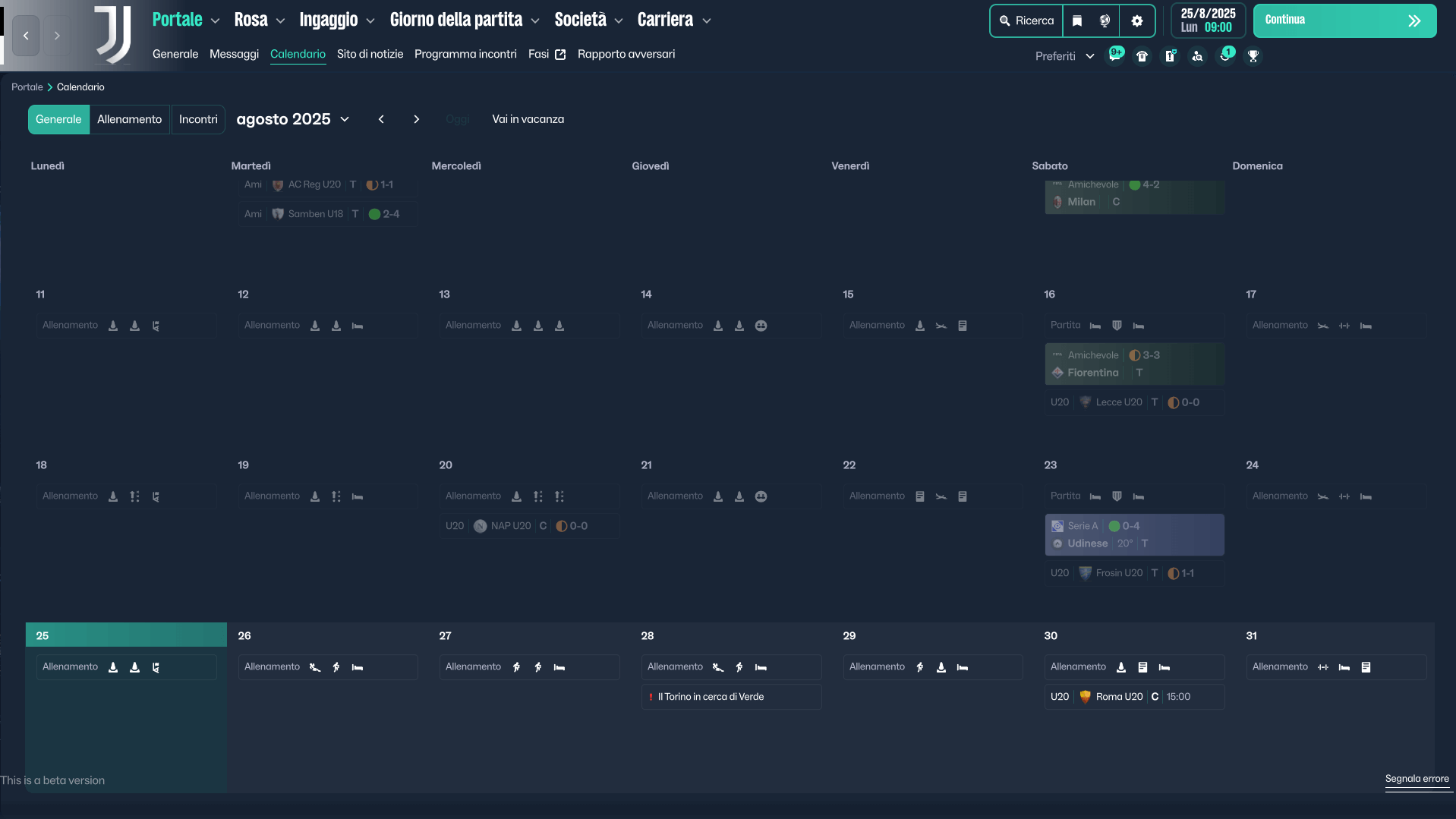
Material Skin - v 2.0 New Screenshots


Material Skin - FM26 Screenshots






How to Install the Material Skin on FM 26
1. Extract the contents of the downloaded file2. Locate the Game Directory: Navigate to your Football Manager installation directory.
The standard path for Windows is typically:
\Steam\steamapps\common\Football Manager 26\fm_Data\StreamingAssets\aa\StandaloneWindows64\And for Mac:
~/Library/Application Support/Steam/steamapps/common/Football Manager 26/fm.app/Contents/Resources/Data/StreamingAssets/aa/StandaloneOSX3. Locate the original files (SEE ABOVE) in the game's data folder and make a backup copy before proceeding.
4. Copy and paste the files into the game directory. When asked, choose to overwrite/replace the existing files.

![FM26 Data Tweaks [v2.0 | v3.4]](https://i.postimg.cc/t4fKVrB7/wonderkid.png)



Discussion: Material Skin 26 by budwaiser4 - v2.2.2 - Windows and Mac versions - Works with update 26.3.0
303 comments have been posted so far.
@shadow download the new version...however maybe i understand..to work everytime you must assign to the player for example in the Role IP the specific role not the general..for example for a defender you don't have to select CB - role but for example CB - risk-free central defender...if the player are the default role the highlighted role not appers
Individual Training there is an issue , doesn't show the attributes used for the position and the same goes for the individual training focus , before was amazing because showed in orange the atributes the player is training
- Fixed Popup player not show attributes on MAC
- Restored the new Youth Setup screen
The only thing I think needs improving is the stats during a match. Headers Won and Tackles won in particular are hard to read. Maybe a smaller font would help.
It's a shame SI didn't implement a proper skins engine. Thank you for your hard work!
- Fixed Popup player not show attributes
just wondering if there's a setting to adjust the size of the faces on the player screen back to how small they were before?
- Fixed everything after update
- Added faces in tactics screen (Combined, IP, OOP, Both)
- Added faces in squad block during a match
- Added low-res for layouts during a match
- Applied new style to buttons and team squad during a match
- Added new profile player with big face of the player
- Fixed bug of MatchStats where show number#2 instead a real number
- Fixed ClubVision which had a transparent background and did not allow reading
@Imnot can you send me a DM with screenshot to understand better?