



Debski's Backgrounds FM17 Preview
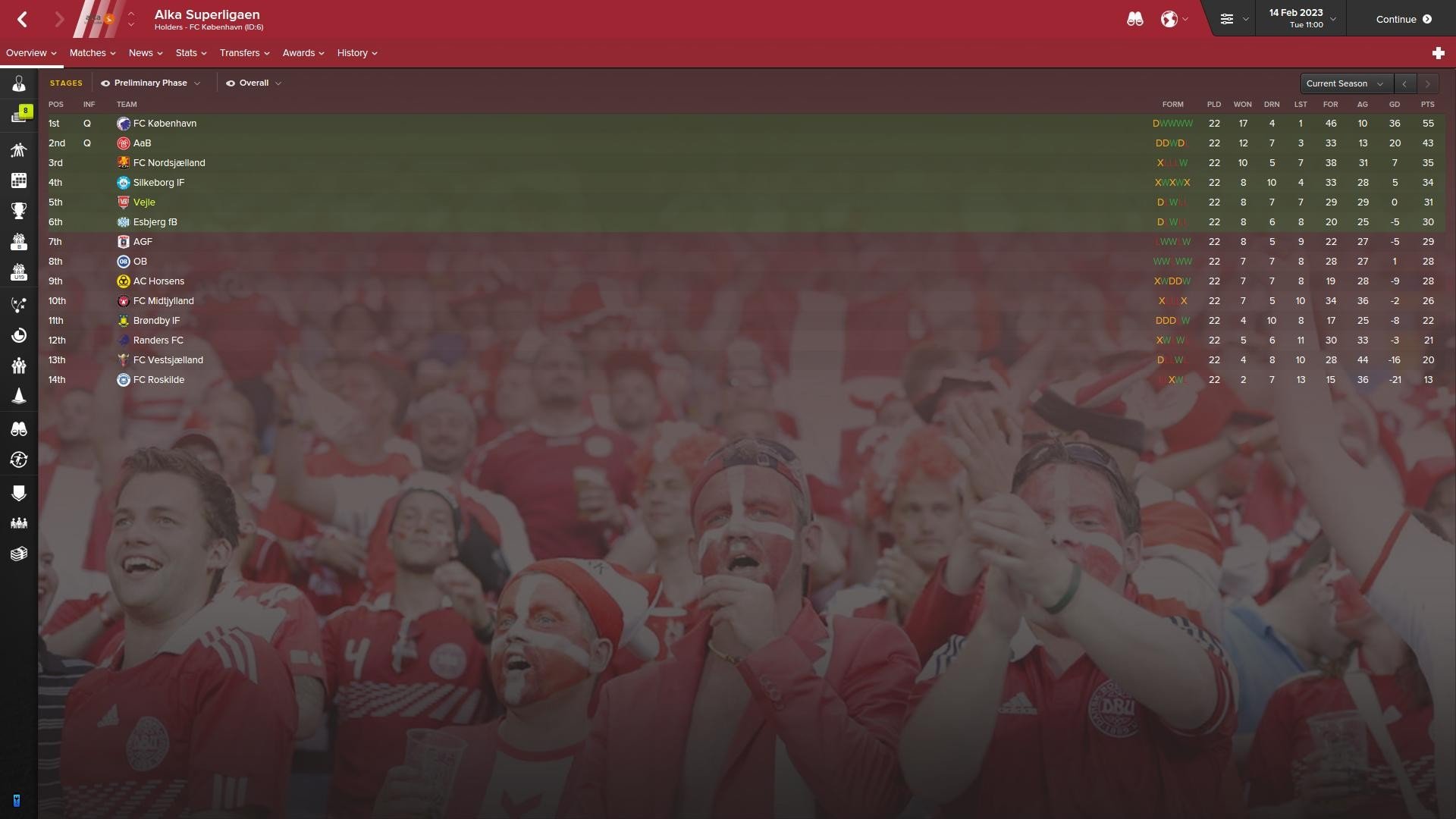
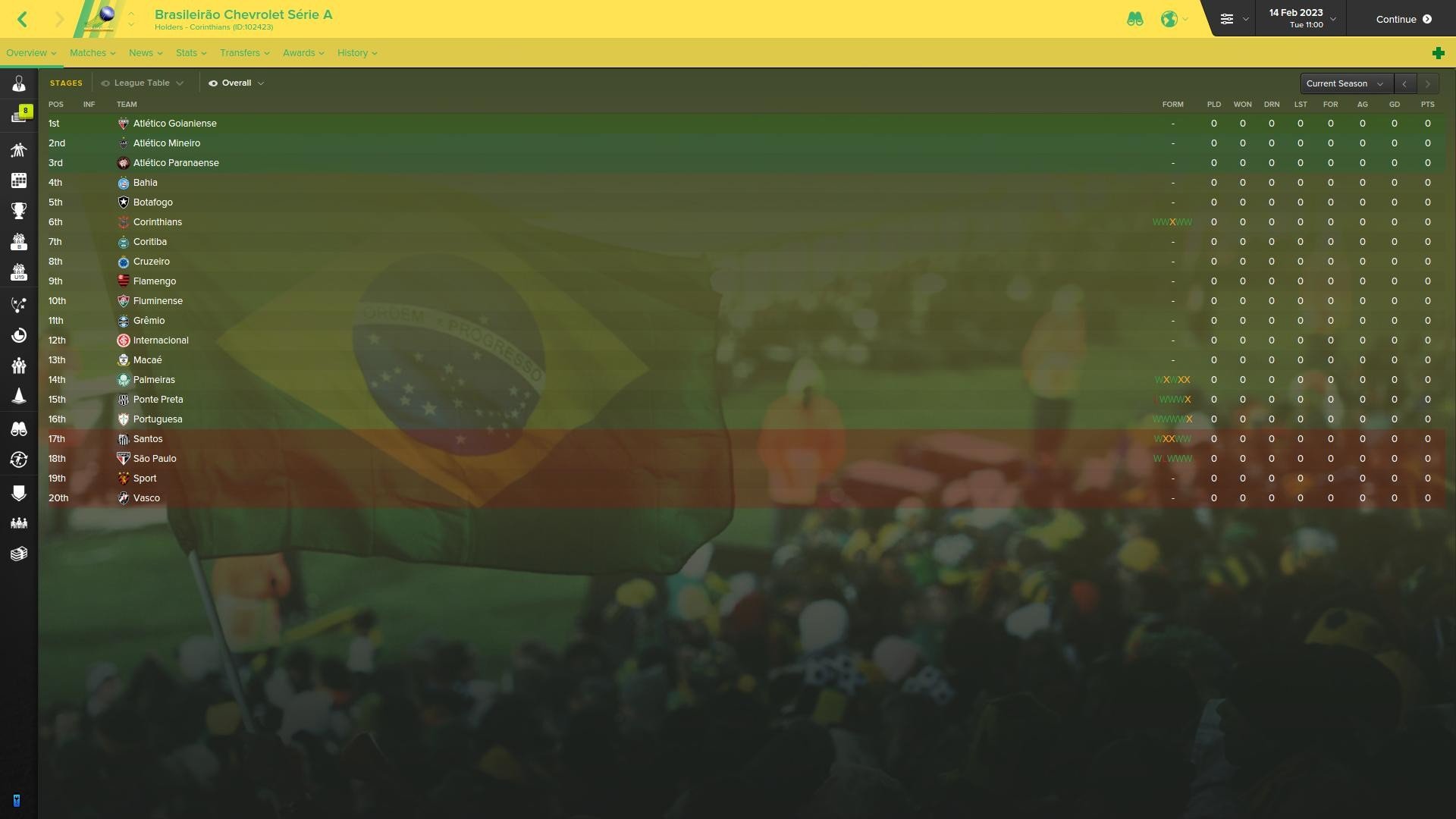
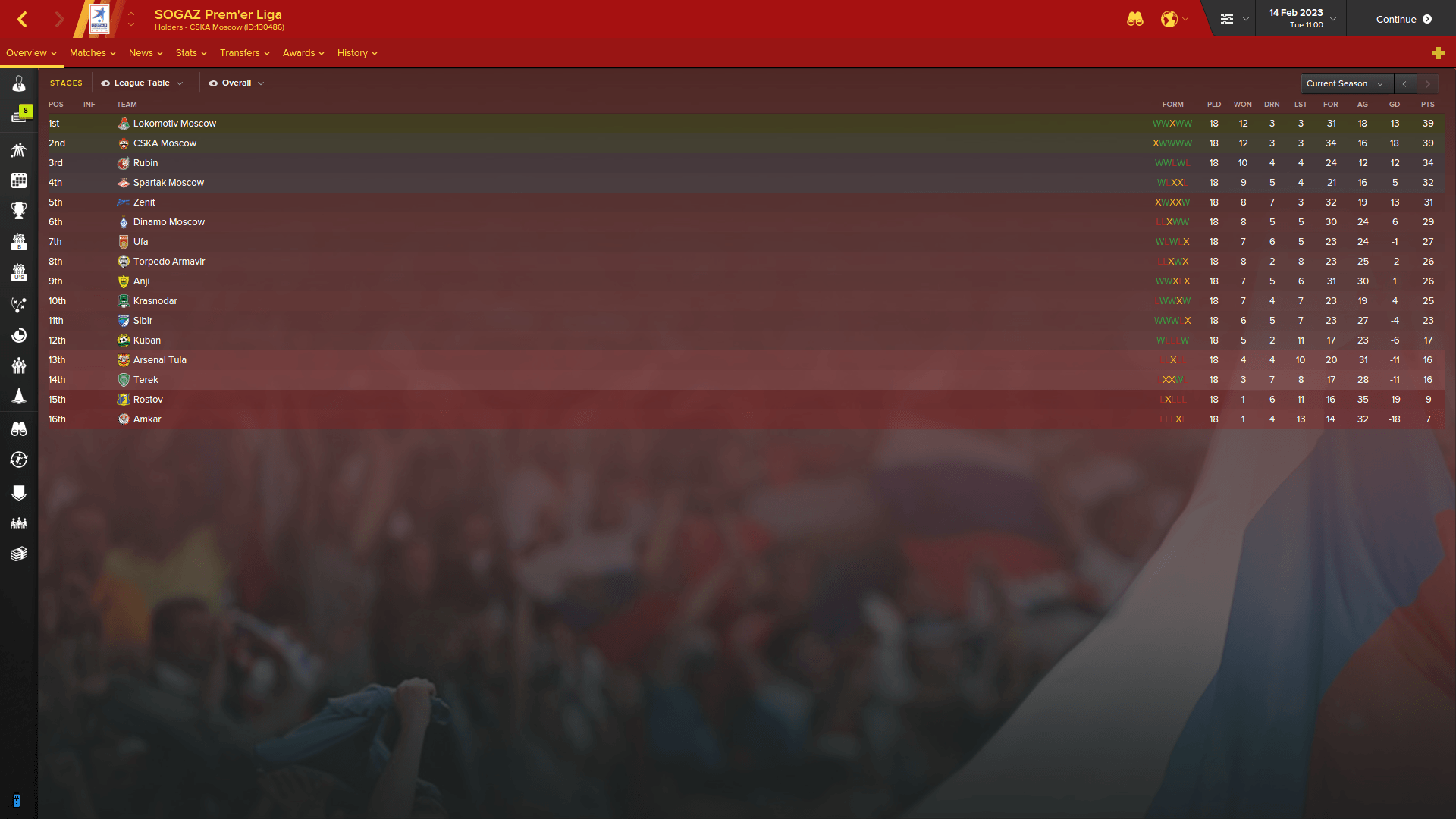
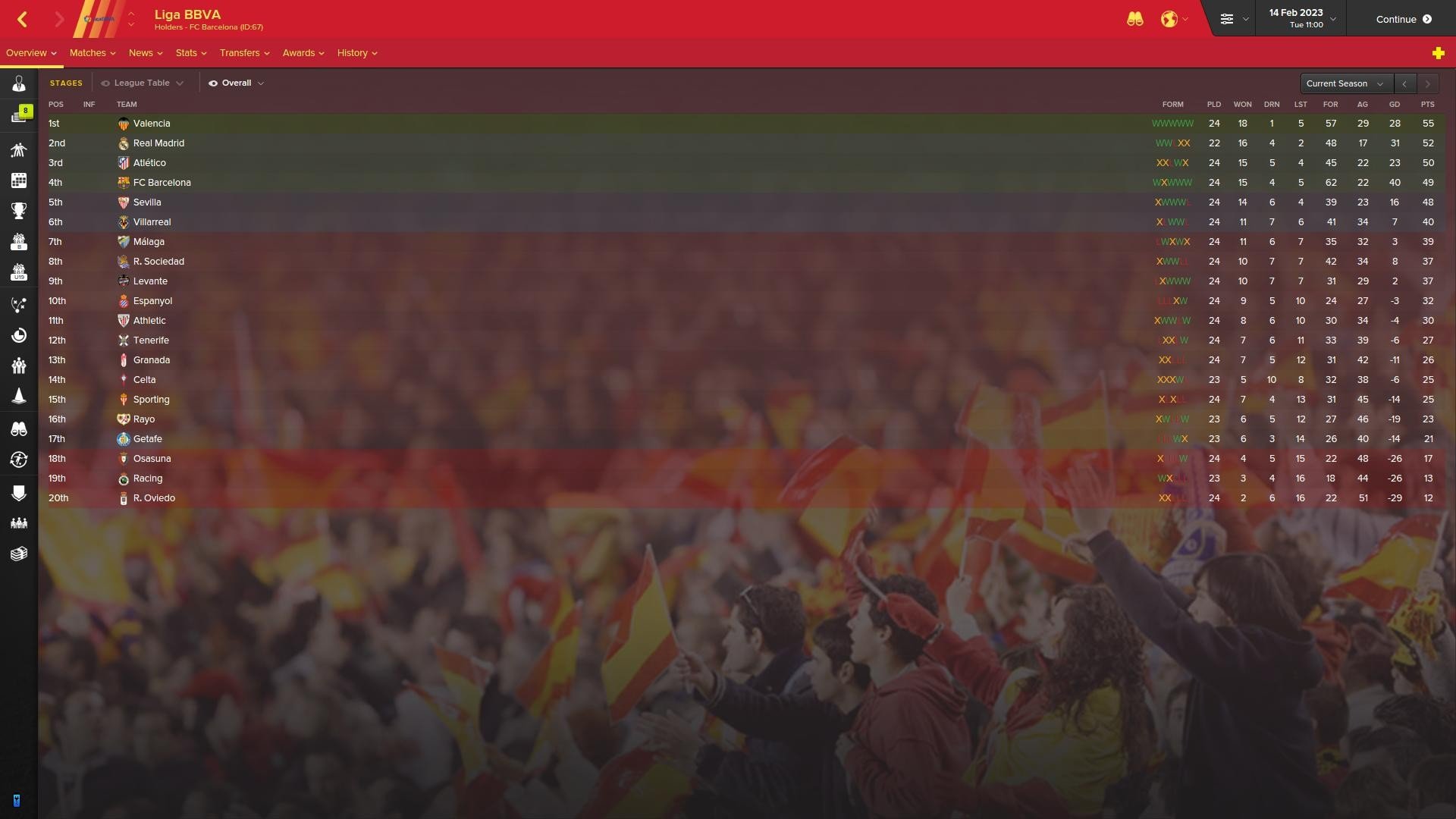

How to add Debski's Backgrounds to FM 2017
- Download the zip file and extract the folder "Debski's Backgrounds for FM17" to your desktop (using either 7-Zip for Windows or The Unarchiver for Mac).
- Move the "Debski's Backgrounds for FM17" folder from your desktop to here:
Documents\Sports Interactive\Football Manager 2017\graphics"
(Create the folder "graphics" if it doesn't exist.) - Start FM17 and go to Preferences screen and then into the Interface tab.
Click the "Reload skin" button in the lower right hand corner.
Enjoy!


![FM26 Data Tweaks [v3.6 | v5.1]](https://fmdatatweaks.com/wp-content/uploads/fmdt-cover.webp)







Discussion: Debski's Backgrounds for FM17
4 comments have been posted so far.