



Features:
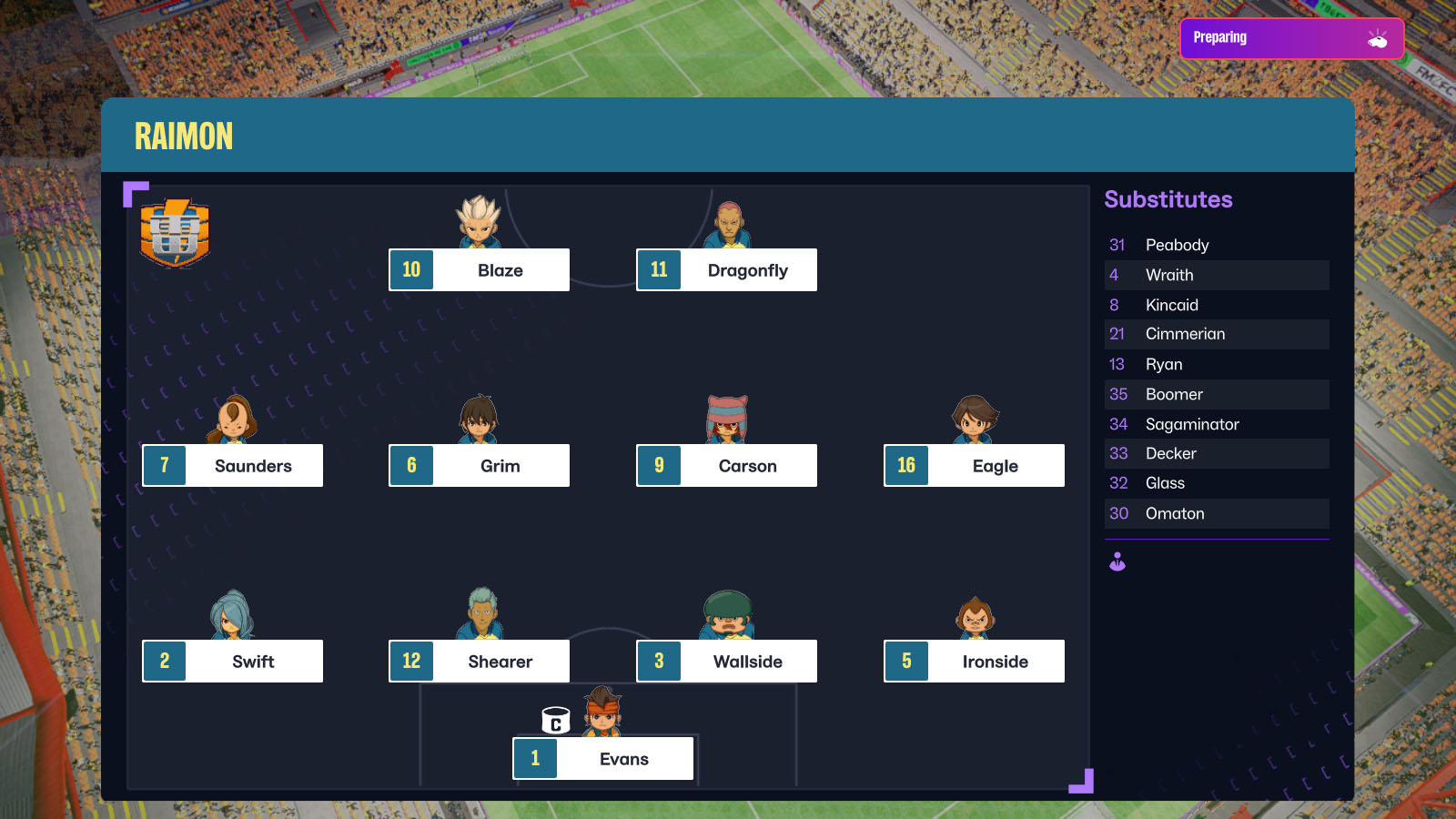
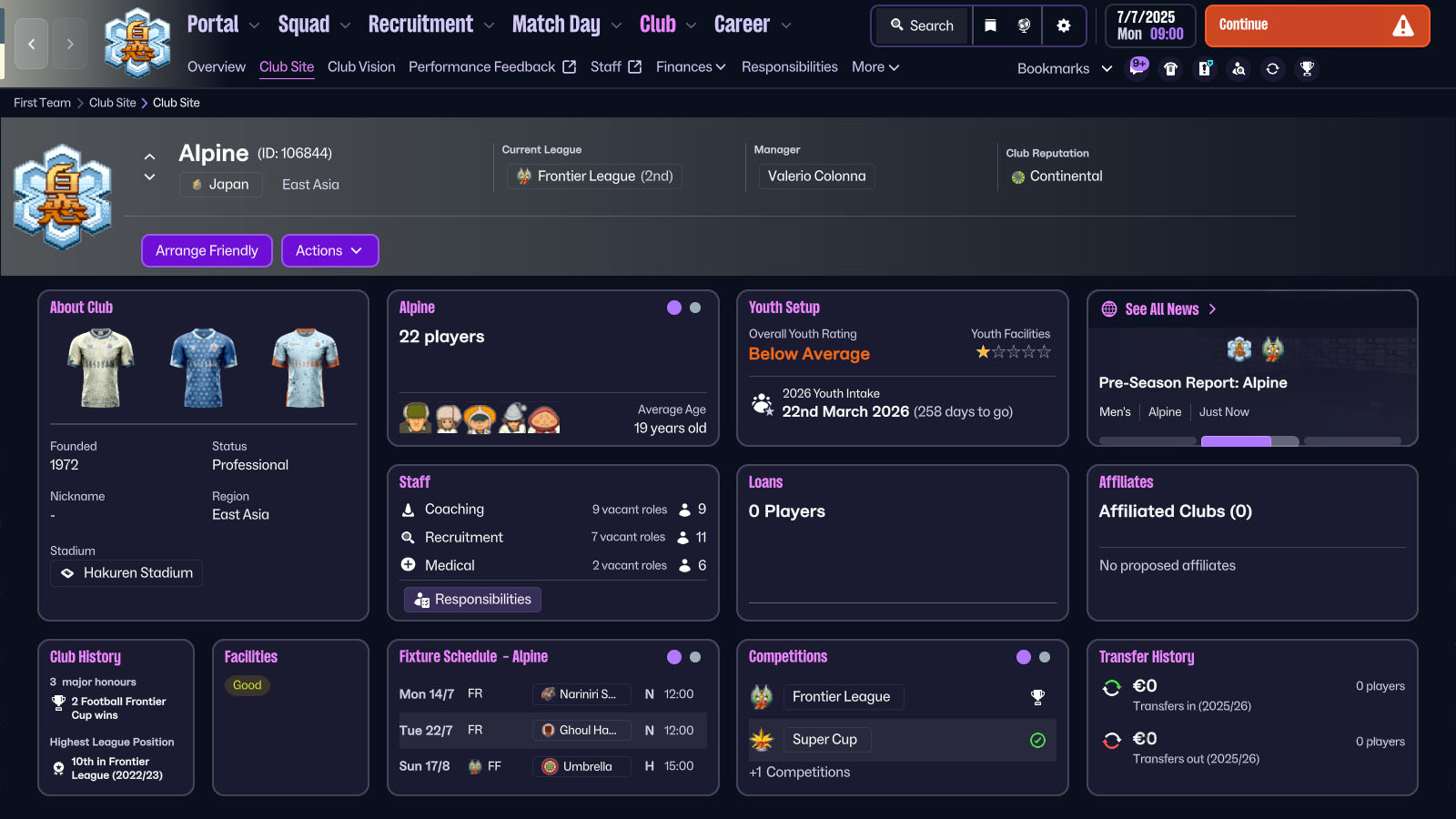
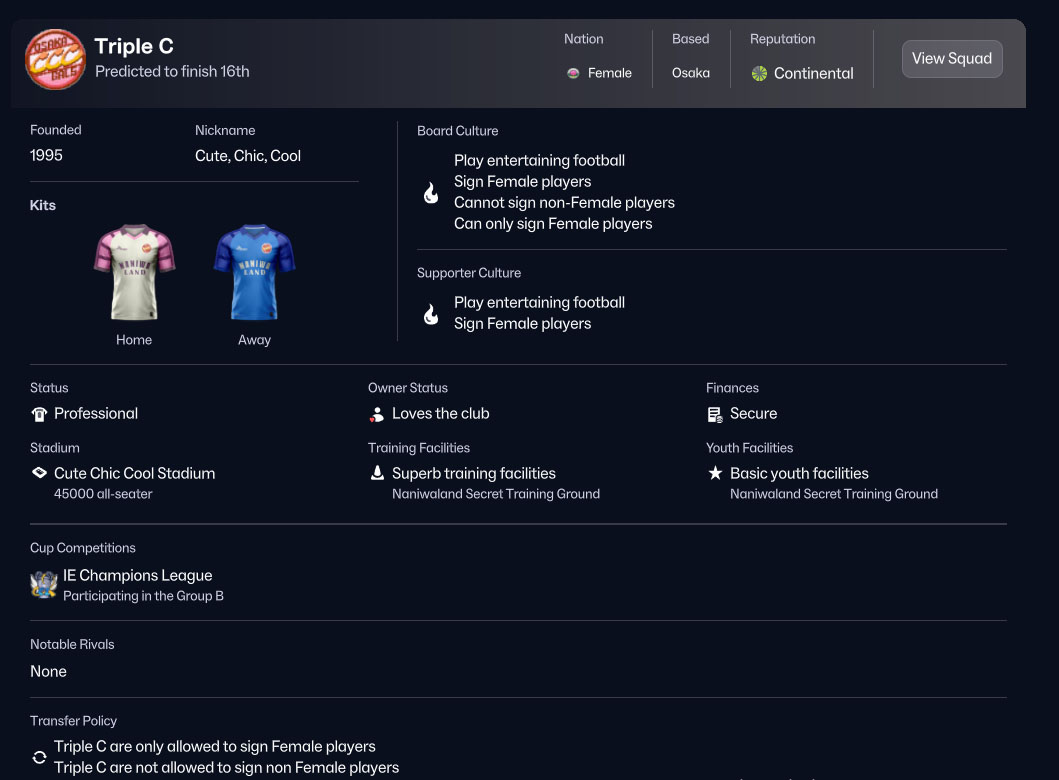
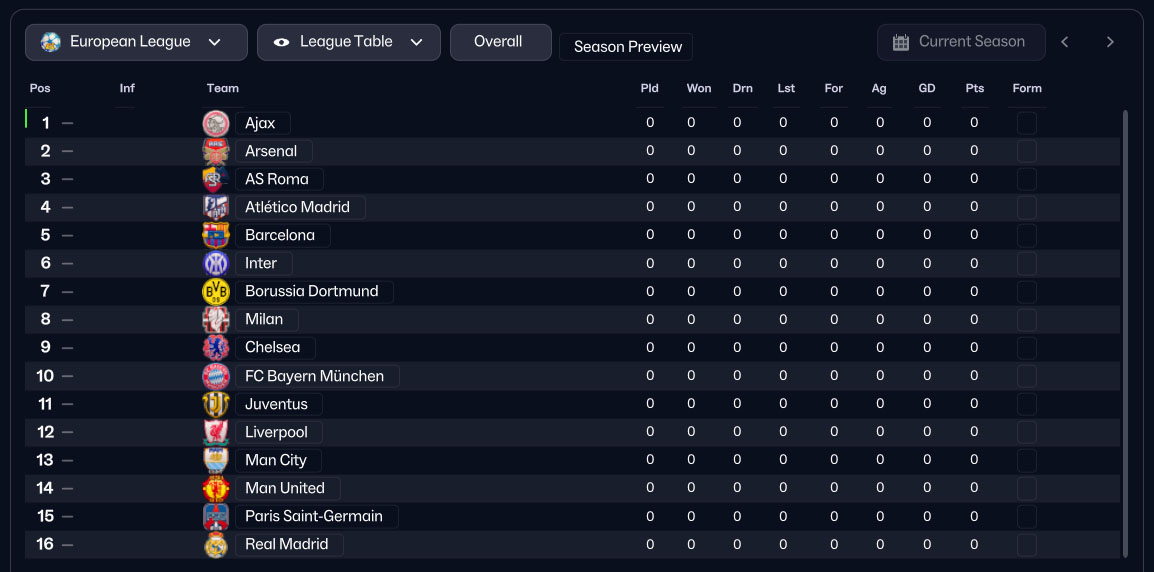
47 playable teams, from the legendary Raimon eleven to the little Umbrella you can choose your favourite team and aim to win the Football Frontier.19 national teams.
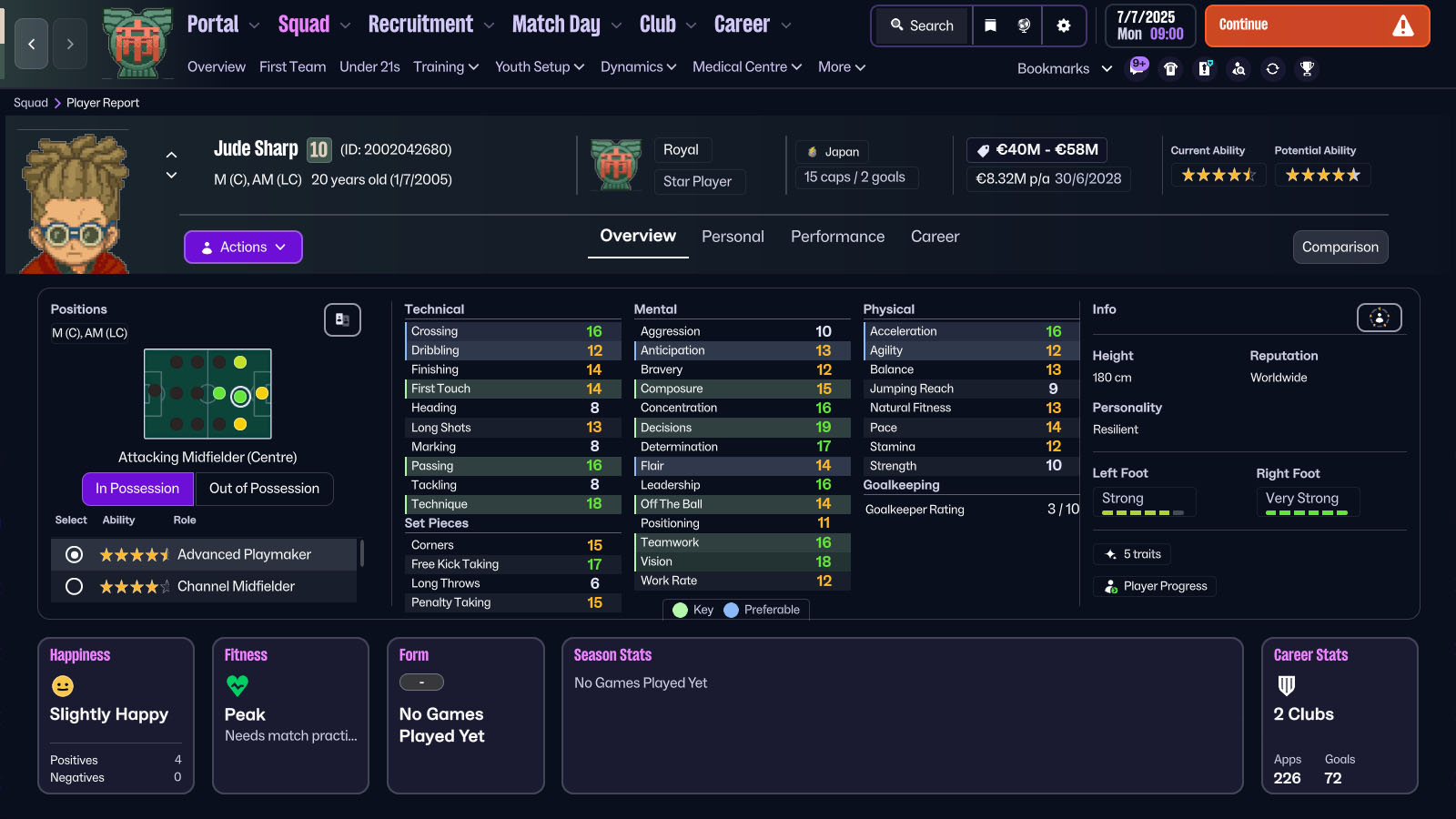
1048 players, including every character from the anime and many scout characters from the games.
386 staff members
A FacePack with pixel art image for nearly every character.
Logos and icons for each team and competition.
2D and 3D kits for each playable team.
Player attributes are based on in-game statistics of Inazuma Eleven 3 and character descriptions.
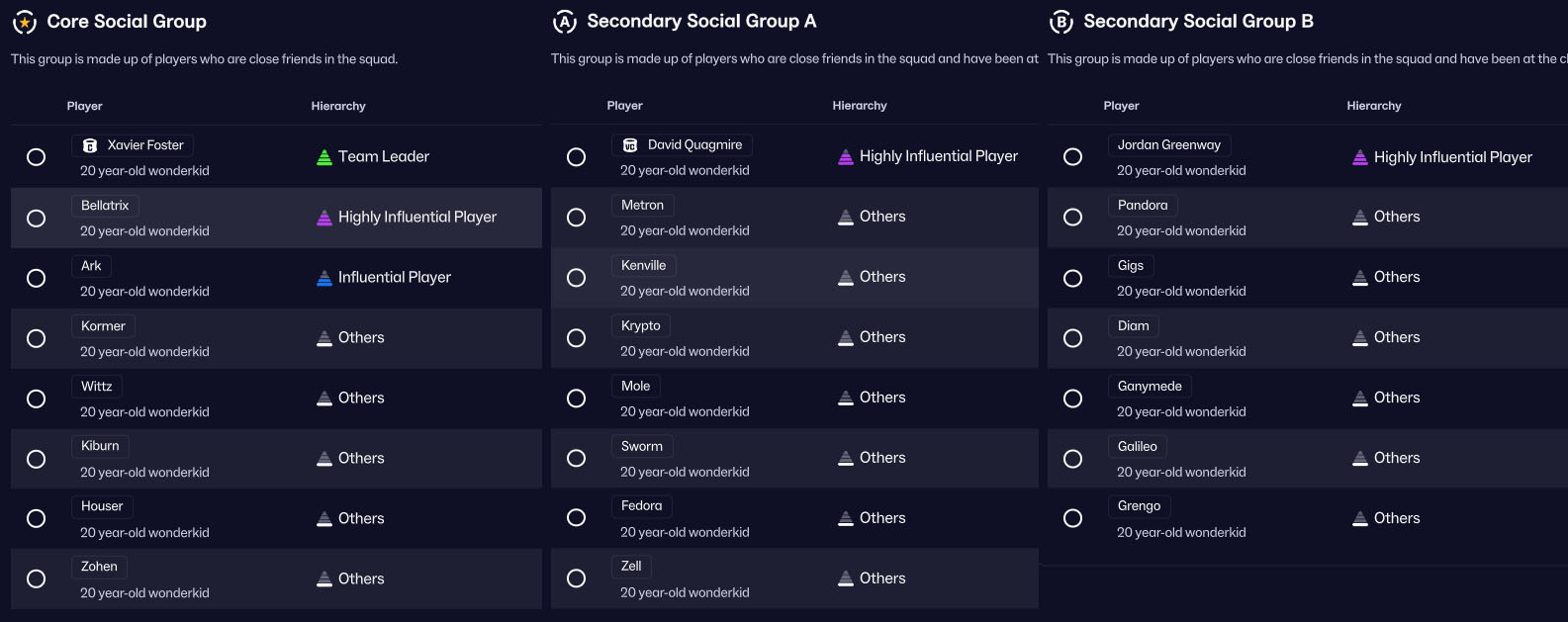
Realistic social groups have been created giving each player some favourite people in the editor.
Rivalries between teams.
How to play:
Here you can find a more in-depth guide on how to install and play the database
Extract the four database files — "Inazuma Eleven Manager 26 - European League v1.0.fmf", "Inazuma Eleven Manager 26 - Football Frontier v1.0.fmf", "Inazuma Eleven Manager 26 - International Competitions v1.0.fmf", and "Inazuma Eleven Manager 26 - World Cup v1.0.fmf" — into:
Documents\Sports Interactive\Football Manager 26\editor data
If the "editor data" folder does not exist, create it manually.
Extract the folder "Inazuma Eleven Manager 26 v1.0" into:
Documents\Sports Interactive\Football Manager 26\graphics
If the "graphics" folder does not exist, create it manually.
Open Football Manager 26 choose "Start a new career". Open the "Database" drop-down menu in the top-right corner, select the "Football Manager 26" database version, and enable ONLY the 4 Inazuma Eleven Manager files.
Confirm your selection and click "Advanced Setup".
Wait a few seconds for the next menu to load, then remove all leagues already present. Click "Add Nations". In the menu, select "Asia" and add Japan, then select "Europe" and add Luxembourg. Confirm your choices.
At the bottom of the screen, set "Database Size" to "Small".
Now you're ready to start. Click "Load Database".
The game will take several minutes to process the information. This will only happen the first time; loading and saving times will be normal afterwards
Attention:
do not use other database or facepacks together with this oneDocumentation:
Google Sheet with theam data and player attributesScreenshots:


![FM26 Data Tweaks [v3.6 | v4.9]](https://fmdatatweaks.com/wp-content/uploads/fmdt-cover.webp)




Discussion: Inazuma Eleven Manager for FM26
1 comments have been posted so far.