



Even though it's intended for use with Football Manager 2014, it should also work with previous FM versions.
Released: 7 December 2013
You can thank me by liking my Facebook page.
Preview
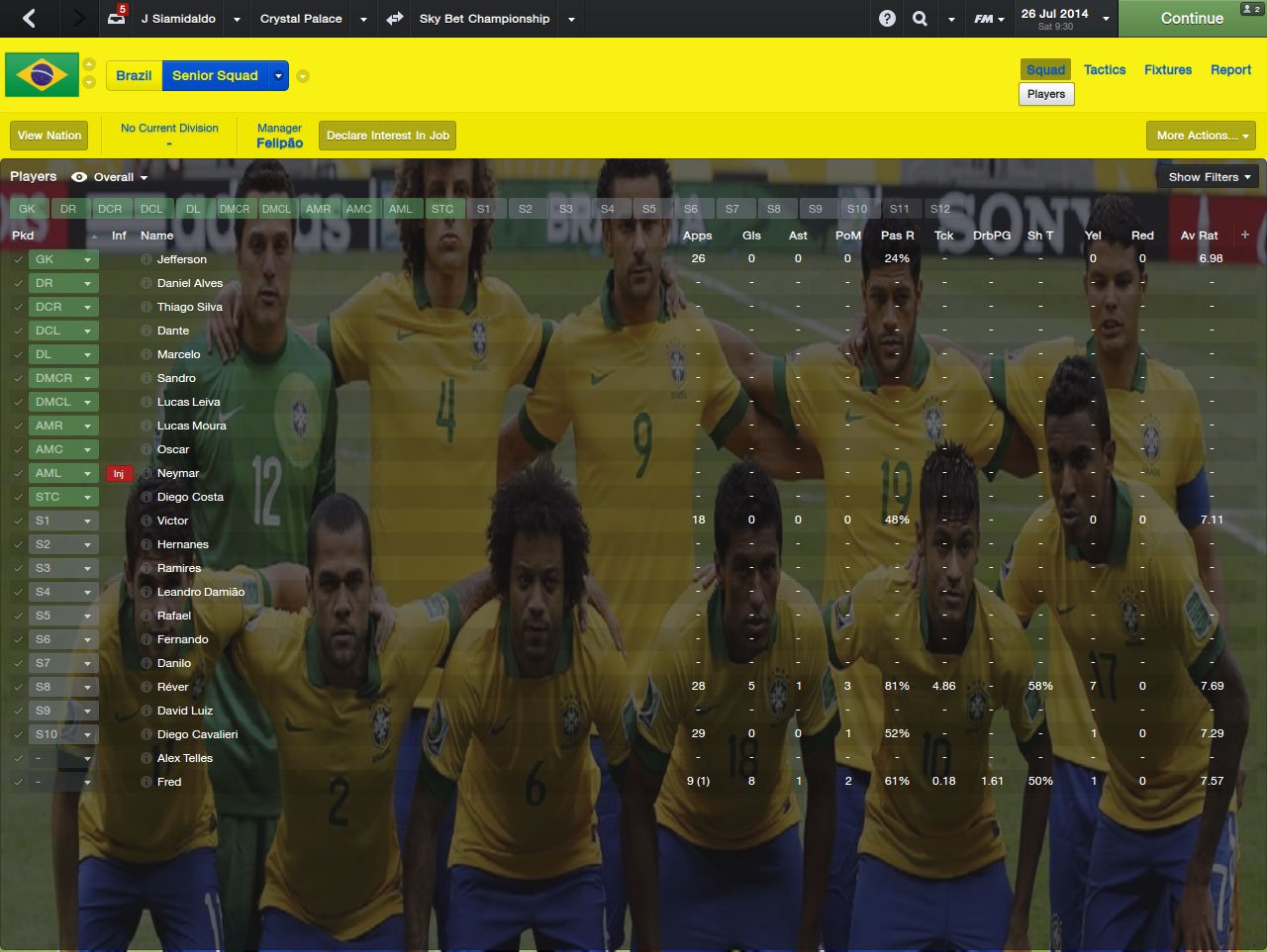
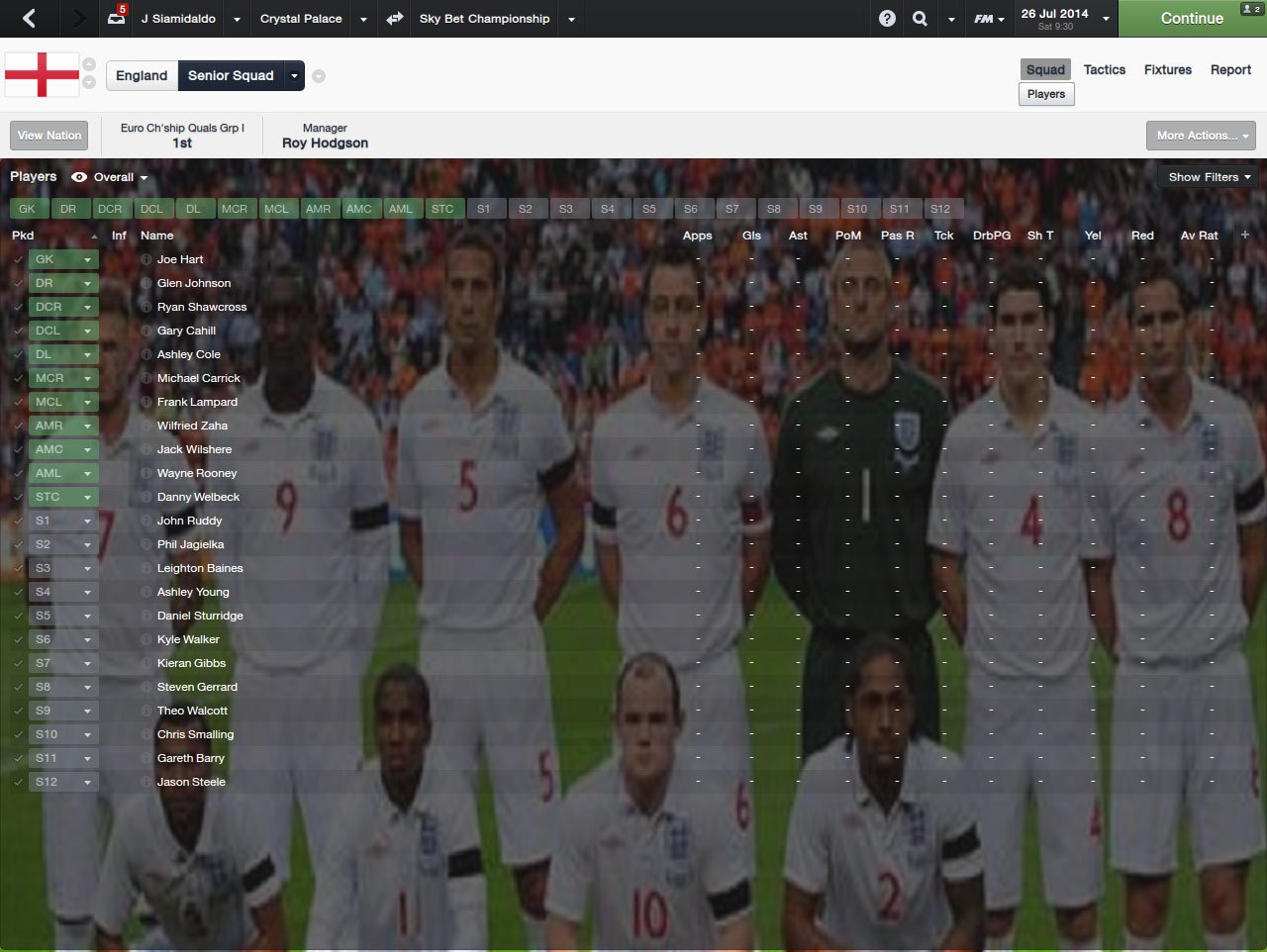
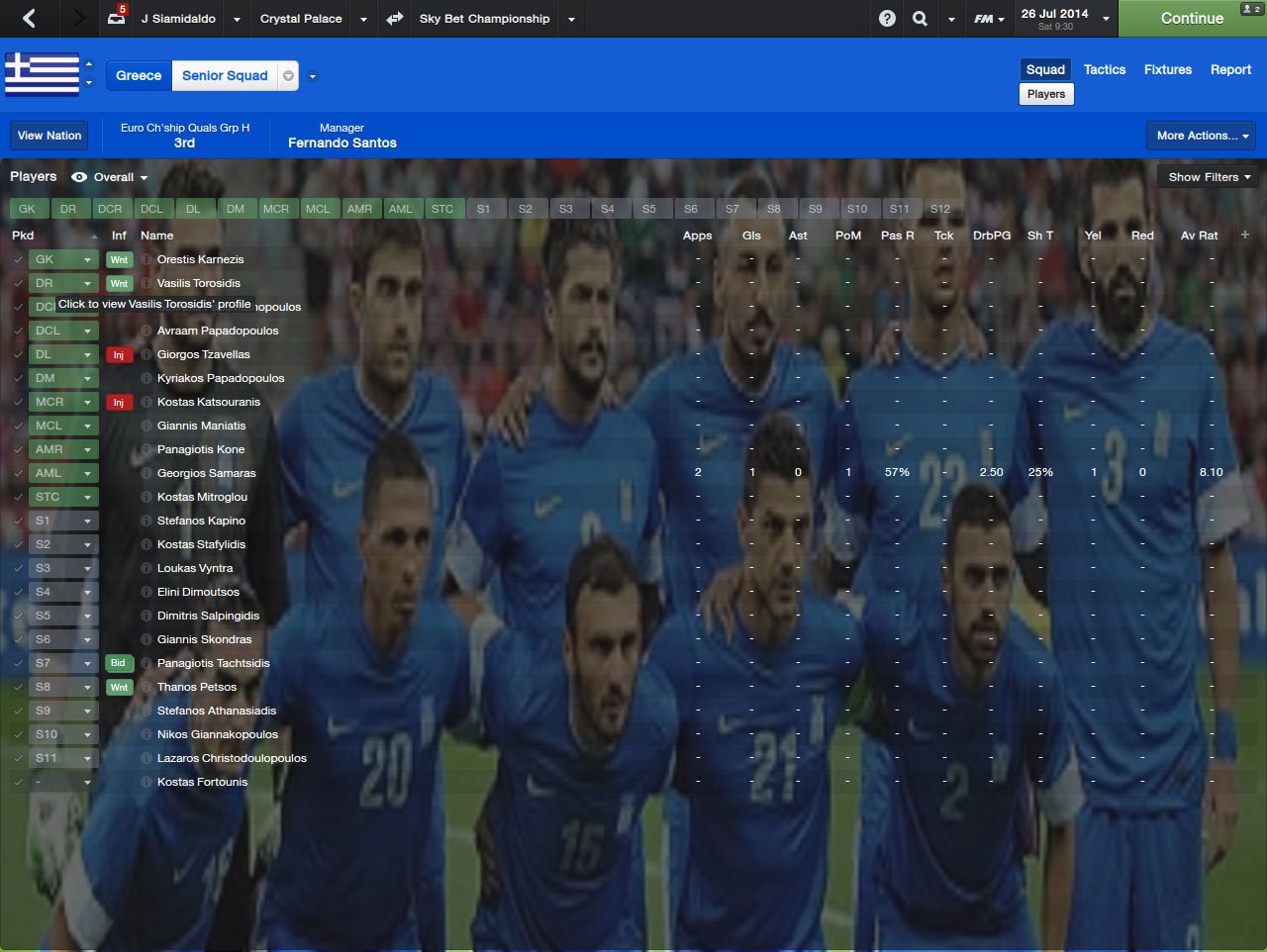
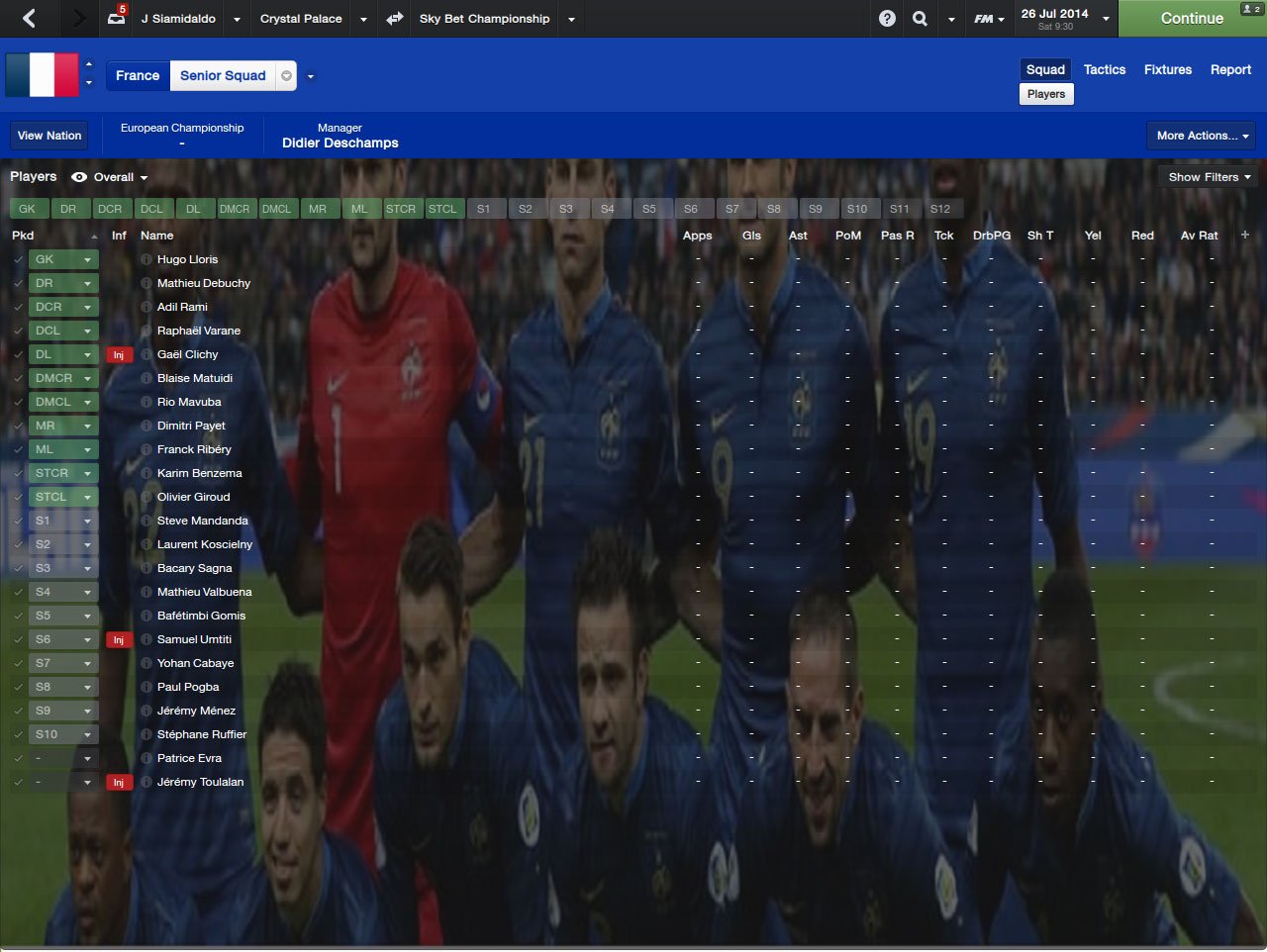
How to install
Step 1
Once you have downloaded the background pack, open or extract it with 7-zip or WinrarStep 2
Now go to:Win Vista/7: C:\Users\<username>\Documents\Sports Interactive\Football Manager 2014\graphics\backgrounds
Win 2000/XP: C:\Documents and Settings\<username>\My Documents\Sports Interactive\Football Manager 2014\graphics\backgrounds
Win 98/ME: C:\My Documents\Sports Interactive\Football Manager 2014\graphics\backgrounds
Mac OS X: /Users/<username>/Documents/Sports Interactive/Football Manager 2014/graphics/backgrounds
Create the folders "graphics" and "backgrounds" if they don't exist.
Place the "World cup 2014 roster" folder there.
Step 3
Run Football Manager 2014 and go to: Preferences > InterfaceHit the "Clear Cache" button at the top, and then hit the "Reload Skin" button at the bottom.
Important: You need to have a skin with background support.


![FM26 Data Tweaks [v3.6 | v4.9]](https://fmdatatweaks.com/wp-content/uploads/fmdt-cover.webp)





Discussion: World Cup 2014 Teams Backgrounds
No comments have been posted yet..