



This FM22 addon replaces the basic icons with color icons.

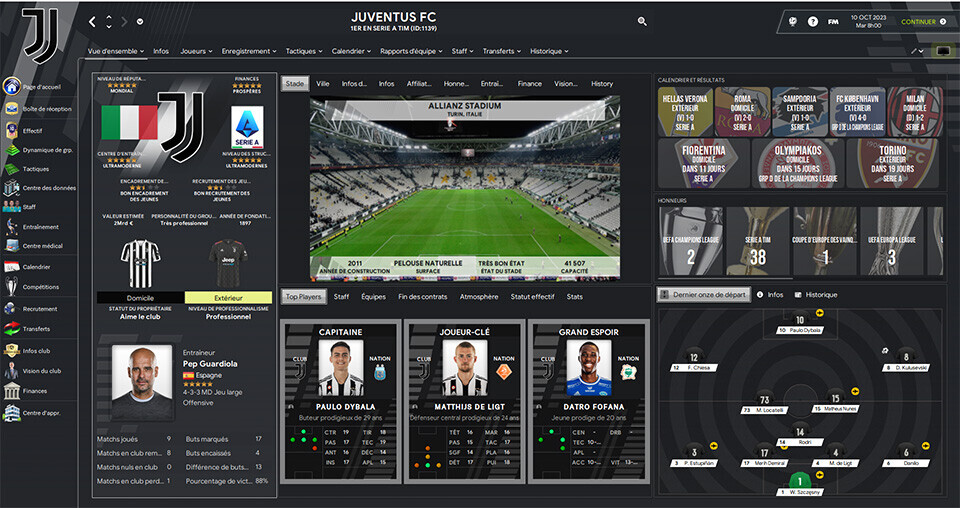
How to install
1download the icon_color file then extract the sidebar folder in fm22/your skin/graphic/icon
2
then place the menubar folder in fm22/your skin/panel
3
restart the skin fm/preference/ reload the theme

![FM26 Data Tweaks [v3.6 | v4.9]](https://fmdatatweaks.com/wp-content/uploads/fmdt-cover.webp)






Discussion: FM22 Custom Side Menu Icons
7 comments have been posted so far.
the download link
https://mega.nz/folder/7UVnQYwY#3lC0AmjsRy8gLv41zXQWBA
One issue I have is that I can't see The DATAHUB icon
Can see there is only one icon and thats Data@x2