


Yugoslavian Leagues Preview
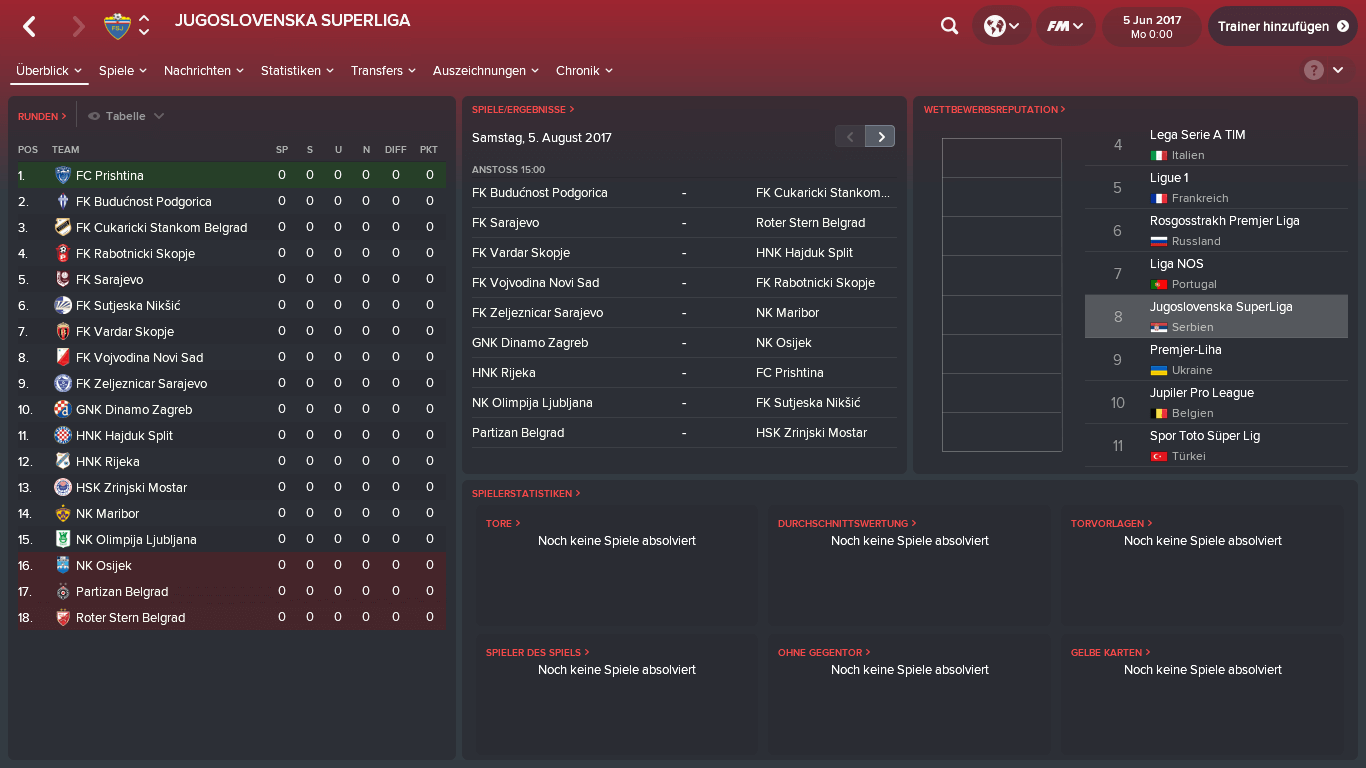


How to install Yugoslavian Leagues on FM18
- Move the downloaded Jugoslovenska SuperLiga.fmf file to:
\Documents\Sports Interactive\Football Manager 2018\editor data\
Create folder "editor data" if it doesn't exist already. - Open Football Manager 2018 and start a new career, In the top right of the screen, under "Database", make sure "Jugoslovenska SuperLiga" is selected.
- It's highly recommended to disable "Do not Add Key Staff" and enable "Add Players to Playable Teams" in advanced options.







Discussion: Jugoslovenska SuperLiga for FM18
No comments have been posted yet..