



All you have to do is plug and play!
Depending on your screen resolution you can use zoom 100% or 95% for best result in game.
'DF11 Light V2' including new features:
- Background & TV selector
- DF11 inbox panel (by Flut)
--------------------------------------------------------------------------------------------------------------
Optional new feature - BACKGROUNDS ROTATOR (by DazS8)
Rotating backgrounds every 18 seconds for DF11 Light skin V2.
***** Download *****
Manual included
--------------------------------------------------------------------------------------------------------------
DF11 Light V1 - Download
- Instant result button
- Club Overview panel
- Match in between highlights
- Small sidewaved flags
- Large patch flags
- Country locator
- Large picture mods
- Default face(s)
Released: 6 Dec, 2015 - v1.0
Credits:
Dazs8, AlexMorak, Wannachupbrew, ArtDekDok, drswit, Flut, MichaelMurray, necjeff.
DF11 Light 16 Skin Preview
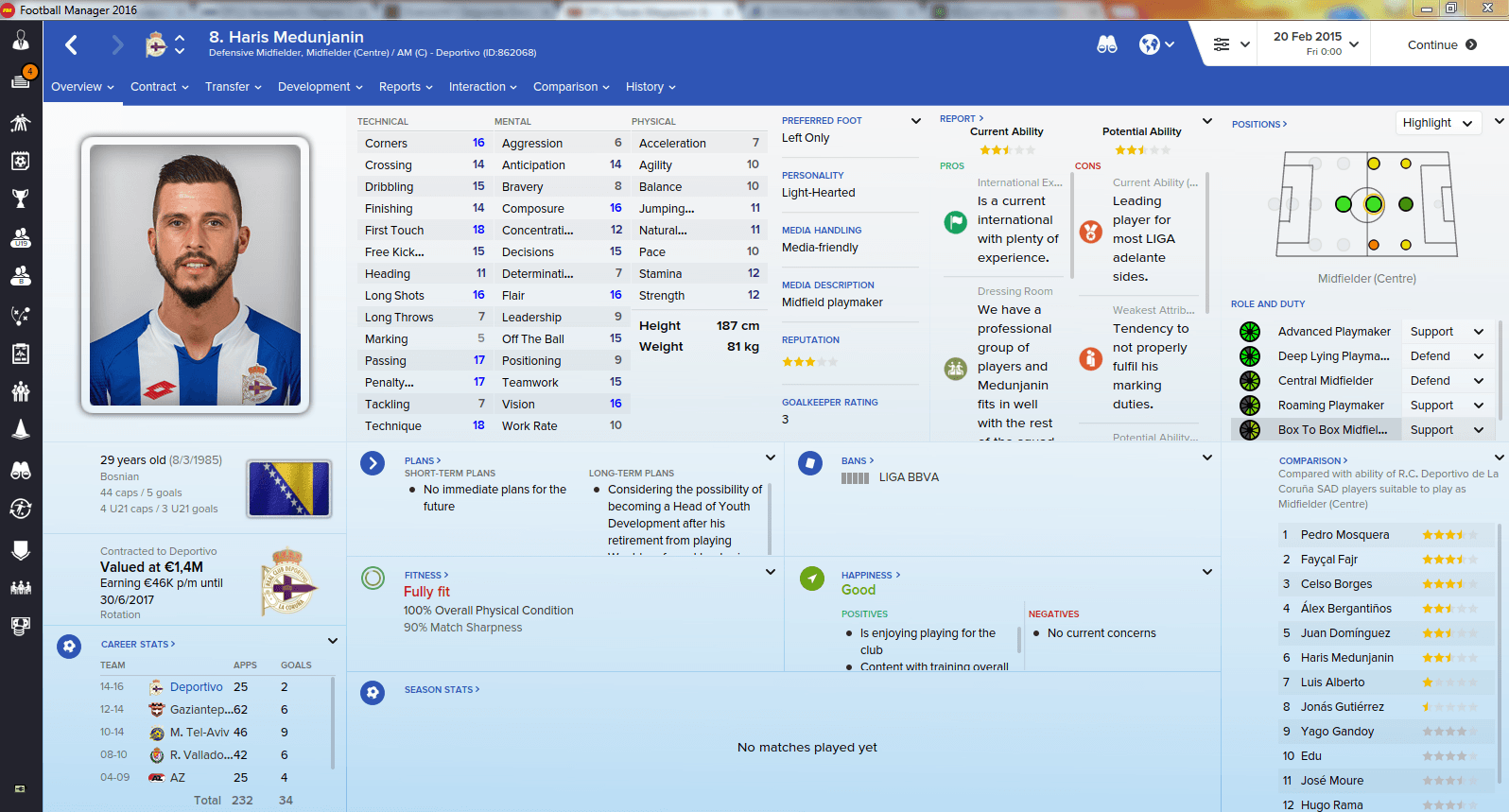
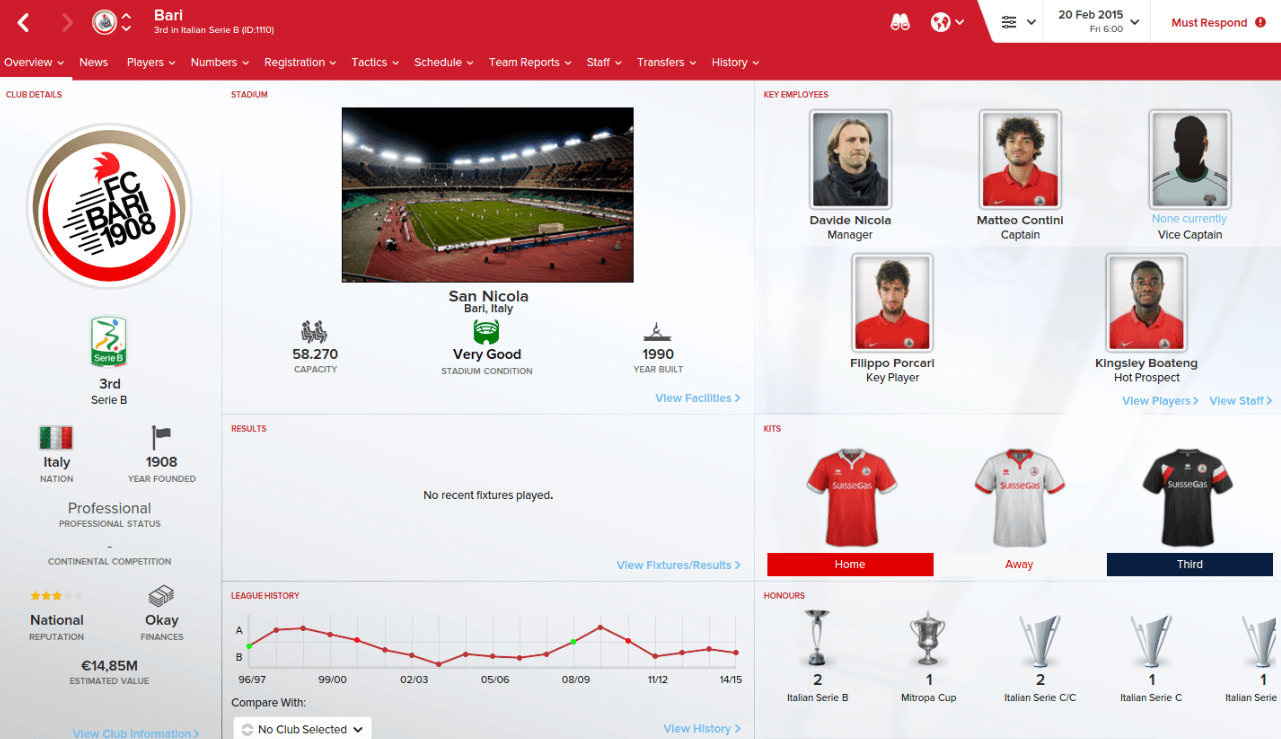

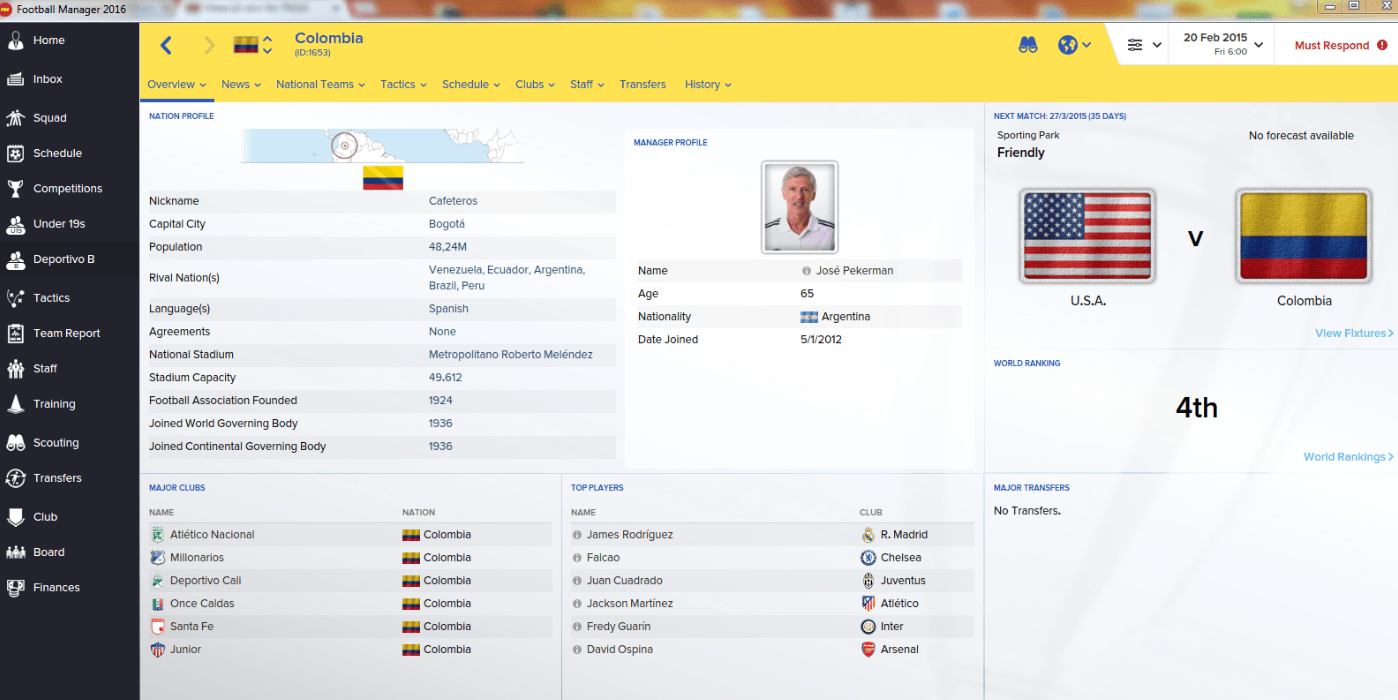
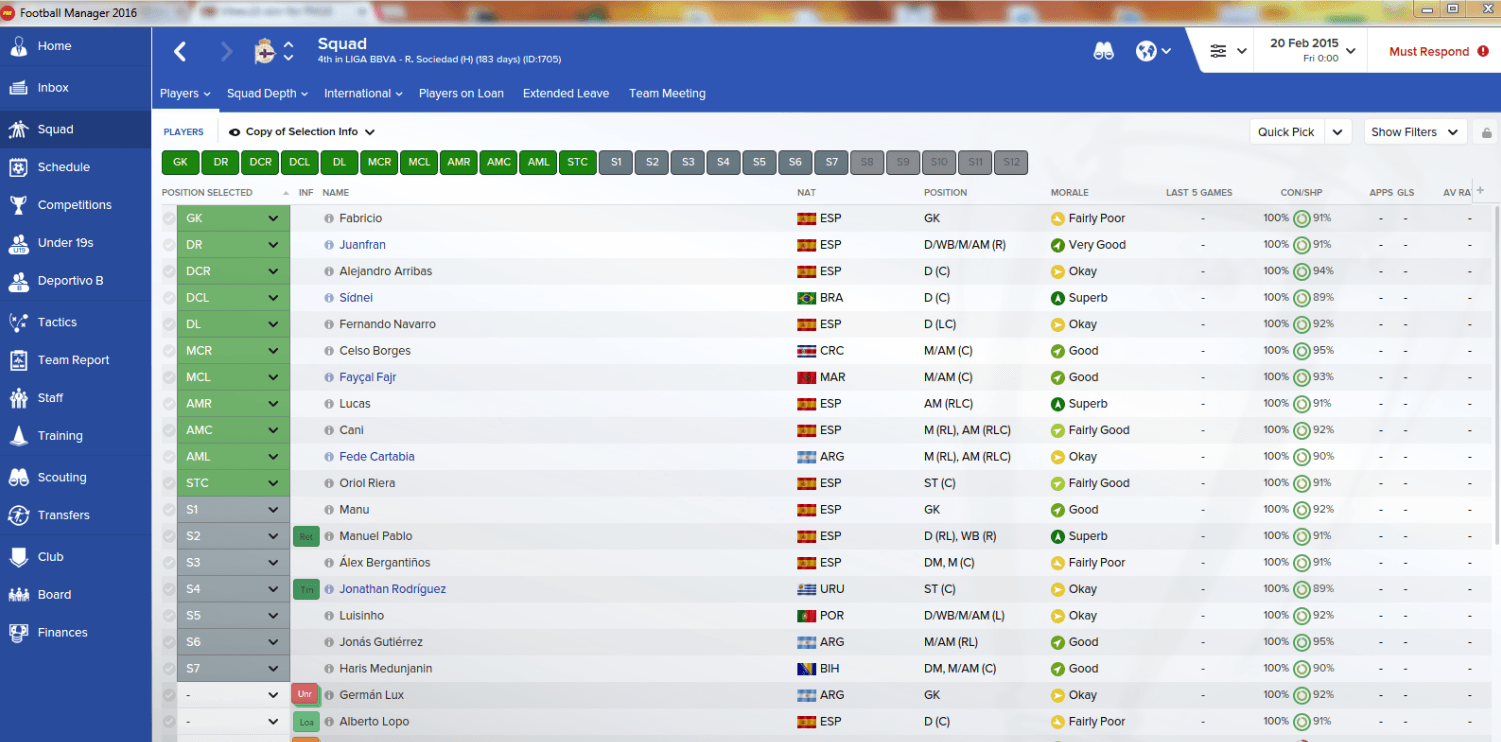

How to add DF11 Light 16 Skin in FM16
- Download and extract the .rar file (using either 7-Zip for Windows or The Unarchiver for Mac).
- Place the "DF11 Light 16 Skin" folder here:
Documents\Sports Interactive\Football Manager 2016\skins
Create the folder "skins" if it doesn't exist. - Start FM16 and go to Preferences screen and then into the Interface tab.
You should see 'DF11 Light 16' as option in the skin drop down of the Overview box.
Hit the Confirm button.
How to replace background?
Move into the skin folder (DF11 Light 16) and go to --> graphics\backgroundsYou will find a few background images.
Change the name of the new background image into 'default'.
Reload skin.
Please note this skin is provided as it is. It has nothing to do with Sports Interactive or SEGA and won't be supported by them.







Discussion: DF11 Light 16 skin V2
27 comments have been posted so far.
nevermind it works now